
I Heart Pink Tower Guide: Controls setup before you start climbing
About
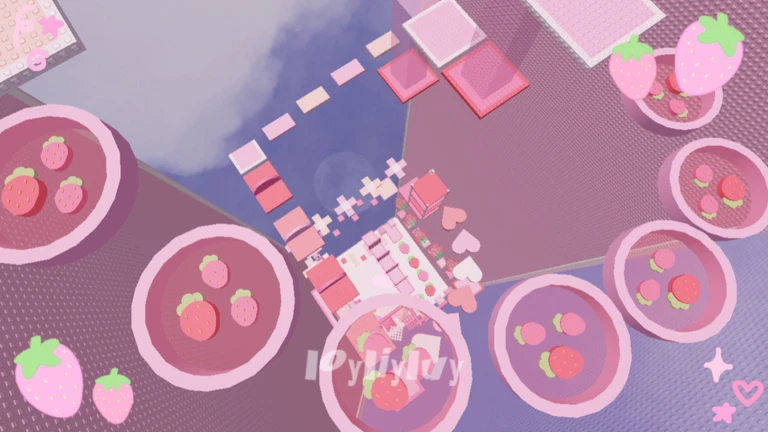
OverviewI Heart Pink Tower is a Roblox obby where you climb a pink, heart-and-ribbon-decorated tower by jumping from floor to floor. This guide covers controls setup, platform strategies, and what to do when you get stuck.
What is on this page
Contents
Controls setup before you start climbing
CheckA few quick settings changes make the jumping and camera work much more comfortable. Mobile players especially benefit from turning on Shift Lock, which keeps the camera tied to your character so you can look around while moving. On PC, adjusting your mouse sensitivity can make a real difference when you need to spot the next platform quickly.
- Open the settings menu and check your key layout before your first jump
- On mobile, enable Shift Lock so the camera stays with your character
- Adjust camera sensitivity until turning feels smooth and natural
MetaNew Player Survey
The next survey is being prepared.
Working through the early floors
Step
The tower sends you upward floor by floor, and each floor is a set of platforms you jump across. Early floors are gentler, so they are the right place to develop a steady rhythm. If you fall, you restart the floor — there is no penalty beyond trying again.
- Start climbing take each platform one at a time rather than rushing upward
- Tilt the camera up look ahead to spot where the next platform is before you jump
- Find your jump rhythm practice landing cleanly before you speed up
- Keep going after a fall falling just sends you back to the floor's start
Jumping techniques that actually work
Tips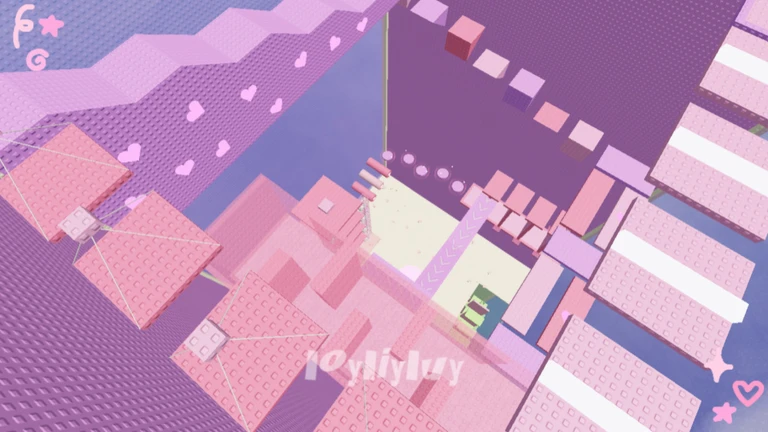
New floors have been added to the tower, so there is plenty of content that will test these habits.
- Walk to the edge of a platform before you jump, not from the middle
- Angle the camera toward your landing spot before leaving the platform
- Badges are earned by clearing floors, so each one you finish gives you a reward to work toward
When you keep falling on the same spot
Warn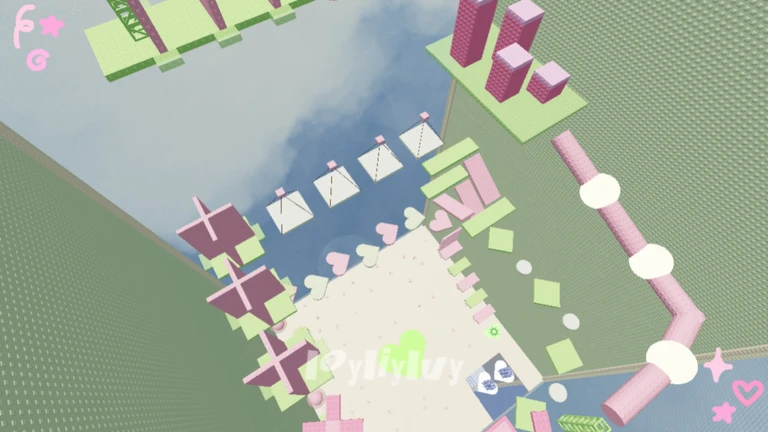
If a particular jump is beating you over and over, check each of the points below.
Free-to-play access
Summary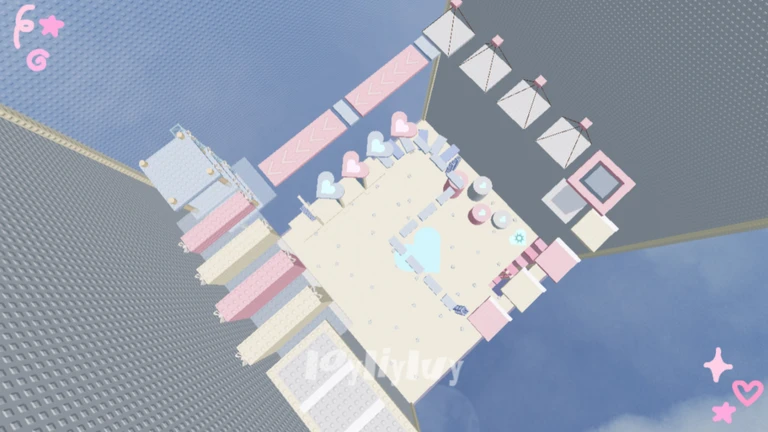
There are no purchases required to reach any part of the game.
- All floors free to play
- All badges earned by clearing floors, no spending required
Glossary
Glossary- Obby
- Short for obstacle course — a Roblox game type where you jump across platforms to reach a goal.
- Shift Lock
- A Roblox setting that locks the camera behind your character, making it easier to control your view while moving on mobile.
- Floor
- One level of the tower, made up of a set of platforms you must cross before moving to the next one up.
- Badge
- A reward you earn in Roblox by completing a specific goal, such as clearing a floor in this tower.
- Restart
- What happens when you fall — the game sends you back to the start of the current floor so you can try again.
Common questions
FAQDoes falling give you any penalty?
No. Falling sends you back to the beginning of the floor you were on, and you can try again immediately.
Is the game harder on mobile than on PC?
The floors and platforms are the same on both. The difference is how comfortable the controls feel. Turning on Shift Lock on mobile brings the experience much closer to playing on PC.
Can I collect every badge without spending anything?
Yes. All badges are tied to clearing floors, and every floor is free to play. Nothing in the game requires a purchase.
Game updates can change what is on this page. If you spot something, get in touch and let us know.
