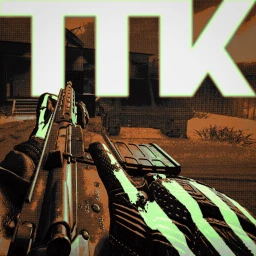
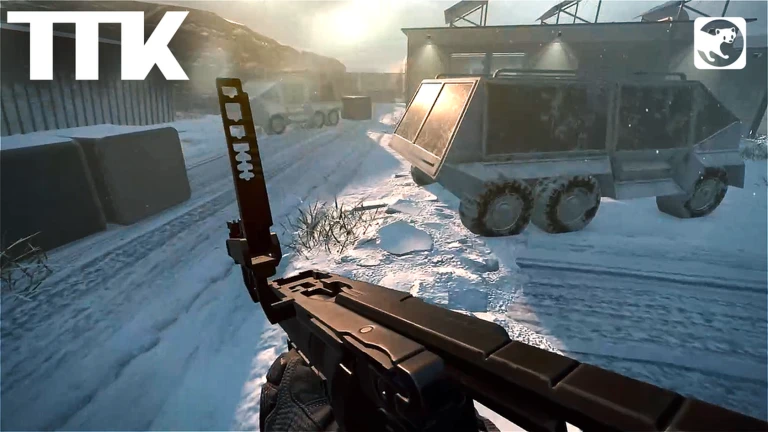
Games listed 42,078
Game guide

TTK Testing Guide: Core controls

TTK Testing [MAP VOTING]
Sable Digital, Playing 4.1K, Rating 91.0%
Creator Sable Digital
Playing 4.1K
Rating 91.0%
Is this game fun?
No votes yet. Cast the first one.

About

Overview

TTK Testing is a tactical first-person shooter on Roblox built around realistic gunplay and close-quarters combat. It runs on PC, mobile, Xbox, and PS5. This guide walks you through the controls, the helmet camera, and what to expect from the current game mode.

What is on this page

Contents
01

Core controls

Check
In short The control layout follows a standard shooter setup, so if you have played any FPS before, most of it will feel familiar.

Every action has a single dedicated key or mouse button.

  • Fire press M1
  • Aim down sights hold M2
  • Crouch press C
  • Lean left press Q
  • Lean right press E
  • Swap weapon press the corresponding number key
Ask on the board
Stuck? Try a video
*NEW* TTK Testing Script (PASTEBIN 2026) ( SILENT AIM , BULLET TRACE , ESP , SPEED ,MAGICE BULLET )
TTK Testing [Map Voting] (Roblox) Gaming Test on iPad A16
Roblox: TTK Testing [Map Voting]
02

The helmet camera and when to use it

Tips
In short The helmet camera sharpens your aim but narrows what you can see.

Pressing P switches you into the helmet camera view. If looking through optics still feels cramped, open Settings and turn on Transparent Optics — it simulates having both eyes open.

Tips worth knowing
  • Press P to toggle the helmet camera
  • If visibility through optics is poor, enable Transparent Optics in Settings
03 Live and upcoming events Events

Events running now or coming soon. They have fixed dates, so check them first.

Upcoming –

Weekly Update

Content TBA

See the whole schedule
04

What the current game mode is — and what is coming

Table
In short Right now the game runs FFA while the developers test core systems, but the intended end state is full co-op PvE and team-based PvP.

The game was built with co-op PvE squad missions and team-based PvP as its main goals. Story-based door-kicker scenarios and AI squad mechanics are planned features. For now, the live version is a free-for-all mode used to test the underlying systems. That means everyone on the map is an enemy — there are no teams yet.

Current modefree-for-all (FFA), every player is an opponent
Planned co-op PvEstory-based missions with AI squad mechanics
Planned PvPstructured team-versus-team combat
Platform supportPC, mobile, Xbox, and PS5 all supported

Glossary

Glossary
FFA (Free-for-All)
A game mode where every player on the map is an enemy and there are no teams.
PvE (Player vs Environment)
A co-op mode where players complete missions against AI opponents rather than each other.
PvP (Player vs Player)
A competitive mode where players fight against other human players.
TTK (Time to Kill)
A shooter term for how quickly a weapon can eliminate an enemy, which shapes how fights feel.
Helmet camera (Helmetcam)
A first-person optics view toggled with P that gives a tighter sight picture.
Transparent Optics
A setting that simulates both eyes open while aiming, improving visibility through scopes and sights.

Common questions

FAQ

Why does the game feel unfinished in places?

The developers have said the recommendation algorithm surfaced the game earlier than they expected, so some rough edges are present while they are still testing. The current FFA mode exists specifically so they can check core systems before the full co-op and PvP modes go live.

What do I do if aiming through optics is hard to see?

Go into Settings and switch on Transparent Optics. This simulates keeping both eyes open while you aim, which makes the view through any scope or sight noticeably cleaner.

Is the game available on consoles?

Yes — TTK Testing supports Xbox and PS5 in addition to PC and mobile.

Updated Sep 10, 2026
Game updates can change what is on this page. If you spot something, get in touch and let us know.
TTK Testing [MAP VOTING] Sable Digital, Playing 4.1K, Rating 91.0%
See the game pageAsk on the boardWatch guides and let's plays
Add it to your home screen and it works like an app. One tap to open, and it loads faster after that.

