
Clean the Supermarket — Basic controls on every platform
About
OverviewClean the Supermarket is a Roblox simulator where you sort over a thousand scattered items back onto their shelves, buy upgrades to work faster, and take on extra challenges like time limits and 1v1 races.
What is on this page
Contents
Basic controls on every platform
Check
Every action in the game comes down to three moves: pick up, place, and drop. On PC those are E, Click, and F. On console they are RT, RT, and B or O. There is one extra console-only control — the D-Pad lets you select abilities.
- Pick up a nearby item press E on PC or RT on console while standing close to it
- Place the item on a shelf click on PC or press RT on console to set it down
- Drop what you are holding press F on PC or B/O on console if you need to put it back
- Switch abilities use the D-Pad on console
- Wipe your save press T on PC, but only if you really mean to start over
How the stores and stages work
Tips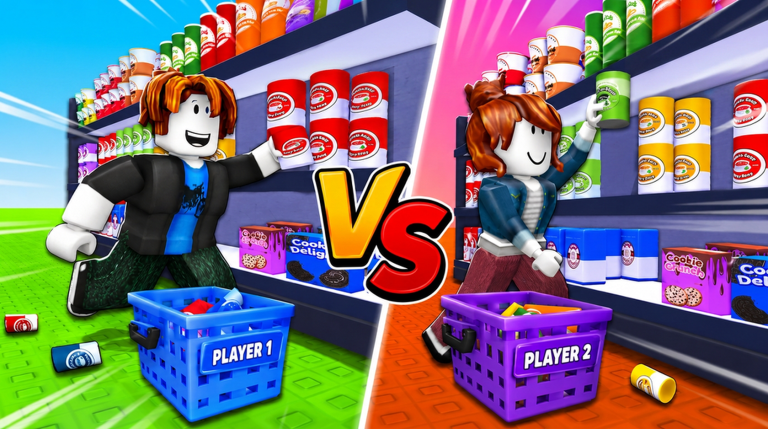
Finishing a store means getting every item correctly back on its shelf. The game tracks your progress in quarters — 25%, 50%, 75%, and 100% — so you always know roughly how far along you are. Beyond the standard stores, Cloud Market adds a physical challenge: the shelves sit on floating islands, so falling off costs you time and patience.
- The ASMR store is a separate variant with its own completion badge called Peace and Quiet
- SUPER Market and Cloud Market are additional stores, each with their own completion badge
- In Cloud Market, clearing every item from a single island earns the Island Hopper badge
- Finishing any store without a single misplaced item earns the Perfectionist badge
- Pro Mode is a harder setting available in any store — finishing it once earns Turning Pro
Time-limit and 1v1 challenges
Table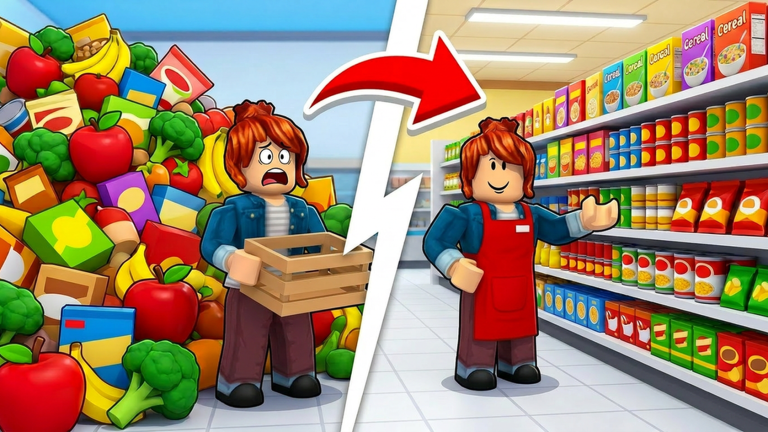
Once you are comfortable stocking shelves, the game offers competitive and timed modes. Speed running a store means finishing it within a set window; 1v1 races put you head-to-head against another player.
| Speed Runner badge | finish the full supermarket in 1 hour or less |
| Quick Stepper badge | finish in 2 hours or less |
| Clock Chaser badge | finish in 3 hours or less |
| Cloud Nine badge | finish Cloud Market specifically in 3 hours or less |
| First Win badge | win a single 1v1 ranked race |
| Rival badge | win 10 ranked 1v1 races across any number of sessions |
Cloud Market pitfalls
Warn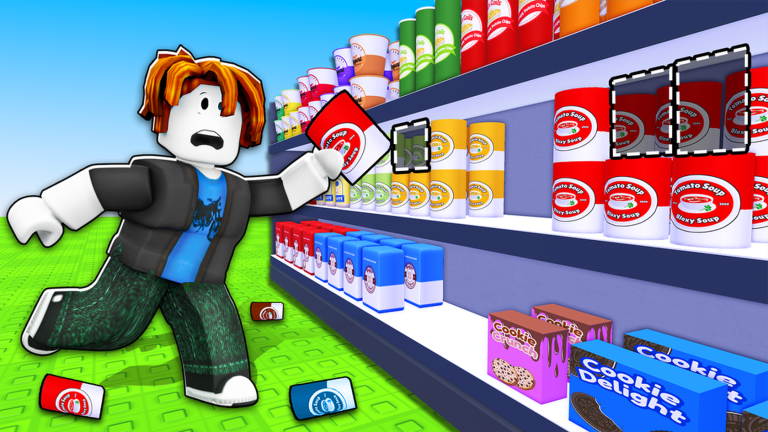
Cloud Market places shelves on floating islands, which means falling off is a real risk that the other stores do not have. The Sky Legs badge requires finishing the entire store without falling once. On the other hand, if you fall ten times in a single run you earn Long Way Down.
Solo, co-op, and late-game badges
Summary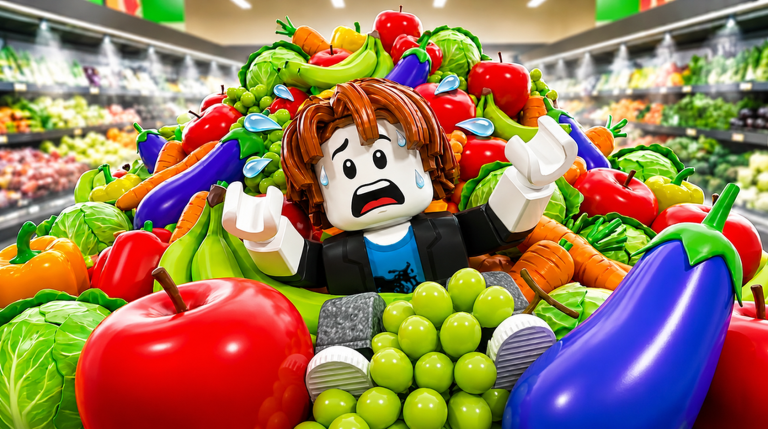
Some achievements depend on your party size or the real-world time. Check these before you start a run so you can grab them without extra effort.
- Solo Act finish any store completely by yourself
- Full House finish any store with exactly four players in your party
- Night Shift finish a store while the real-world clock reads between midnight and 5 a.m.
- Unstoppable reach a five-win streak in ranked 1v1 races
- Sore Loser lose ten ranked 1v1 races
Glossary
Glossary- Interact
- The action that picks up a nearby item — E on PC, RT on console.
- Drop
- Releases the item you are currently holding without placing it on a shelf — F on PC, B or O on console.
- Place
- Sets a held item down on the shelf at the spot you are aiming at — click on PC, RT on console.
- Wipe Save
- Erases all your progress permanently — T on PC.
- Pro Mode
- A harder difficulty option available in any store that earns you the Turning Pro badge on completion.
- D-Pad
- The directional pad on a console controller, used here to select abilities.
Common questions
FAQDo the shelves actually stretch and cause problems?
Yes — the game's own description warns that shelves start stretching farther than they should as you fill them.
Can I get the Solo Act and Full House badges in the same run?
No. Solo Act requires finishing a store alone, and Full House requires a party of four, so you need two separate runs to earn both.
Is there any way to earn badges without spending real money?
Every badge in the game is based on gameplay actions — stocking shelves, finishing stores, winning races, and similar tasks. None of them require a purchase.
Game updates can change what is on this page. If you spot something, get in touch and let us know.
