
Steal From The Rich Guide: Your first crate, start to finish

About
OverviewSteal From The Rich is a Roblox game where you carry crates from wealthy areas back to your own base, open them to reveal treasures, and use the income those treasures generate to upgrade your treadmill and expand your base. This guide walks you through your first run, explains how to grow your income, and helps you sort out common roadblocks like a full base or slow movement speed.
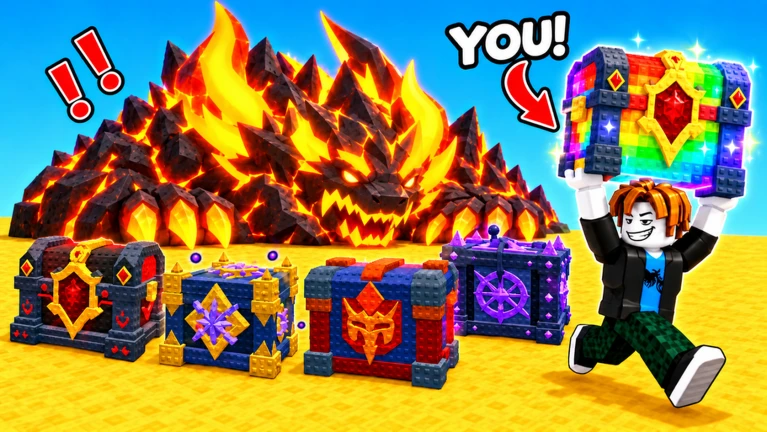
What is on this page
Contents
Player notes and tips
Found a useful trick? Share it with everyone! Notes with screenshots are welcome!
Write a guide note
[🌩️UPD] Steal From The Rich!
Your first crate, start to finish
Step
Before you head out, check where your base is and make sure at least one slot is free. The crate does not pay out the moment you drop it; you have to wait for it to be ready, then open it yourself.
- Spot your base
note the return path and how many open slots you have before leaving.
- Grab a crate
approach one nearby and follow the on-screen prompt to steal it.
- Place the crate
drop it into a free slot at your base.
- Wait for READY!
while the crate prepares, use the treadmill rather than standing idle.
- Open it
when READY! appears, approach the crate and follow the Open Crate prompt, then check that a $/s figure is now showing.
MetaNew Player Survey

The next survey is being prepared.
What to check when a crate will not open
Check
A crate moves through three stages — carried, preparing, and ready — and different messages tell you exactly where it is. The most common mistake is arriving near your base and assuming the job is done. Read what the screen actually says before deciding what to do next.
- Still carrying the crate walk to your base and place it in an open slot.
- A countdown is showing the crate is preparing, so hop on the treadmill while you wait.
- READY! is on screen follow the Open Crate prompt and the treasure will appear.
- Your plot is full! no slot is available, so visit the base sign to buy more space or sell a low-earning treasure first.
Speed training on the treadmill
Tips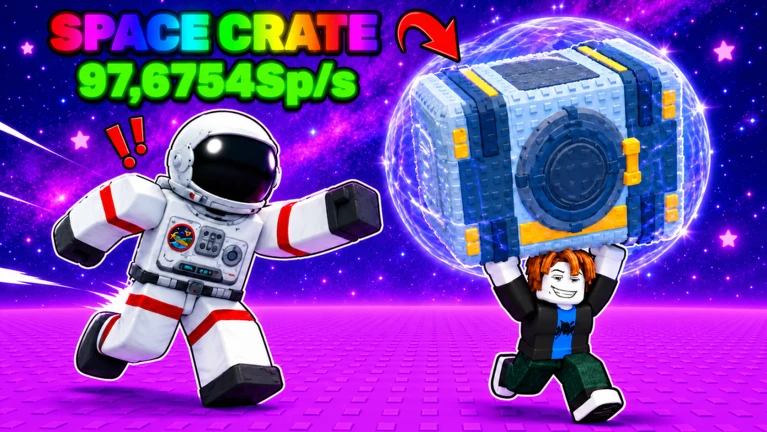
Your movement speed goes up by running on the treadmill — watch the speed number on screen to confirm it is climbing. If gains feel slow, upgrading the treadmill itself changes how fast that number grows. Test your improvement by returning to a spot where you previously got caught.
- Keep an eye on the speed number while training
if it is not rising, check that you are actually moving on the machine.
- Upgrade the treadmill itself when training no longer moves the number fast enough.
- After training, revisit a spot that beat you before to see whether the speed gain made a real difference.
Growing your treasure income
TableEvery treasure placed in your base produces a set amount of in-game money every second, shown as $/s. When you bring in a new treasure, the net change to your income is the new treasure's $/s minus the old one you replace. Selling at the SELL area is permanent, so check the $/s of anything you are about to let go.
| Keep vs. sell | compare $/s figures, not how rare or how good-looking a treasure is. |
| Net gain check | new $/s minus current $/s tells you whether a swap actually helps. |
| Sell order | lowest $/s treasures first, so your overall income drops as little as possible. |
A full base and how to clear it
Tips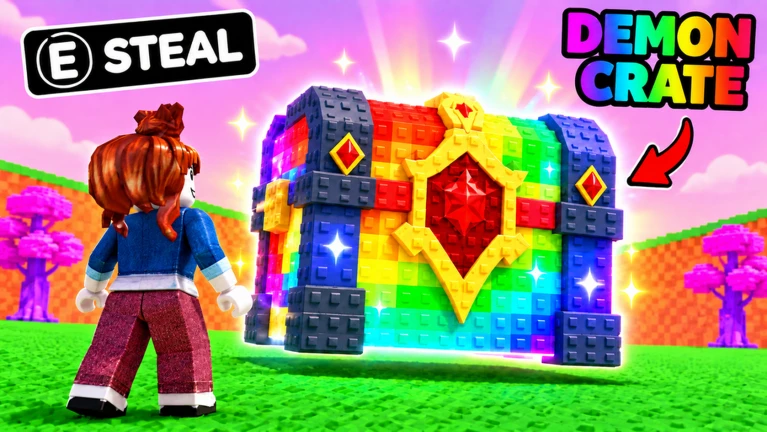
Once your base hits its limit, you cannot place any new crates until you free up space.
- Check the base sign for an upgrade that adds more slots.
- If you cannot afford the expansion yet, sell your lowest $/s treasure at the SELL area to raise the funds.
Deciding what to upgrade next
Table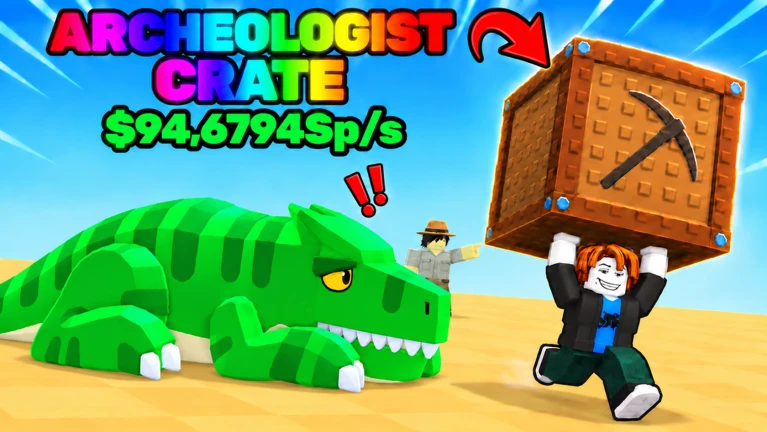
The treadmill and your base solve completely different problems, so the right upgrade depends on what is actually holding you back. Before spending, always check whether the purchase uses in-game money or Robux, and talk to a parent or guardian before spending Robux.
| Getting caught mid-run | treadmill training or a treadmill upgrade comes first. |
| Nowhere to place crates | base slot expansion from the base sign is the priority. |
| Movement and space both feel fine | try a richer area and compare its treasure $/s to what you already own. |
| A paid prompt appears | confirm whether it costs in-game money or Robux before accepting. |
Quick facts about the game
SummaryThese are the fixed details about how the game is set up, covering platform support and room size.
- Platform support
Desktop, Mobile, Tablet, and Console are all supported.
- Players per room
seven is the maximum in one server.
- Latest area
the Angelic Area is the newest zone added to the game.
- Core loop
steal crates, open treasures, earn $/s, upgrade, reach richer areas.
Glossary
Glossary- Crate
- A box stolen from a wealthy area that, once placed at your base and opened, produces a treasure that earns $/s.
- $/s (per-second income)
- The amount of in-game money a treasure generates every second; this is separate from what you get if you sell the treasure.
- Base / Plot
- Your personal area where you place crates and display treasures; it has a limited number of slots.
- Slot / Plot slot
- One of the spaces in your base where a crate or treasure can be placed; shown as full when Your plot is full! appears.
- Treadmill
- The training machine at your base that raises your movement speed when you run on it, and can be upgraded to improve gains.
- Speed
- Your character's movement rate, displayed as a number that increases through treadmill training.
- Angelic Area
- The newest area added to the game, offering treasures from an even wealthier zone.
Common questions
FAQWhat should I do first when I start the game?
Find a crate close to your base, steal it, and carry it straight home. Place it in a free slot, wait for READY! to appear, then open it. Once a treasure is sitting in your base with a $/s figure showing, you have completed the basic loop and your income has begun.
I keep getting caught before I make it back — what should I do?
Spend time on the treadmill until your speed number is noticeably higher. If the number is rising slowly, consider upgrading the treadmill itself. Then test the same route again to see whether the gain made a real difference.
My base is full and I cannot place any more crates — how do I fix it?
Go to the sign at your base and look for an upgrade that adds more slots. If you do not have enough in-game money for that yet, sell one or two treasures with the lowest $/s figures at the SELL area to raise the funds. Once you have a free slot, you can go back to stealing crates.
How do I know which treasures to sell when I need space or money?
Look at the $/s number on each treasure and start with whichever one shows the lowest figure.
Can I play on my phone or tablet?
Yes — the game supports mobile phones, tablets, desktop computers, and consoles.
How many players share a server?
Each room holds a maximum of seven players.
Game updates can change what is on this page. If you spot something, get in touch and let us know.
