
Nail It Guide: Your first steps in the editor
About
OverviewNail It! is a nail-art customization game where you design your own nail sets, save them, share them with other players, and compete in themed rounds. This guide walks you through the editor, the game's two competitive modes, the extra content hidden around the map, and the unlockables you can collect along the way.
What is on this page
Contents
Player notes and tips
Found a useful trick? Share it with everyone! Notes with screenshots are welcome!
Write a guide note
Nail It!
Your first steps in the editor
Step
When you first load in, finding the editor is your first task.
- Open the editor
doing this for the first time earns you the Self Discovery badge.
- Build a design
finishing your first one unlocks The Start of Something Beautiful badge.
- Share your design
once it is live, other players can like it.
- Like someone else's work
pressing like on another player's design earns you the Secret Admirer badge.
- Collect a like on your own design
getting your first like from another player earns Upcoming Talent.
MetaNew Player Survey

The next survey is being prepared.
Casual mode and PvP mode compared
Table
Both modes put your designs in front of other players, but they measure success differently.
| Casual mode | first, second, and third place each earn their own badge. |
| PvP mode | your design is rated on a one-to-five-star scale, with a badge at every level up to Perfect Score for five stars. |
| Freeplay mode | work at your own pace without competing against anyone. |
Things to check before you feel done
Check
The map holds a few areas that have nothing to do with nail art but reward you for visiting them.
- Have you completed the obby? Finishing the obstacle course earns the Obby Master badge.
- Have you reached the top of the tower? Clearing it unlocks Tower Master.
- Have you visited the courtyard art gallery? Viewing the fanart there earns Fan of Fanart.
- Have you bought a supporter item? Purchasing one from the shop unlocks Generous Giver.
- Have you liked at least one other player's design? Secret Admirer requires exactly that.
Unlockable customization options
Tips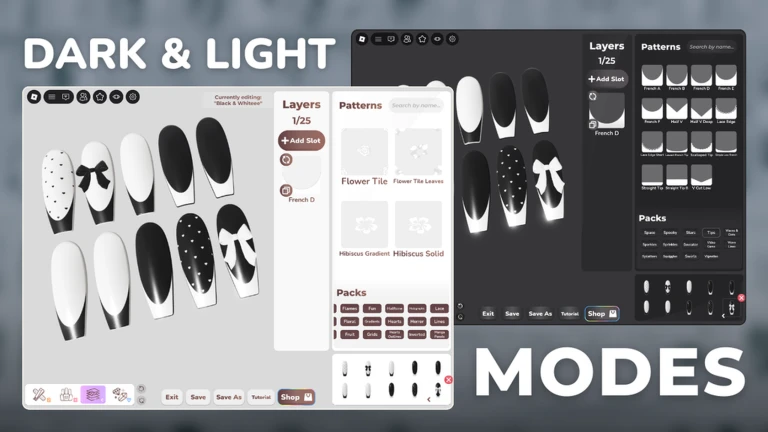
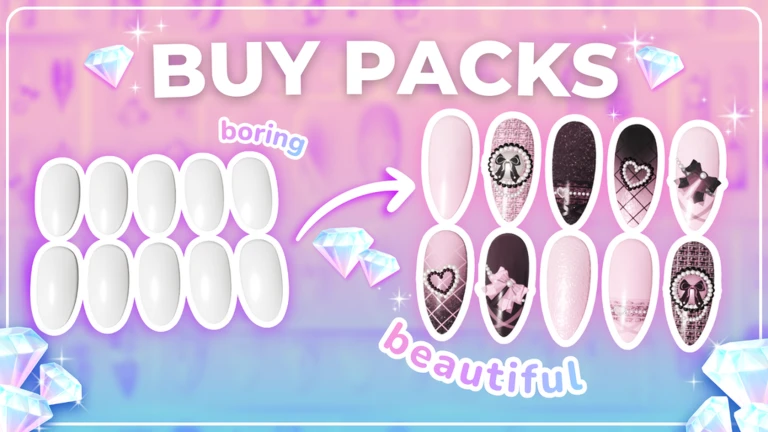
The editor draws from whatever you have already unlocked. Supporter items bought from the shop are one route to new content and also trigger the Generous Giver badge.
- Nail shapes and patterns are unlockable and add variety to the base of every design.
- Charms are decorative additions you unlock and attach to nails.
- Polishes control color and finish.
- Supporter items from the shop earn the Generous Giver badge.
What is coming to Nail It!
Summary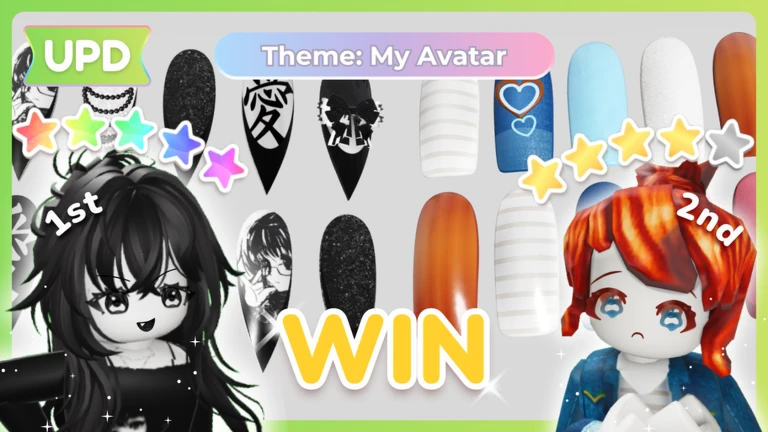
The game is in alpha, so its feature set is still growing. The developers have published two planned additions.
- Editor Expansion
new tools designed to make building designs faster and more detailed.
- Nail Salon Management
a mode where you run a salon, create nail sets for clients, and decorate your own space.
Glossary
Glossary- Editor
- The in-game screen where you build, customize, and save nail designs.
- Casual mode
- A competitive mode where players are ranked first through third place, each placing earning its own badge.
- PvP mode
- A competitive mode where your design is judged on a one-to-five-star scale.
- Freeplay mode
- A mode that lets you design at your own pace.
- Charm
- A decorative item you unlock and attach to your nail designs.
- Polish
- The color and finish applied to a nail, selectable from whatever polishes you have unlocked.
- Obby
- An obstacle course on the map that earns you the Obby Master badge when you finish it.
- Supporter item
- A shop purchase that unlocks the Generous Giver badge.
Common questions
FAQCan I play without competing against other players?
Yes. Freeplay mode lets you work on designs at your own pace. Switch to casual or PvP mode when you are ready to compete.
How do I get other players to like my design?
Finish a design in the editor and share it so others can see it. When another player taps like on your work, you earn the Upcoming Talent badge.
Is there anything to do outside the nail editor?
Yes — an obby, a tower, and an art gallery are all on the map. Clearing the obby and the tower each earn a badge, and simply viewing the fanart in the courtyard gallery earns Fan of Fanart.
What does buying a supporter item do?
It unlocks the Generous Giver badge. Supporter items are bought through the in-game shop.
Game updates can change what is on this page. If you spot something, get in touch and let us know.
