
Cars vs Trucks Guide: Your first steps when the game starts
About
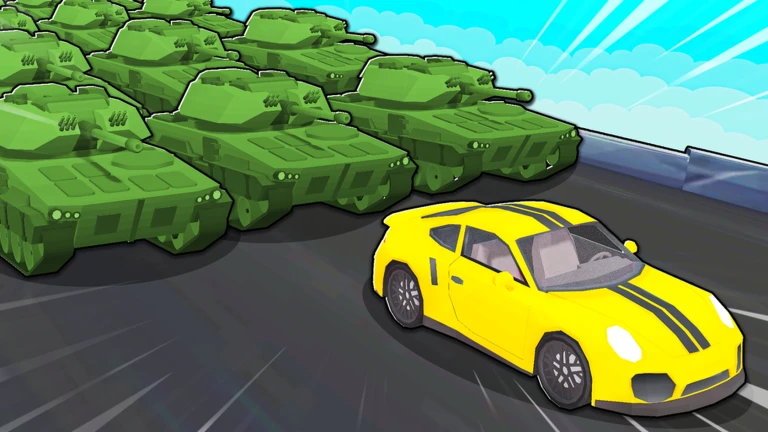
OverviewCars vs Trucks is a team battle game where players are split into Team Cars and Team Trucks. Car players dodge trucks and collect coins until the round timer runs out, while truck players try to run over every car on the field. This guide covers how both teams play, how controls work, where to spend your coins, and what to watch out for.
What is on this page
Contents
Your first steps when the game starts
Step
When a round begins, the game automatically puts you on either Team Cars or Team Trucks. The two teams have completely different goals, so acting before you check your team is a fast way to waste the whole round. If you are waiting in the lobby and cannot get into a match, check the AFK button on the left side of the screen — if you are in waiting mode, turn it off before the next round starts.
- Check your team look at the screen right after the round starts to see whether you are on cars or trucks.
- Clear AFK status if you cannot get into a match from the lobby, make sure you are not set to waiting mode.
- Cars: remember your goal stay alive, dodge trucks, and pick up coins until the timer hits zero.
- Trucks: remember your goal drive over every car you can find on the field.
- Enter codes hit the Codes button on the right side of the screen to grab free coins before you dive in.
MetaNew Player Survey
The next survey is being prepared.
Controls to learn before you race
CheckOn PC, three controls matter most. The left Shift key fires the nitro boost, and you can watch how much you have left in the NOS gauge at the bottom of the screen. The Space key is the handbrake — it does not make you jump the way it does in other games. If your car flips over, press R to right it, then check your surroundings before you drive off. On other devices, follow the on-screen control guide instead.
- Confirm the NOS gauge is visible it sits at the bottom of the screen and shows your remaining nitro.
- Remember Space is the handbrake, not a jump key.
- Know the R key rights a flipped car check your surroundings after getting back on your wheels.
- On mobile or console, use the on-screen control prompts rather than assuming the keys match PC.
How to play as Team Cars
Tips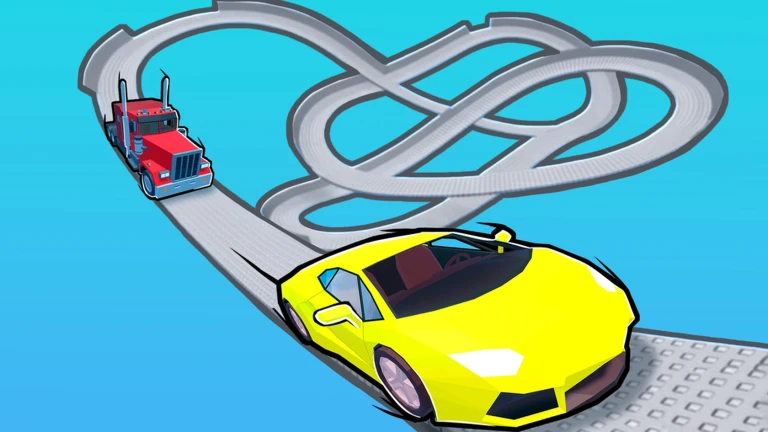
Your job as a car is to survive until the timer runs out while collecting as many coins as possible. The key habit is to spot where the trucks are before you chase any coin. When time is almost up, drop the coin-hunting entirely and focus on surviving to the end.
- Check truck positions first, then decide where to go — coins come second.
- Pick an escape route that has room ahead of you, and collect any coins that happen to be along that path.
- Never loop back for a coin you missed — turning back puts you closer to whatever was behind you.
- After dodging one truck, immediately check whether another is waiting around the corner.
- When the timer is nearly out, survival beats collecting extra coins every time.
Using nitro well
Tips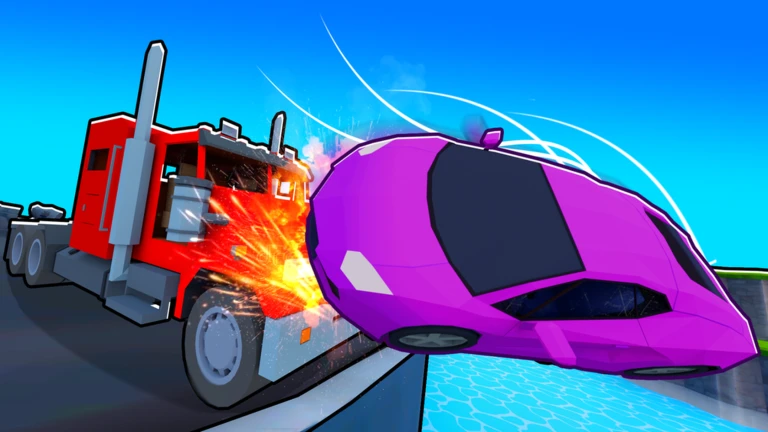
Nitro is most useful when you have already decided where you are going and the road ahead is open. If you keep clipping walls, try slowing into the bend, straightening up, and then boosting down the straight that follows.
- Boost on straights, not corners — get your direction sorted first, then hit the nitro.
- Car players should use nitro right after clearing a truck, when there is open space ahead.
- Truck players should aim at the car they are targeting before using nitro, not during the approach.
- After a burst of speed, ease off and re-check where opponents are before committing to the next move.
How to play as Team Trucks
TipsInstead, think about where the car is heading next and move toward that spot. When a teammate is already behind a car, come in from the side or front to shrink its escape options rather than lining up behind your teammate.
- Predict where the car is going, not just where it is — head for the corner exit or the open space it is steering toward.
- If a teammate is already in pursuit, approach from the side or front to cut off escape routes.
- Switch targets freely — if one car keeps slipping away, move to a closer or more predictable one.
- Keep an eye on the total number of cars remaining, since running over all of them is the win condition.
 10KLIKES
SORRYFORDELAY
HALLOWEEN
FIRETRUCK
10KLIKES
SORRYFORDELAY
HALLOWEEN
FIRETRUCK
Coins and unlocking new vehicles
Summary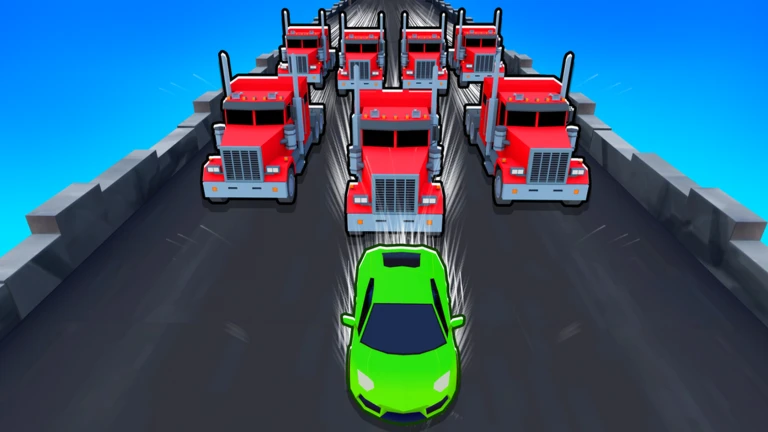
Coins drop on the field for car players to collect, and simply playing matches builds them up over time. Once you have enough, head to the shop to open crates and unlock more powerful cars. The Codes button on the right side of the screen is an easy extra source of coins that costs you nothing — and as of October 24, 2026, there were seven working codes tracked for this game.
- Earn coins accumulate from playing matches, so more time in the game means more to spend.
- Spend use coins in the shop to open crates and unlock stronger cars.
- Codes enter a code through the Codes button on the right side of the screen to receive free coins.
- Code expiry codes can stop working without warning, so enter them as soon as you find them.
Staying safe while you play
Warn
Outside the game, there are people who post fake codes or suspicious links designed to steal your Roblox account.
Community strategy ideas
CommunityThese ideas and tips come from people playing the game. Share your discoveries too!
No strategy ideas yet. Share a tip you discovered.
Share a strategy idea
Cars vs Trucks
Glossary
Glossary- Team Cars
- The side whose job is to dodge trucks and collect coins until the round timer runs out.
- Team Trucks
- The side whose job is to drive over every car on the field before time expires.
- Coins
- The in-game currency collected during play and used in the shop to open crates and unlock vehicles.
- Crates
- Items you open in the shop using coins to unlock new and more powerful cars.
- Codes button
- A button on the right side of the game screen where you type in redeem codes to receive free coins.
- Timer
- The countdown that car players must survive to the end of while collecting coins.
- AFK
- A waiting-mode setting that stops you from being placed into matches; turn it off before you want to play.
- Nitro (NOS)
- A speed boost activated on PC with the left Shift key; the NOS gauge at the bottom of the screen shows how much is left.
- Handbrake
- A braking control assigned to the Space key on PC — it does not make the car jump.
- Ultra Boost
- A game pass that extends the duration of your boost compared with the standard nitro; it is a separate purchase from normal gameplay items.
Common questions
FAQHow do I know which team I am on?
The game assigns you to either Team Cars or Team Trucks automatically when a round begins. Check the screen as soon as play starts before you do anything else.
Where do I enter redeem codes?
Tap or click the Codes button on the right side of the game screen and type your code into the box that appears. Hit Enter and your coin reward arrives straight away. Codes can expire without notice, so enter them as soon as you find them.
Can I unlock better cars without spending Robux?
Yes — coins accumulate just from playing matches, so you can unlock new vehicles purely by putting in time. Entering redeem codes adds extra coins on top of what you earn in play.
What do I do if my car flips over?
Press R on PC to right the car rather than holding the accelerator. Once you are back on your wheels, check what is around you before driving off.
I keep waiting in the lobby but cannot get into a match — what is wrong?
Check the AFK button on the left side of the screen. If you are in waiting mode, the game will not put you into a round. Turn it off and you should be placed in the next match.
What is Ultra Boost and is it worth buying?
Ultra Boost is a game pass that extends the duration of your boost beyond what the standard nitro provides. It is a separate purchase from in-game crates and uses Robux.
Game updates can change what is on this page. If you spot something, get in touch and let us know.
