
Be a YouTuber — The core loop from day one
About
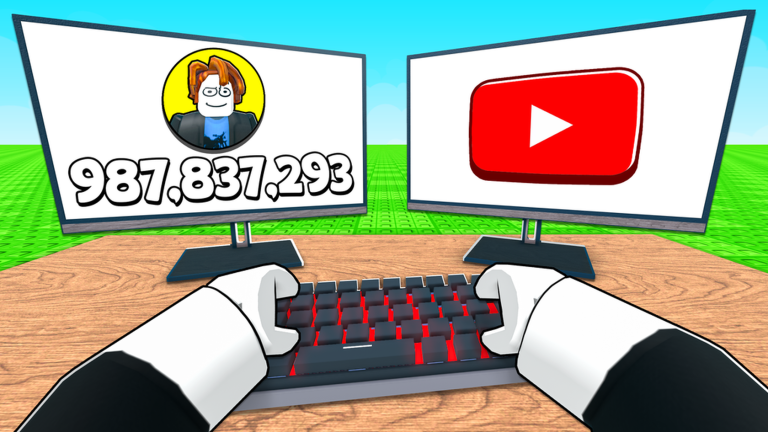
OverviewBe a YouTuber! puts you in charge of a growing content empire — record videos, upload them for cash, hire staff to earn while you are away, and keep expanding your plot. This guide walks you through the core loop, how to keep money flowing, and what to do when progress stalls.
What is on this page
Contents
The core loop from day one
Step
The game tells you exactly what to do: record, upload, hire, and expand. Getting comfortable with that cycle early makes every later decision easier.
- Redeem a code enter the release code for an early cash boost.
- Record a video tap the camera button to create a video.
- Upload the video post it to earn cash from the upload.
- Buy a YouTuber staff member spend your cash to hire someone who earns for you automatically.
- Expand your plot once staff slots fill up, spend cash to unlock more land so you can hire more.
- Repeat cycle through hiring and expanding to keep income climbing.
How idle income actually works
Summary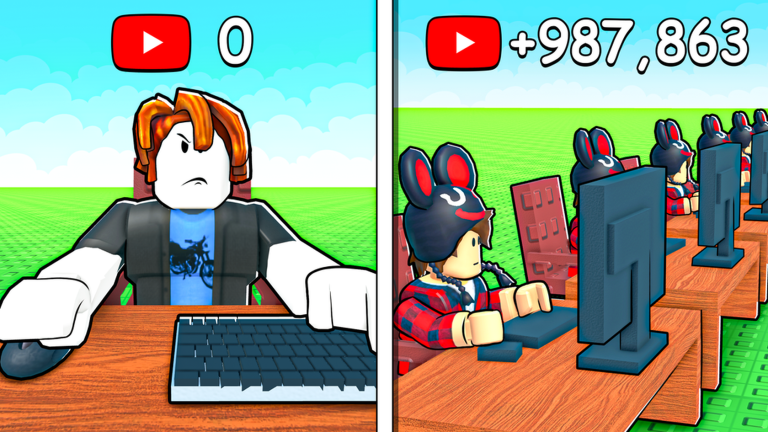
When you hire a YouTuber staff member, that character keeps earning cash automatically. Your plot size sets a hard cap on how many staff you can place, which is why the two upgrades go hand in hand.
What to check when progress stalls
Check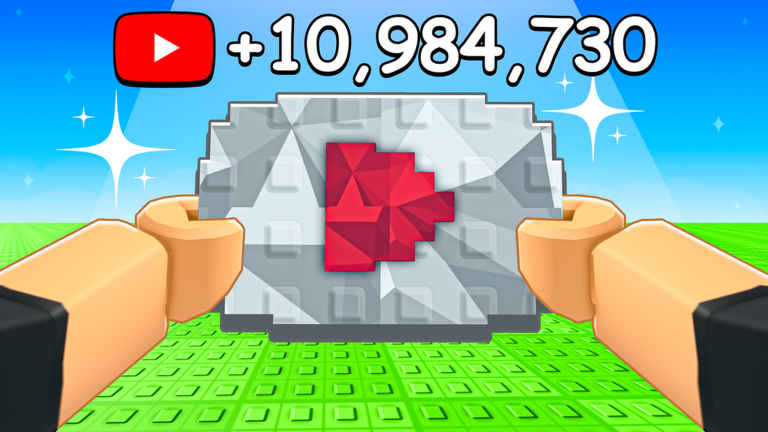
If the game feels stuck, the cause is almost always one of the items below.
- Is your plot full? A full plot blocks new hires expand before buying more staff.
- Are you recording manually? Regular recording adds bonus cash that speeds up your next purchase.
- Have you left enough idle time? Staff need time to accumulate income.
Playing free-to-play
Tips
The game is playable without paying anything. Use every free advantage available.
- Redeem every available code as soon as you find one — they can expire.
- Let the game sit idle regularly so staff cash builds up between sessions.
Using redeem codes
WarnThere is a code entry screen inside the game, accessible from the menu or settings. Each code works only once per account, so a typo wastes it. Codes can expire, so redeem them as soon as you have them.
 release
OP rewards
trading
50 Rebirth Coins
350klikes
worldcup
release
OP rewards
trading
50 Rebirth Coins
350klikes
worldcup
Glossary
Glossary- Cash
- The in-game currency you earn from uploading videos and from staff working automatically.
- Staff (YouTubers)
- Characters you hire with cash who generate income automatically.
- Plot
- The land your empire sits on; expanding it raises the limit on how many staff you can place.
- Idle income
- Cash earned by your staff automatically.
- Upload
- The action of posting a recorded video to earn a cash reward.
Common questions
FAQDoes my progress save when I leave the game?
Progress is tied to your Roblox account, so it saves when you leave and picks up from the same point when you return. You can also switch devices and continue from where you left off as long as you are signed into the same account.
Where do I find active redeem codes?
The game's own description mentions using the code "release" for OP rewards. Codes are entered in the game's code entry screen.
Game updates can change what is on this page. If you spot something, get in touch and let us know.
