Games listed 43,687
Game guide

My Bus Guide: Starting your first shift

My Bus 🚌
RUSH! STUDIOS, Playing 2.7K, Rating 84.0%
Creator RUSH! STUDIOS
Playing 2.7K
Rating 84.0%
Is this game fun?
No votes yet. Cast the first one.

About

Overview

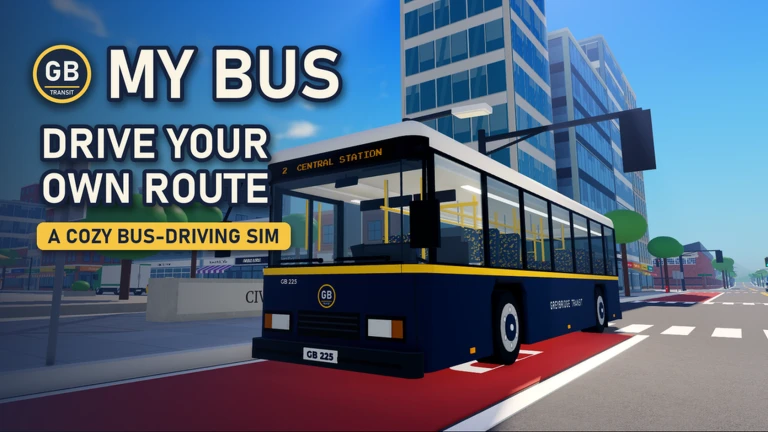
My Bus puts you behind the wheel of a city bus in Greybridge, where you clock in, collect fares, and try to keep to your schedule across seven routes. This guide walks you through starting your first shift, earning better grades, and spending your fares on upgrades that make the job easier.

What is on this page

Contents

Player notes and tips

Found a useful trick? Share it with everyone! Notes with screenshots are welcome!

01

Starting your first shift

Step
In short Clocking in before you drive is the one step you cannot skip.

Every session begins at the check-in point.

  1. Clock in complete the check-in before driving.
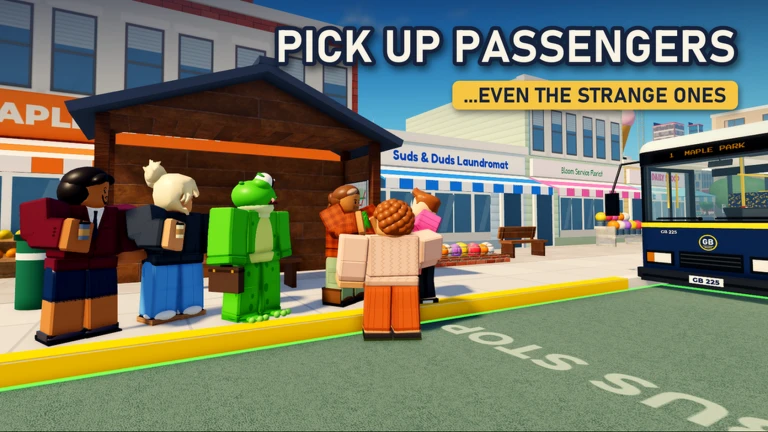
  2. Board passengers pull up to stops and let riders on.
  3. Collect fares take payment from each passenger as they board.
  4. Follow the route stick to the assigned path and hit every stop on time.
Ask on the board
02

How grades and routes work

Summary
In short An S grade on all seven routes is what it takes to reach Route Master.

After each route you receive a grade based on how well you kept to the schedule. The top grade is S, and you need it on every one of the seven routes to earn the Route Master title.

  • Routes total seven, each with its own schedule to match.
  • Top grade S, awarded for running the route on time.
  • Goal S grade on every route unlocks Route Master status.
03 Live and upcoming events Events

Events running now or coming soon. They have fixed dates, so check them first.

Live now –

CUSTOMIZATION 2.0

Customization is getting its biggest upgrade yet. Open Depot Crates, collect brand-new cosmetics with no duplicate rew…

Live now –

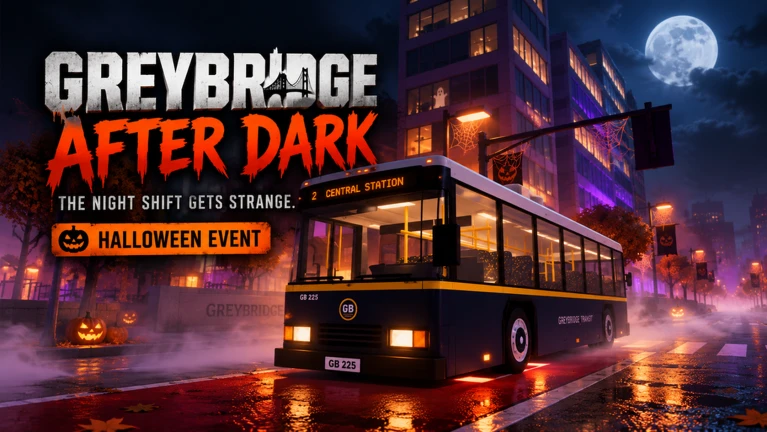
Greybridge After Dark 🎃

The night shift is getting stranger. 🎃 Greybridge After Dark is a limited-time Halloween event bringing a special n…

See the whole schedule
04

Spending your fares on upgrades

Tips
In short Putting fare money into engine, brakes, and doors makes every route easier to run on time.

The fares you collect from passengers are your upgrade currency. You can upgrade the engine, brakes, and doors, and unlock new buses.
Tips worth knowing
  • Upgrade the engine.
  • Upgrade the brakes.
  • Upgrade the doors.
  • As you earn more, you can unlock entirely new buses to drive.
05

Bus customization

Tips
In short Customization is purely visual, but it makes your bus feel like your own.

Separate from performance upgrades, you can change the look of your bus with different colors and design parts. None of this affects how the bus handles or your grade.

Tips worth knowing
  • Change your bus color — it has no effect on performance.
  • Design parts let you personalize the exterior beyond just the paint.

Glossary

Glossary
Clock in
The check-in action you must complete before driving; your shift does not begin without it.
Route
One of the seven set paths through Greybridge that you drive on a schedule.
S grade
The highest rating awarded after completing a route, required on all seven routes to become Route Master.
Route Master
The top status in the game, reached by earning an S grade on every route.
Fare
The payment collected from each passenger, which you spend on bus upgrades.

Common questions

FAQ

What devices can I play My Bus on?

The game runs on phone, tablet, PC, and console.

How many players can share a lobby?

Up to six players can join a single lobby.

Can I unlock more than one bus?

Yes, multiple buses are available to unlock as you earn fares.

Updated Nov 8, 2026
Game updates can change what is on this page. If you spot something, get in touch and let us know.
My Bus 🚌 RUSH! STUDIOS, Playing 2.7K, Rating 84.0%
See the game pageAsk on the board
Add it to your home screen and it works like an app. One tap to open, and it loads faster after that.