
Build a Waterslide — Getting started from zero
About
OverviewBuild a Waterslide is a building tycoon on Roblox where you buy parts, assemble your own waterslide, and earn cash every time a floatie rides it to the bottom.
What is on this page
Contents
Getting started from zero
Step
When you first load in, the shop is the first place to go. Pick the cheapest parts available and place them to form a connected slide. Once the slide has a clear path from top to bottom, spawn a floatie and watch the cash come in.
- Open the shop buy the least expensive parts you can see.
- Place the parts connect them so a floatie has a clear run from start to finish.
- Spawn a floatie send it down the slide to trigger your first payout.
- Collect your cash each completed run adds to your total.
- Reinvest take that cash straight back to the shop for your next part.
Building a slide that actually pays
Tips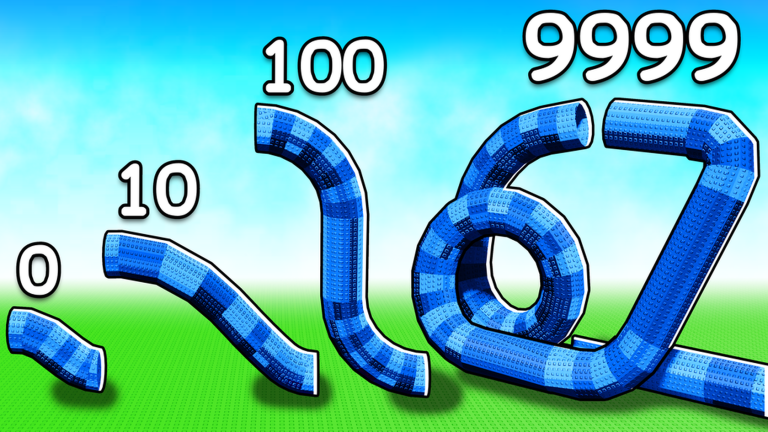
The design of your slide directly affects how well floaties travel and how reliably you earn cash. Small adjustments to part placement can make a bigger difference than buying entirely new pieces.
- Check every joint between parts — gaps or misalignments stop floaties mid-run.
- When something is not working, strip it back to a simple layout and rebuild from there.
Parts versus upgrades
TableThe shop offers two ways to spend your cash.
| New parts | change the shape of your slide and open up more complex or longer designs. |
| Upgrades | improve the performance of a part you already own, helping floaties run smoother. |
Offline earning
Check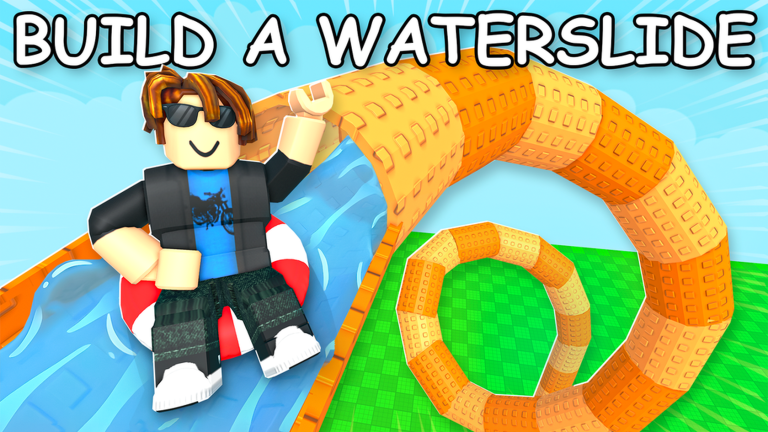
Build a Waterslide keeps earning for you even after you close the game. You do not lose progress when you log out, and the cash that piled up will be waiting when you return.
- Come back regularly to collect your offline cash and put it toward the next upgrade or part.
- Never worry about losing cash when the game closes offline earning is built into how the game works.
Fixing a slide that is not working
Warn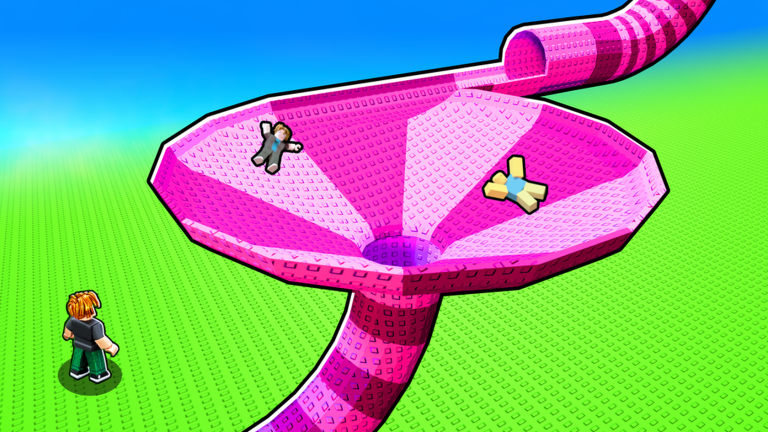
Playing without spending real money
SummaryThe entire game is designed around the in-game cash you earn from floatie runs and offline income. Nothing locks you out if you choose not to spend real money.
- Currency cash earned from floatie runs and offline earnings is the only currency you need.
- Parts every part in the shop can be purchased with in-game cash alone.
- Upgrades likewise fully available without real-money purchases.
Glossary
Glossary- Floatie
- An object you spawn at the top of your slide that rides down to the bottom and pays out cash when it completes the run.
- Cash
- The main in-game currency, earned each time a floatie finishes a run, used to buy parts and upgrades.
- Part
- A building block for your waterslide, purchased from the shop and placed to form a connected slide path.
- Upgrade
- A shop option that improves the performance of a part you already own rather than adding a new one.
- Offline earning
- Cash your slide continues to generate while you are not in the game, collected when you next log in.
- Tycoon
- A Roblox game genre where you build and grow a business or operation, earning income to expand further.
Common questions
FAQWhich part should I buy first?
Go with the cheapest part the shop shows you. Even a short slide will start earning cash right away, and a few floatie runs will give you enough to buy the next piece.
Why does my floatie keep stopping halfway down?
There is almost certainly a gap or a misaligned joint between two parts somewhere on the slide. Go along the slide section by section and adjust any connection that looks uneven or leaves a gap.
Do I lose my cash or progress if I close the game?
No. The game keeps earning cash for you while you are offline, so when you return your total will be higher than when you left. Nothing is lost by logging out.
Game updates can change what is on this page. If you spot something, get in touch and let us know.
