

 Upcoming
–
Game guide
Dig For Eggs Guide: Your first few minutes
Is this game fun?
No votes yet. Cast the first one.
About
OverviewDig For Eggs is a Roblox game where you break blocks underground, find buried eggs, and hatch them into animals of varying rarity. This guide walks you through your first steps, how to dig deeper faster, and how to build a collection that keeps earning cash even when you are offline.

What is on this page
Contents
Player notes and tips
Found a useful trick? Share it with everyone! Notes with screenshots are welcome!
Write a guide note
Dig For Eggs
01
Your first few minutes
Step
In short
Joining, digging, and hatching your first egg sets everything else in motion.
The moment you join, the game hands you the Welcome! badge automatically. From there, the loop is simple: dig up an egg and hatch it. Hatching your first animal earns you the First Hatch badge and opens up the rest of the game.
- Join the game the Welcome! badge appears as soon as you load in, no action needed.
- Break blocks swing your shovel at the ground to find buried eggs beneath the surface.
- Hatch an egg open the first egg you find to unlock the First Hatch badge and add your first animal to the Pet Index.
- Sell duplicates any animal you do not need can be sold for cash right away.
✦ Player polls!
MetaNew Player Survey

The next survey is being prepared.
02
Digging deeper and upgrading your shovel
TipsIn short
Reaching 100 studs underground and training your strength are two levers for progress.
Training your strength lets you unlock more powerful shovels. Once you hit 100 studs below the surface you earn the Deep Digger badge.
Tips worth knowing
- Train your strength to unlock more powerful shovels.
- Push past 100 studs underground to earn the Deep Digger badge.
03 Live and upcoming events
Events
Events running now or coming soon. They have fixed dates, so check them first.
Upcoming
–
04
Building your Pet Index
Check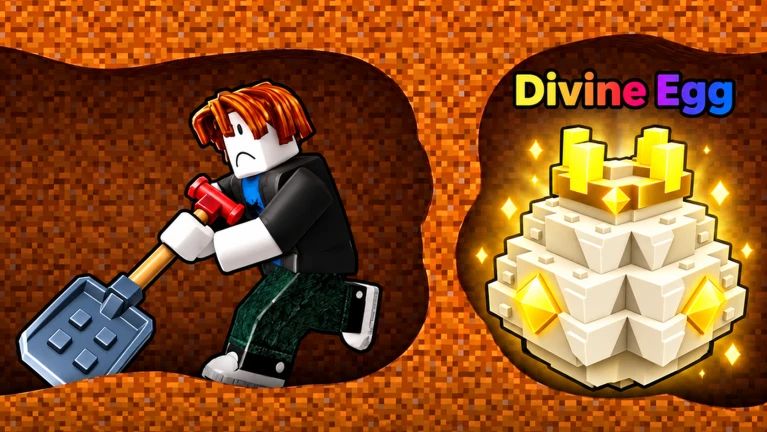
In short
Selling an animal does not erase it from the Pet Index, so you can trade freely without losing badge progress.
Every species you hatch is logged in the Pet Index permanently, even if you sell that animal afterward. Discovering ten distinct species earns you the Animal Collector badge.
- Sell any duplicate species the Index entry stays recorded even after selling.
- Aim for ten unique species to unlock the Animal Collector badge.
05
Earning cash while you are offline
Summary
In short
Expanding your plot adds room for more pets, which raises the total cash waiting for you each time you return.
Your pets earn cash automatically, including while you are logged out. Expanding your plot adds room for more pets. Reinvesting that cash into plot expansions and shovel upgrades keeps the cycle moving.
- Offline earning pets generate cash even when you are not playing.
- Plot expansion a larger plot holds more pets.
- Reinvestment cash from pets and sales goes back into shovel upgrades or further plot expansions.
Glossary
Glossary- Stud
- The distance unit Roblox uses, including for measuring how far underground you have dug.
- Pet Index
- The in-game record of every animal species you have hatched; entries remain even after you sell an animal.
- Legendary
- A rarity tier for animals in the game; hatching one of Legendary rarity or higher earns the Legendary Discovery badge.
- Plot
- The space where you place your pets; expanding it lets you house more pets.
Common questions
FAQDoes selling a pet remove it from the Pet Index?
No. Once a species is recorded in the Pet Index it stays there permanently. You keep the badge progress and gain cash at the same time.
How do I earn the Deep Digger badge?
Dig at least 100 studs below the surface. Training your strength and unlocking more powerful shovels helps you reach that depth.
Updated Nov 6, 2026
Game updates can change what is on this page. If you spot something, get in touch and let us know.
Game updates can change what is on this page. If you spot something, get in touch and let us know.
