
RC Park — Getting started
About
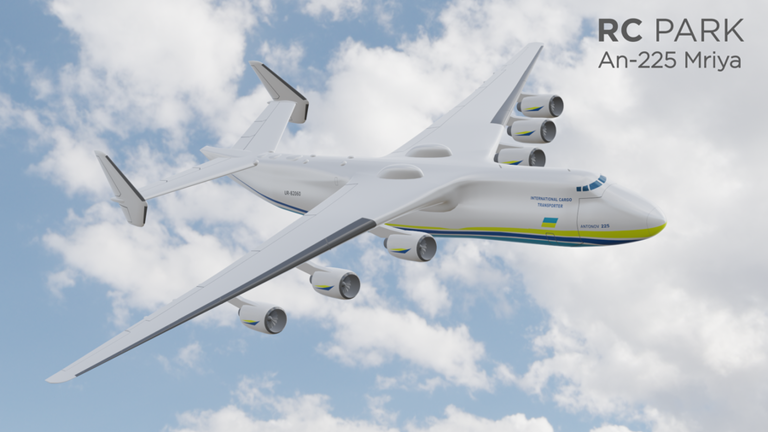
OverviewRC Park is Roblox's first RC flight simulator, letting you pick from over 200 remote-controlled aircraft and take them into the air on your own. This guide covers the controls, in-flight features, and what to check when something goes wrong.
What is on this page
Contents
Getting started
Step
When you load in, your first job is choosing an aircraft from the roster of more than 200 options. Once you have one you like, spend a moment reviewing the controls before you push the throttle. Starting your practice over a wide, open area gives you the most room to correct mistakes.
- Pick an aircraft browse by look or performance and settle on one before doing anything else.
- Check the controls run through the key bindings in your head so nothing surprises you mid-flight.
- Find open space take off somewhere free of obstacles while you are still getting comfortable.
- Start engines press Y to start the engine before you try to move.
Core controls
Table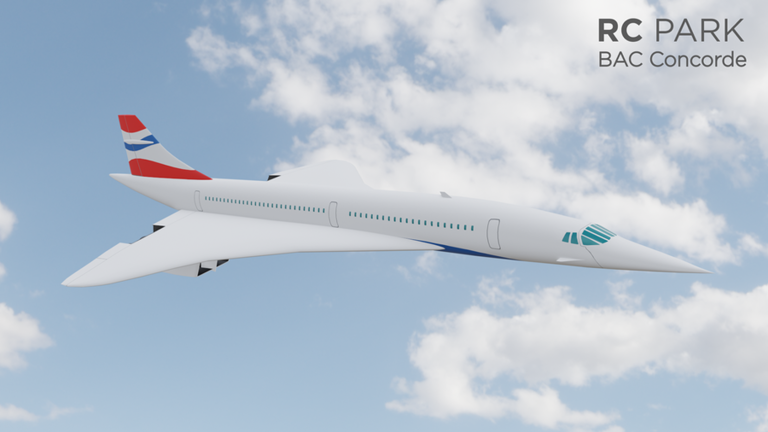
These are all the controls published for RC Park. Learn the engine and throttle keys first, then layer in steering and the extras.
| Key / Input | What it does |
|---|---|
| Y | Start or stop the engine |
| Left Shift | Increase throttle (speed up) |
| Left Ctrl | Decrease throttle (slow down) |
| W, A, D, S | Steer the aircraft (pitch and roll) |
| Q, E | Additional steering inputs |
| Z | Cycle through camera views |
| C | Open gain control (adjust response sensitivity) |
| G | Raise or lower landing gear |
| T | Wing sweep or nose droop (select aircraft only) |
| Shift + P | Switch to free-camera mode |
| Xbox — Y, X, Bumpers, D-Pad, Joysticks | Full gamepad control of the aircraft and UI |
In-flight features worth knowing
Tips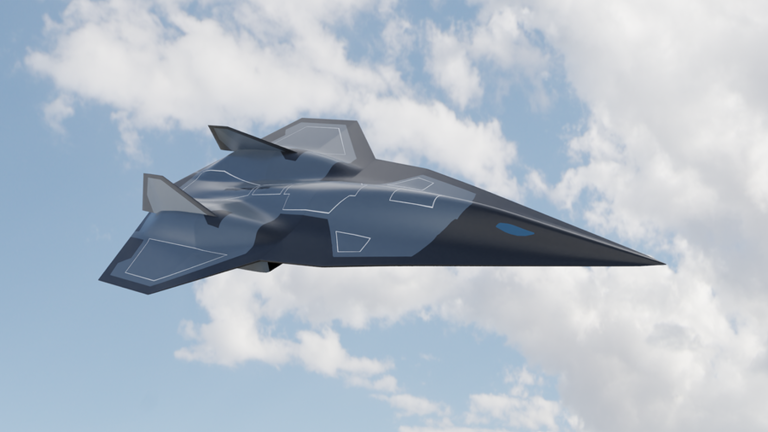
Beyond basic steering, RC Park gives you several controls that change how the plane feels or what you can see.
- Gain control (C) adjusts how sharply the aircraft reacts to your steering inputs.
- Landing gear (G) should go down before you land and come back up once you are airborne.
- Wing sweep and nose droop (T) are only on certain aircraft, but they let you change the plane's shape mid-flight to shift its performance.
- Free-camera mode (Shift + P) detaches the camera entirely so you can watch your aircraft from any angle without touching the controls.
- The camera cycle key (Z) lets you switch views while flying.
When the aircraft will not behave
CheckIf something feels wrong, run through these checks before anything else. They cover the most common reasons a flight goes badly.
- Aircraft not moving at all confirm you pressed Y to start the engine.
- Cannot climb check that you have pushed Left Shift enough to build real throttle.
- Steering feels dead open gain control with C and make sure sensitivity is not set to zero.
- Aircraft losing control and dropping you have entered a stall; increase throttle to recover.
Glossary
Glossary- Throttle
- The control that sets how much power the engine produces, directly affecting your speed.
- Gain control
- A sensitivity setting that determines how quickly the aircraft responds to your steering inputs.
- Landing gear
- The wheels or skids that extend for landing and retract for flight, toggled with G.
- Wing sweep
- A feature on select aircraft that changes the wing angle mid-flight to alter performance characteristics.
- Free-camera mode
- A view where the camera moves independently of the aircraft so you can observe it from any angle.
- Stall
- A condition where the aircraft drops too much speed to stay in controlled flight.
Common questions
FAQHow many aircraft can I fly?
There are over 200 aircraft to choose from, and new ones are added through regular updates. The XF-92, for example, was added with two liveries in a recent update.
Do I need an Xbox controller to play?
No — the keyboard controls cover everything the gamepad does. The Xbox controller is an option, but it is not required.
Can I play with friends?
RC Park is a solo simulator, so you fly by yourself rather than sharing the sky with other players.
Is there a cost to play?
The base game is free and all 200-plus aircraft are available to fly. There is no limit on how many times you can take off.
Game updates can change what is on this page. If you spot something, get in touch and let us know.
