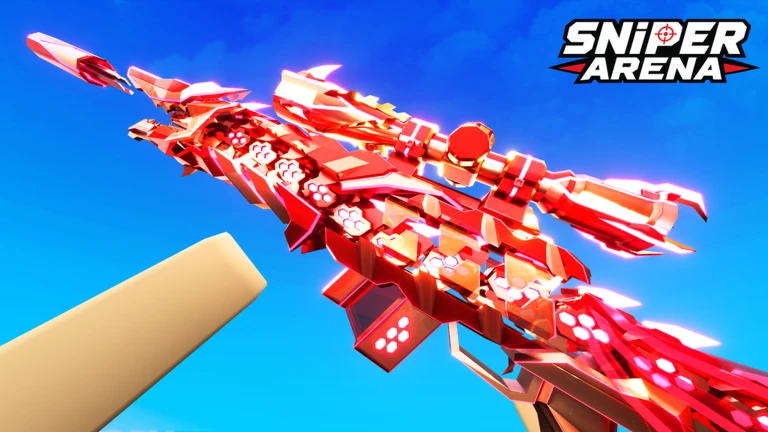
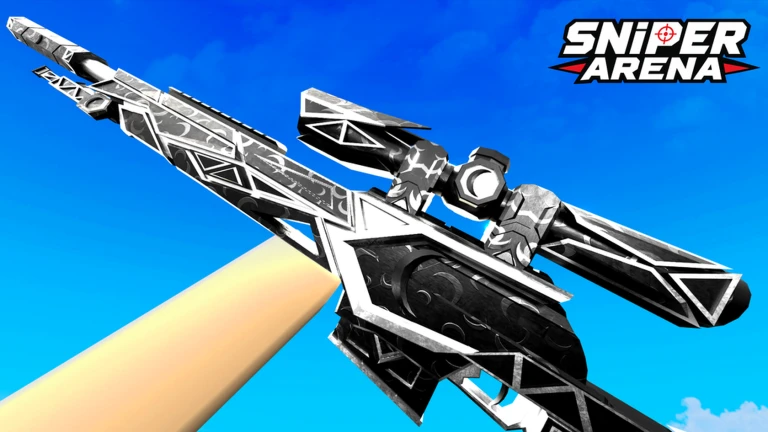
Sniper Arena is a first-person competitive shooter on Roblox where you use sniper rifles to eliminate other players, earn Credits, and unlock new snipers. This guide covers everything you need to start playing, improve your aim and positioning, manage your Credits wisely, and stay safe while doing it.
In shortSpend your first three matches learning the map and controls rather than worrying about your score.
Before your first match, open the settings and check your aim sensitivity, field of view, and crosshair display. If your crosshair overshoots enemies, drop the sensitivity a little — otherwise leave it alone. Each of your first few matches should have a specific focus so you build skills one at a time instead of all at once.
Check settingsopen sensitivity, field of view, and crosshair options and note the defaults before changing anything.
First matchstudy where cover is and where enemies tend to appear, and ignore your kill count entirely.
Second matchpractice moving away from your firing spot the instant you shoot.
Third matchtry placing your crosshair on a corner or doorway before an enemy appears there.
Stick with the starter sniperplay several matches before buying the next weapon so you don't waste Credits.
Crates and the marketexplore those menus only after the basic controls feel comfortable.
In shortPre-aiming common spots and moving immediately after each shot cuts the time enemies have to react to you.
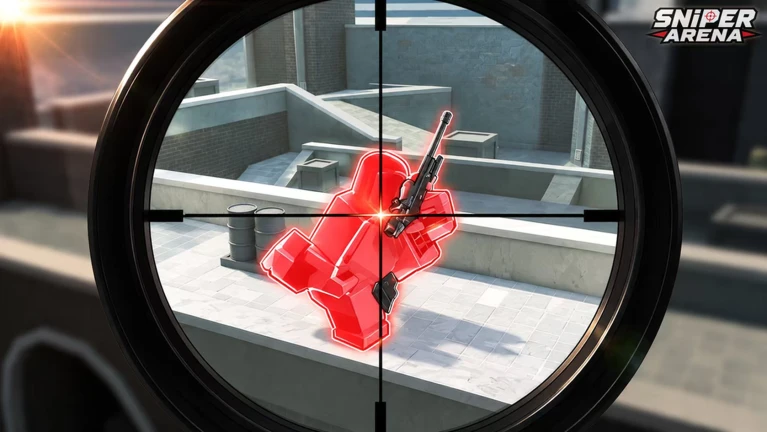
Sniper Arena rewards players who think about where enemies will be before they appear. If you wait until you see an enemy and then swing your crosshair over, you are already behind. Keep your crosshair at head height and aimed at the next place an enemy could walk out of. After you fire, get behind cover before you look for your next target — staying in the open after a shot is the most common way to die.
Tips worth knowing
Place your crosshair on corners, doorway exits, and windows before enemies arrive so you barely have to move it when they show up.
Keep crosshair height near where heads appear — it shortens the distance you need to drag to get a hit.
After every shot, return to cover before peeking out again from a different angle.
Use crouch and slide to cross open ground so enemies have a smaller, moving target to track.
When aiming at a moving enemy, lead slightly ahead of their direction of travel rather than pointing at where they are right now.
03Live and upcoming eventsEvents
Events running now or coming soon. They have fixed dates, so check them first.
Live now –
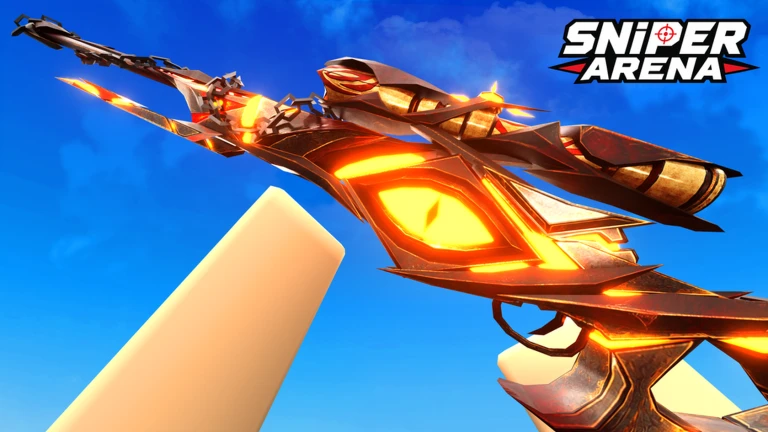
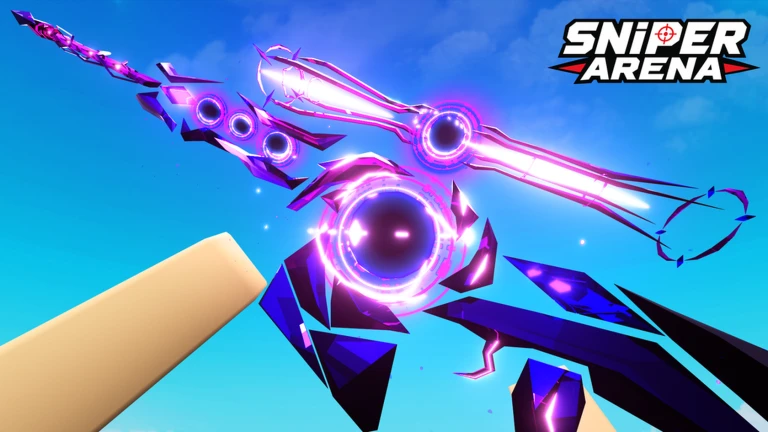
New Secret Skin!
The New SCRT is coming soon!
Live now –
🎃 Halloween Event!
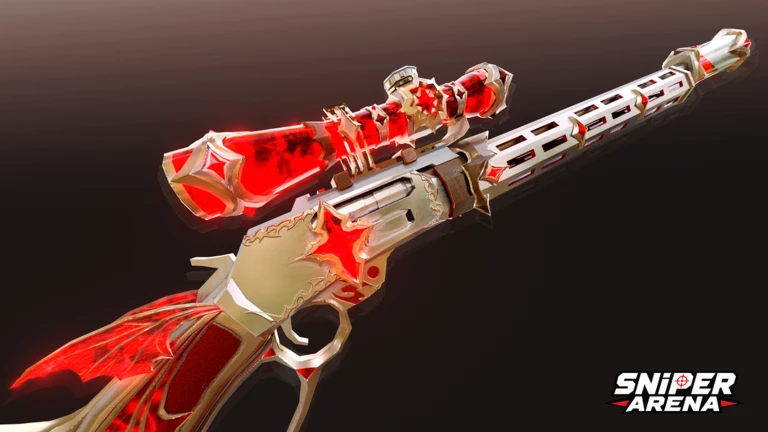
Join the event to earn FREE Halloween knife & sniper skins, Dream Cases, Secret Cases, and Cash!
In shortPinning down one specific reason you died — and fixing only that — gets you improving faster than changing everything at once.
If you are losing repeatedly, resist the urge to swap weapons or tweak multiple settings between every match. Changing several things at once makes it impossible to know what actually helped. Sort each death into one of three categories and then address only that one problem.
Getting killed before you shootyour route and the angle you peek from are being read, so change both.
Shots consistently missingadjust a single sensitivity setting and run several matches before touching anything else.
Hitting enemies but still dyingyou are not moving to cover fast enough after firing.
Performance dropped after switching snipersgo back to the familiar weapon and compare results before committing to the new one.
Shots feel out of sync with what you seelower graphics quality, close background apps, and rejoin on a different server.
Changing too many things at oncefix one item per session so you can tell what actually made the difference.
05
Credits and Cash — earning and spending them wisely
Summary
In shortDecide what you are saving for before you spend, and you will never burn Credits on something you regret.
Credits are the main currency you earn in matches by eliminating enemies and completing challenges. Cash comes from selling skins on the player market. Both are useful for different things, so it helps to have a plan before you open your wallet. Playing to the end of every match rather than leaving early also keeps your Credit income steady, because you lose out on both Credits and map knowledge when you quit.
Credits earned from eliminations and challenges; used to unlock new snipers.
Cash earned by selling skins on the player market; used to buy premium skins.
Crate skins cosmetic only, no stat effect, and sellable for Cash if you don't want them.
Challenges complete them alongside normal matches so you're not grinding separately.
Battle Pass free rewards check these regularly since they are easy to overlook.
Spending plan decide on weapon or skin before spending so you don't make impulse purchases.
06
Credit bonuses worth knowing
Tips
In shortTwo straightforward habits can lift your per-match Credit income by a meaningful amount.
There are two Credit multipliers available to players that stack on top of your normal earnings. Check the lobby screen before each session to confirm they are active.
Tips worth knowing
Roblox Premium membership gives a 20% boost to Credits earned inside a match.
Playing with friends also adds a 20% in-match Credit bonus — verify this is active in the lobby before the match starts.
In shortSkins never affect your stats, so there is no competitive pressure to spend — treat the market as a side activity rather than a necessity.
Crates give you a random skin from a pool of possibilities, so check what could come out and what it costs before you open one. The player-driven market means prices shift depending on when skins are listed. Rare or limited skins you don't recognize are safer to hold than to sell immediately.
Worth watching out for
Skins are cosmetic onlyequipping an expensive one gives zero stat advantage over a default skin.
Check a crate's possible contents and price before opening it, because the result is random.
Before listing a skin, look at what other players are currently asking for the same one.
Hold onto limited skins you can't valuestore them and watch the market before selling.
Only use the in-game marketnever trade skins, Credits, or Cash outside the game, and never give your password to anyone.
09
Platform controls at a glance
Table
In shortEvery platform has full support, so pick whichever device you already own.
Sniper Arena runs on PC, mobile, Xbox, and PlayStation 5. The core actions map to different inputs depending on your device, and mobile gets auto-lock to compensate for touchscreen aiming.
Shoot (PC)
left mouse button
Aim (PC)
right mouse button
Crouch and Slide (PC)
Ctrl or C
Inspect (PC)
V
Shoot (Controller)
R2
Aim (Controller)
L2
10
Safety and fair play
Warn
In shortCheating gets you permanently banned with no appeal, and outside trades risk your account being stolen.
The game enforces a strict no-second-chances policy on cheating: if you use aim-assistance software or modified Roblox clients and get caught, the ban is permanent. Beyond the ban risk, unofficial files can also steal your account credentials. Keep personal information out of chat, and if someone harasses you, use the mute, block, and report tools rather than responding.
Worth watching out for
Using cheat scripts or modified clients results in a permanent banthere is no appeal process.
External files and unofficial Roblox builds can contain account-stealing malware.
Never share your password or trade items outside the in-game market, no matter what someone promises.
Keep your real name, school, address, and social media details out of in-game chat.
Report harassment with the in-game tools and do not engage with the person directly.
Crates can cost Robuxagree on spending rules with a parent or guardian before opening any.
Community strategy ideas
Community
These ideas and tips come from people playing the game. Share your discoveries too!
No strategy ideas yet. Share a tip you discovered.
Share a strategy idea
[🔥NEW SNIPER] Sniper Arena
Glossary
Glossary
Credits
The main in-game currency earned from eliminations and challenges, used to unlock new snipers.
Cash
A secondary currency earned primarily by selling skins on the player market, used to buy premium skins.
Crate
A loot box that gives one random skin from a set pool of possibilities.
Skin
A cosmetic item that changes the look of a sniper or other gear without affecting any stats.
Player market
The in-game system where players list and buy skins from each other using Cash.
Battle Pass
A progression system that hands out rewards at each tier, including free rewards available to all players.
Slide
A low, fast movement that makes you a harder target to hit while crossing open ground, activated on PC with Ctrl or C.
Cover
Any wall, box, or structure you can hide behind to block incoming shots.
Auto-lock
A mobile-only aiming assist that helps touchscreen players track targets.
Common questions
FAQ
Do expensive skins make you stronger in matches?
No — skins are cosmetic only and carry no stat bonuses whatsoever. A player using the default skin competes on exactly the same terms as one wearing the rarest skin in the market.
Can you progress without spending Robux?
Yes. Credits from matches and challenges unlock new snipers, and crates earned through play give you skins you can sell on the market for Cash. The market is player-driven, so you can build up Cash by trading without ever buying Robux.
How do the 20% Credit bonuses work?
Two separate bonuses each add 20% to the Credits you earn inside a match: one for Roblox Premium members, and one for playing alongside friends. Check the lobby screen before a session to confirm they are showing as active.
What happens if you get caught cheating?
The game permanently bans accounts caught using cheats, with no second chances offered. On top of the ban, unofficial cheat software and modified Roblox clients can also steal your account credentials.
Is Sniper Arena playable on mobile?
Yes — phones and tablets are supported with auto-lock aiming to help with touchscreen controls.
Updated Sep 6, 2026
Game updates can change what is on this page. If you spot something, get in touch and let us know.
 Live now
–
Live now
–

 Live now
–
Live now
–
 FREELIKE6