
Ride and Slide — Getting started
About
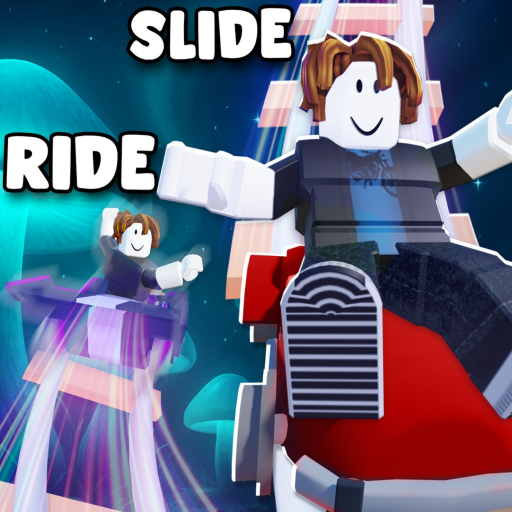
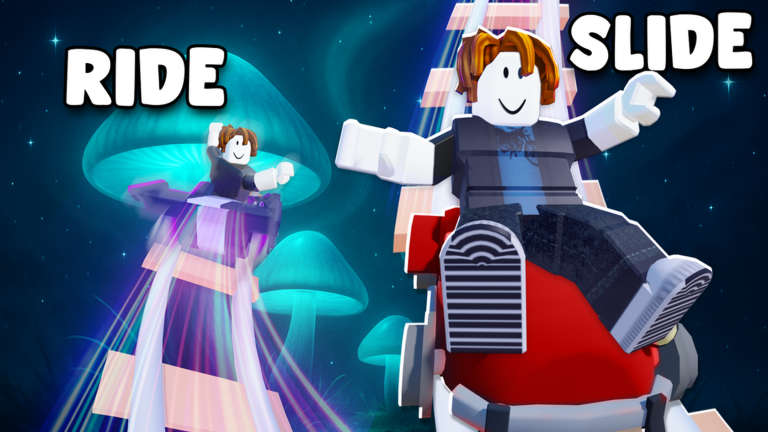
OverviewRide and Slide is a racing and obstacle-course game where you jump into a cart and speed through colorful tracks, collecting trophies along the way. This guide covers how to get started, how to improve your lap times, and what the Shiny World Update adds to the game.
What is on this page
Contents
Getting started
Step
When you first open the game, a character creation screen appears. Choose a character you like, then jump straight into the tutorial race. The tutorial teaches you the basics of riding and steering the course.
- Pick your character choose whoever catches your eye on the creation screen.
- Enter the tutorial race follow the course to learn the basics of riding and controls.
- Reach the goal focus on finishing rather than winning your first time.
Improving your race times
Tips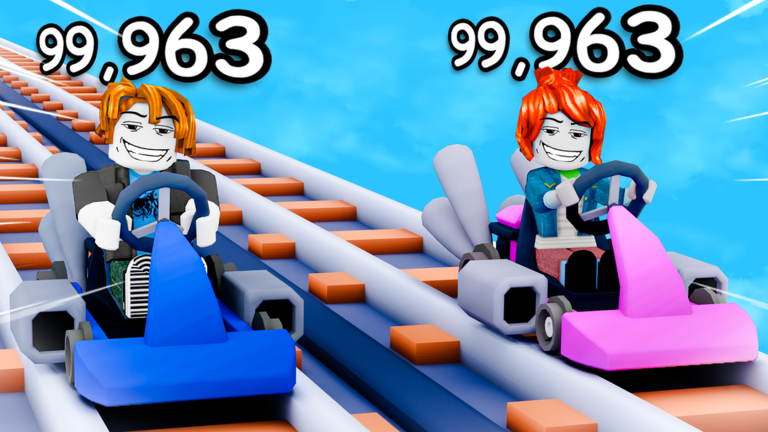
Every course rewards players who memorize the layout and make clean decisions at every corner.
- Brake before a curve, not during it — slowing down early keeps you from flying off the edge.
- Go full speed on straight sections to make up time between corners.
- Learn the layout of each course so you can anticipate turns rather than react to them.
- Run the same course several times — consistent practice is the fastest way to find the shortest path to the goal.
- Match your cart choice to how you like to play, since different carts have different handling.
Collecting trophies and unlocking carts
Check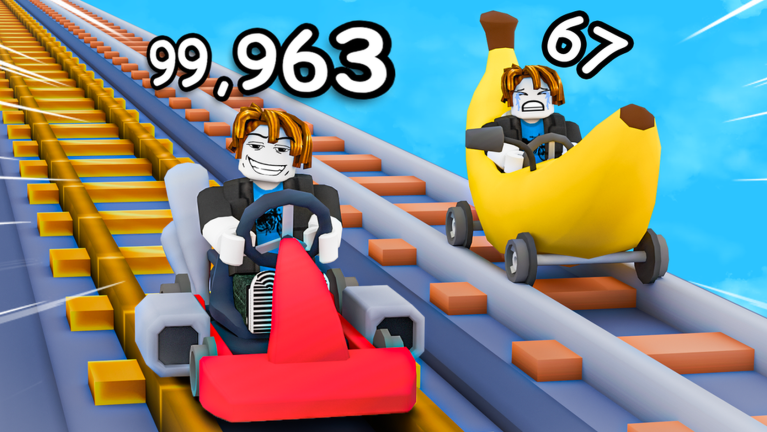
Trophies are the main reward for completing races and obstacle stages. As you collect more, new carts become available. You do not need to spend anything to earn trophies or unlock vehicles through normal play.
- Clear each stage to earn its trophy reward.
- Try every stage type both racing courses and obstacle sections award trophies.
What the Shiny World Update adds
Summary
The Shiny World Update introduced new sparkling tracks and a goal of reaching the top of the Shiny Egg stage. Completing these new courses rewards you with shiny prizes and dazzling new carts.
- Sparkling tracks a set of visually new courses added by the update.
- Shiny Egg stage a course where reaching the top is the main objective.
- Shiny rewards prizes earned by sliding down the new tracks faster.
- Dazzling carts new cart designs unlocked through the update's stages.
When you are stuck
Check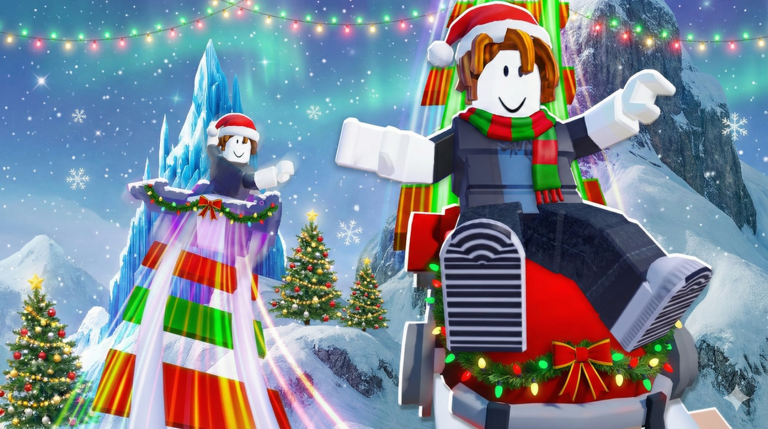
If a stage keeps stopping you, go through this list.
- Check your braking are you slowing down before curves, or still hitting them at full speed?
- Check the goal location do you know exactly where the finish is so you are not heading the wrong way?
- Go back to the tutorial if the controls still feel awkward, a quick replay of the tutorial can reset your fundamentals.
Playing with others
TipsRide and Slide supports multiplayer, so you can race against other players or explore stages alongside them.
- Race against other players online to add real competition to any track.
- Explore stages together if you want a more relaxed session.
- Set a personal best target on your favorite course and chase it down over several sessions.
Glossary
Glossary- Trophy
- A reward you earn by completing a race or stage, and the main thing to collect as you progress.
- Cart
- The vehicle you ride through every course; different carts have different designs and handling.
- Shiny World Update
- A major update that added sparkling tracks, the Shiny Egg stage, and new dazzling carts.
- Stage
- One individual course or obstacle run, with its own layout and trophy reward.
- Unlock
- Making a new cart or stage available by meeting an in-game condition such as finishing a course.
- Multiplayer
- A mode where multiple players race or explore the same stage at the same time.
Common questions
FAQWhich course should I play first?
Start with the tutorial race to get comfortable with the controls. Once that feels natural, move to easier stages and work your way up gradually.
How do I unlock more carts?
Clear stages to earn carts as rewards. The Shiny World Update stages also have their own dazzling carts, so exploring those new tracks is worth it.
Can I play through everything without spending Robux?
Yes — races, obstacle stages, and trophy collection all work without spending anything. The core loop of clearing stages and unlocking carts is fully available to free players.
My best time won't improve. What should I focus on?
Brake earlier going into corners and hit full speed on every straight section. Running the same course several times to memorize its layout is the most reliable way to shave time off your runs.
Game updates can change what is on this page. If you spot something, get in touch and let us know.
