 Live now
–
Grass Monster is Angry
The Grass monster is angry and has been doing something underground!

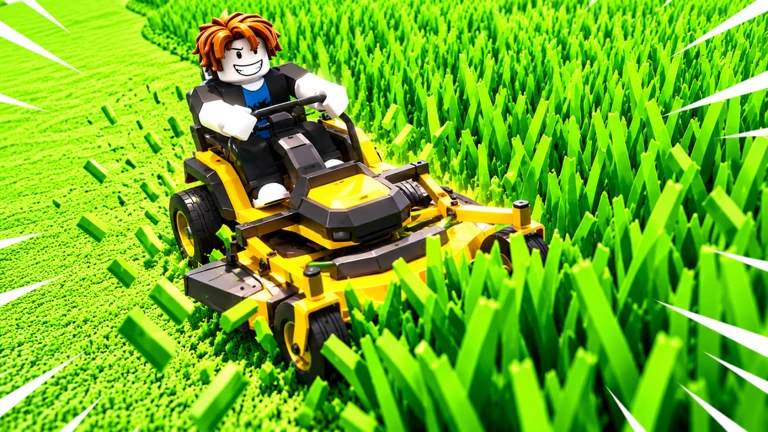
Clip That Grass is a Roblox game where Grandma lost her phone somewhere in an overgrown yard, and it's your job to cut through the grass and find it. You start with tiny nail clippers, sell what you cut, upgrade to better tools, and work through two maps. This guide covers the upgrade loop, how to earn gems, and tips for making faster progress.
Found a useful trick? Share it with everyone! Notes with screenshots are welcome!
[👽] Clip That Grass
You begin holding a small pair of nail clippers — the weakest tool in the game. The goal is simple: cut grass until your bag is full, then sell what you have collected for cash. That cash unlocks the next tool, which cuts faster or covers more ground, letting you fill your bag quicker on the next run.

The next survey is being prepared.
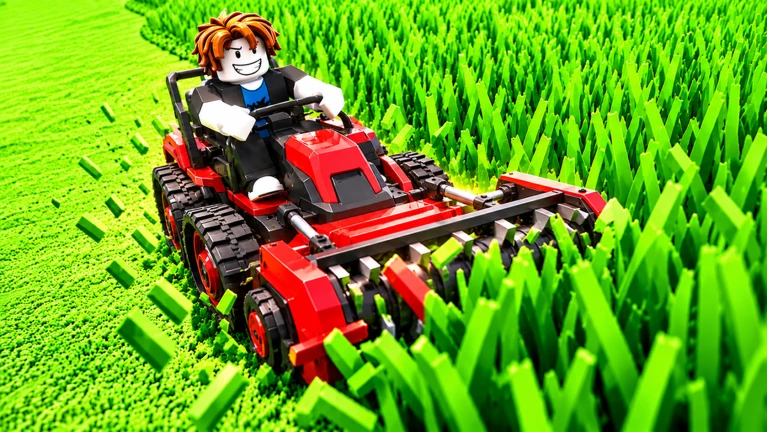
Every tool you buy cuts grass faster or covers a wider area than the one before it. Reaching all 20 is the long-term goal of the upgrade system.
Events running now or coming soon. They have fixed dates, so check them first.
Live now
–
The Grass monster is angry and has been doing something underground!
The game currently has two maps, each with a different objective buried somewhere in the grass. Both play the same way mechanically, but the item you are hunting changes.
| Map 1 | find Grandma's phone hidden in the overgrown yard. |
| Map 2 | find Grandpa's keys lost somewhere in the grass. |
| Solo play | both maps are fully playable alone at your own pace. |
| Co-op | play with up to 4 friends. |
You collect gems through the prize wheel, achievements, and redeem codes. Premium players also receive a 20% gem bonus and one extra free spin every day.
 WELCOME
free gems
500LIKES
200LIKES
Yes, both maps work perfectly well solo. You cut grass, sell it, upgrade your tools, and search for the hidden item at your own pace.
There are 20 tools in total, starting from nail clippers and ending with futuristic mowers. You unlock each one by saving up enough cash from selling grass and buying it in the shop.
Before you start
Please check the following before using MetaNew.
* You can change your email preference any time from your profile.
