
sesh. — Getting started on PC
About
OverviewSesh is a realistic skateboarding game set across a New York City map, where you pull off tricks to earn cash and XP. This guide covers the basics of getting started, how challenges work, ways to play with friends, and tips for pushing past a plateau.
What is on this page
Contents
Getting started on PC
Warn
The game itself notes that some features are only available on PC. Use the in-game tutorial to learn the controls before trying anything ambitious.
How challenges earn you cash and XP
Step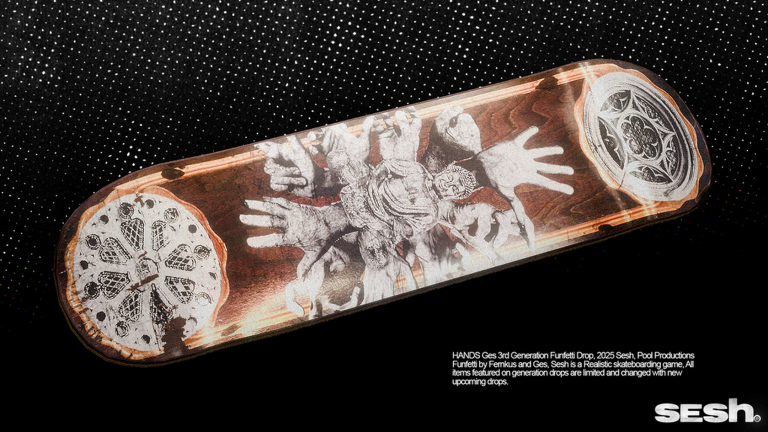
Completing challenges around the NYC map rewards you with cash and XP. Three difficulty tiers exist — easy, medium, and hard — and there are also daily challenges that refresh regularly. Clearing every daily challenge in a single day counts as a separate achievement.
- Explore the map find challenges scattered across the NYC areas
- Work through easy, medium, and hard each tier has its own badge on completion
- Hit all daily challenges completing every one earns the Challenge Completionist badge
Playing with others
Tips
Teaming up and trading are both supported, and private servers come with free admin so you can manage your own space.
- Join or create a team to play alongside others and unlock the co-op badge
- Trade items with other players — the Trader badge confirms a successful swap
- Private servers are free to administer, making them a good spot to practice with friends
Decks, boxes, and spending your cash
Table
You earn cash through challenges and can spend it on different decks. Some decks are bought outright, while items also come from boxes — and the rarest possible box pull earns the Lucky Ducky badge. Everything core to the game is reachable without spending real money; paid options are cosmetic or convenience-based.
| Starter deck | what you ride from the beginning |
| Cash-bought decks | unlocked by saving up in-game currency earned through challenges |
| Box items | obtained through the box system, with the rarest pull earning the Lucky Ducky badge |
| Free-to-play access | all challenges, cash earning, and private servers are available without spending real money |
Breaking through a skill plateau
Check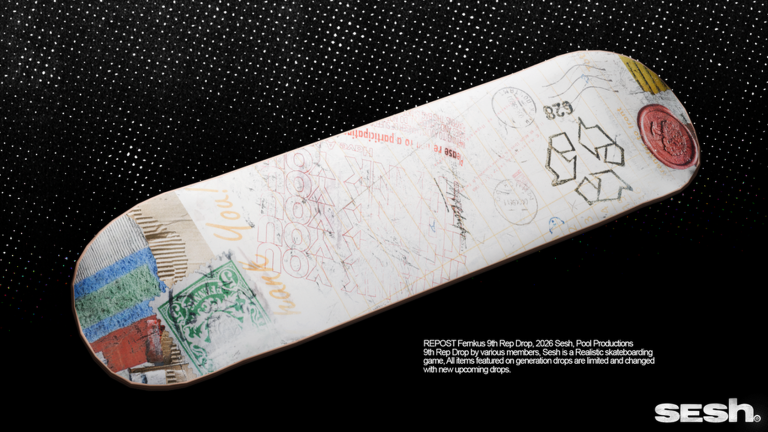
It is easy to get stuck grinding the same trick in the same spot. Rotating what you practice and where you practice it keeps improvement moving. A private server also lets you work on problem areas without other players in the way.
- Try a different trick broadening your repertoire opens up more challenge options
- Move to a new area of the NYC map
- Step away from a hard challenge and return after practicing something easier
- Use a private server for focused solo or co-op practice
Glossary
Glossary- Cash
- The in-game currency you earn by completing challenges, used to buy decks and other items.
- XP
- Experience points gained from challenges.
- Trick
- A skateboarding move you perform on the map, the core skill the game is built around.
- Challenge
- A task placed around the NYC map that rewards cash and XP when completed.
- Deck
- The skateboard you ride, which can be swapped out using cash you have earned.
- Private server
- A personal game session you control, free to administer, where you can practice or hang out with friends only.
Common questions
FAQDo I need to spend real money to progress?
No. Every challenge, cash reward, and private server feature is available without paying anything. Paid options cover cosmetics and convenience rather than core progression.
Can I play on mobile?
You can load the game on mobile, but some features are only available on PC. For the full experience, a computer is the right choice.
How do I play with a friend?
Create or join a team to play together, or open a private server where you both have space to practice freely. Private server admin is free, so there is no cost to setting one up.
What should I do when I keep failing the same challenge?
Switch to a different trick or a different part of the map for a while.
Game updates can change what is on this page. If you spot something, get in touch and let us know.
