
Poly Loot Guide: Your first minutes in the game
About
OverviewPoly Loot is a Roblox RPG where you fight monsters, collect gear, and level up your character across multiple areas and boss encounters. This guide covers everything from your first steps to boss fights, equipment upgrades, and efficient leveling — whether you are just starting out or pushing toward the higher level milestones.
What is on this page
Contents
Your first minutes in the game
Step
When you load in, seek out Captain Mara first, then follow her directions to Ser Aldric to pick up your starting sword. Open your Inventory to equip it before you go anywhere. Quests can be accepted several at a time, so check every building and the village leader for requests before heading out — if multiple quests target the same enemies, you can complete them all in a single run. After you kill your first enemy, glance at your quest tracker to confirm the count went up; if it did not, check that you accepted the quest before the kill.
- Talk to Captain Mara she points you toward Ser Aldric and your starting sword.
- Equip the sword open Inventory and slot the weapon before leaving the starting area.
- Stack your quests accept every quest targeting the same enemy type so one fight counts toward all of them.
- Confirm the kill counts kill one enemy, then verify your quest progress ticked up before farming more.
MetaNew Player Survey
The next survey is being prepared.
Spending your stat points
Table
Each time you level up, you get points to spend in the Stats screen. There are three main options.
| Damage | fewer hits needed to kill each enemy |
| Health | more total HP so you survive longer before needing to retreat |
| Defense | reduces the damage each enemy hit deals to you |
Equipment grades, upgrades, and shards
Tips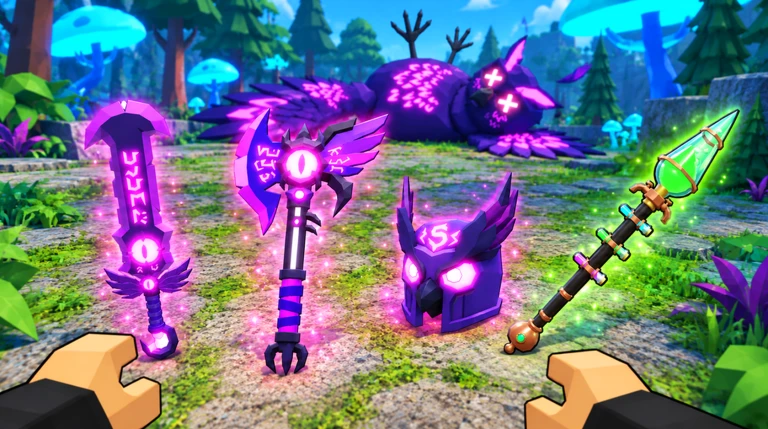
Every piece of gear — weapons, armor, and mounts — carries a grade shown as a letter from F− up to Z+. That grade is separate from rarity labels like Common or Rare. Always compare the actual attack or defense numbers, not just the rarity color. Weapons can be upgraded to level 10 at the Upgrade station using coins and shards; reaching level 10 on any weapon earns you the Max a Weapon badge. Grades can be rerolled at the Tiers station using scrolls — scrolls come in weapon, armor, and mount versions, and each only works on its matching gear type. Breaking down unwanted gear at the Crafting station turns it into shards you can use at Upgrade.
- Use Crafting to break down spare gear into shards — those shards feed the Upgrade station.
- Match your scroll type to the gear you are rerolling; a weapon scroll will not work on armor.
- Weapons cap at upgrade level 10 — reaching that on any weapon unlocks the Max a Weapon badge.
- Mounts have grades too.
Using the Index and the Rewards screen
Check
The Index lists enemies, items, and drop rates. Before you grind for a specific piece of gear, look it up there so you know exactly which enemy drops it and how rare the drop is. The Index also tracks kill-count milestones that unlock rewards — open it after any long farming session to see if anything became claimable. The Rewards screen is separate and handles daily login bonuses and playtime-based rewards; check it each session.
- Look up a desired item in the Index before farming so you target the right enemy.
- After a farming run, open the Index and claim any kill-milestone rewards you have unlocked.
- Open the Rewards screen at the start of each session to collect login and playtime bonuses.
- If Z Tier is your goal, the drop chance is 1 in 10,000.
XP Totems for faster leveling
TipsXP Totems are sold by the merchant. When placed, they boost experience earned from kills made inside their radius. Other players inside the same radius also receive the bonus, making Totems especially useful when playing with friends.
- Stack same-enemy quests first so every kill in the Totem's range is also quest progress.
- Stay inside the radius — moving to a different area right after placing it wastes most of the effect.
- When playing with others, make sure everyone is fighting inside the same radius.
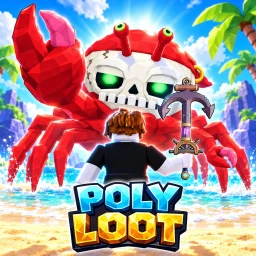 TRICKORTREAT
PUMPKIN
LOOTAWEEN
Spark
TRICKORTREAT
PUMPKIN
LOOTAWEEN
Spark
Mining, the Gold Mine, and Abilities
Step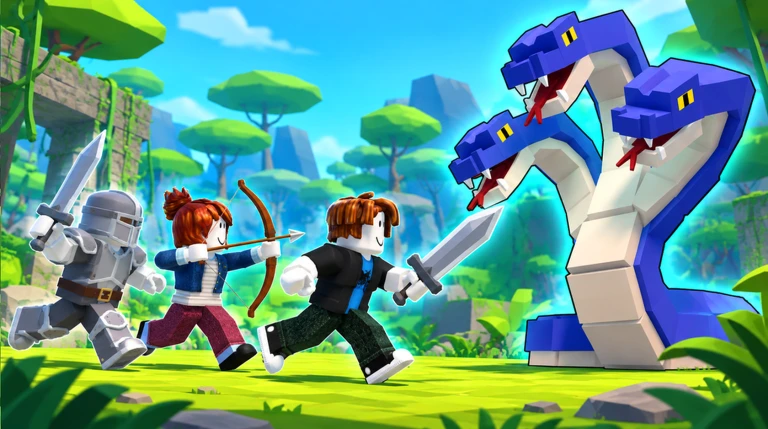
Mining is not available by default. You need to work through the cave quests and check in with Miner Tom to get his pickaxe quest, then craft the pickaxe at the Crafting station. Bear Mountain has good mining spots, but some of that area allows PvP — look for spots marked PVP: OFF to mine safely. The Gold Mine is a separate facility that generates coins passively while you do other things; it unlocks through related cave quests. Abilities become available at level 30, but you also need an Ability Rune equipped — without it, you cannot use them. Check the Index for which enemies or bosses drop Ability Runes.
- Accept Miner Tom's pickaxe quest then gather the required materials and craft it at Crafting.
- Choose PVP OFF mining spots at Bear Mountain.
- Progress the cave quests to unlock the Gold Mine and start earning passive coins.
- Reach level 30 this is the minimum required before Abilities are accessible at all.
- Equip an Ability Rune level 30 alone is not enough; the Rune must also be in your loadout.
- Use the Index to find which enemies drop Ability Runes.
Boss order and what to expect
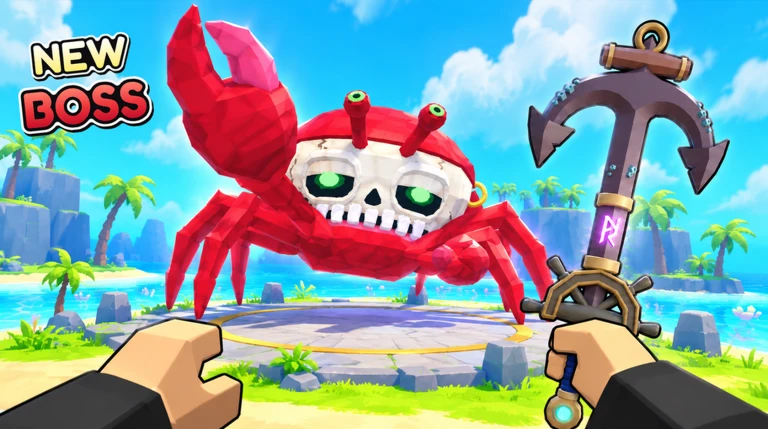
SummaryThere are six bosses in the game, each rewarding a unique badge when defeated. Hunter Robin is fought at the archery range rather than in the open world.
- King Chicken defeat for a unique badge
- Spider defeat for a unique badge
- Hero Nay defeat for a unique badge
- Hunter Robin fought at the archery range
- Triple Cobra upper-tier boss
- Warden Alder upper-tier boss
Glossary
Glossary- Loot
- Items that drop from enemies when you defeat them.
- Grade (Tier)
- A letter rating from F− to Z+ on a piece of gear that is separate from its rarity.
- Reroll
- Using a scroll at the Tiers station to randomly change a piece of gear's grade — the result can be better or worse.
- Shard
- An upgrade material obtained by breaking down unwanted gear at the Crafting station.
- Z Tier
- The highest possible grade for an item, with a drop chance of 1 in 10,000.
- Max Weapon
- A weapon upgraded to level 10, the highest upgrade level available.
- Mount
- A rideable vehicle your character uses to travel, which also has its own grade.
- Ability Rune
- An item you equip to activate special Abilities, which are only available from level 30 onward.
- PvP
- Player versus Player combat; some areas in Bear Mountain allow it, so look for PVP: OFF zones to mine safely.
- XP Totem
- A placeable item bought from the merchant that increases experience earned from kills within its radius, for you and nearby allies.
- Gold Mine
- A facility unlocked through cave quests that generates coins passively while you play.
- Index
- An in-game encyclopedia listing enemies, items, drop rates, and kill-milestone rewards.
Common questions
FAQWhich devices can I play Poly Loot on?
The game runs on desktop, mobile, and console.
How many players fit in one server?
Each server holds a maximum of eight players.
I accepted a quest but killing the right enemies is not raising my count — what is wrong?
Kills made before you accepted the quest do not count retroactively. Accept the quest, then kill one enemy of the correct type and watch the tracker to confirm it increments before continuing.
I have coins but the Upgrade station will not let me strengthen my weapon — why?
Upgrading costs both coins and shards matched to your gear type. If you are short on shards, go to the Crafting station and break down gear you no longer need to produce more.
Does an XP Totem only help the player who placed it?
No — any player inside the Totem's radius benefits from the experience boost. When grouping with friends, make sure everyone is fighting within range of the same Totem.
How do I get a Z Tier item?
Z Tier is the top grade and rolls at a chance of 1 in 10,000 when you reroll an item at the Tiers station.
Game updates can change what is on this page. If you spot something, get in touch and let us know.
