
Keys Guide: Before you start playing
About
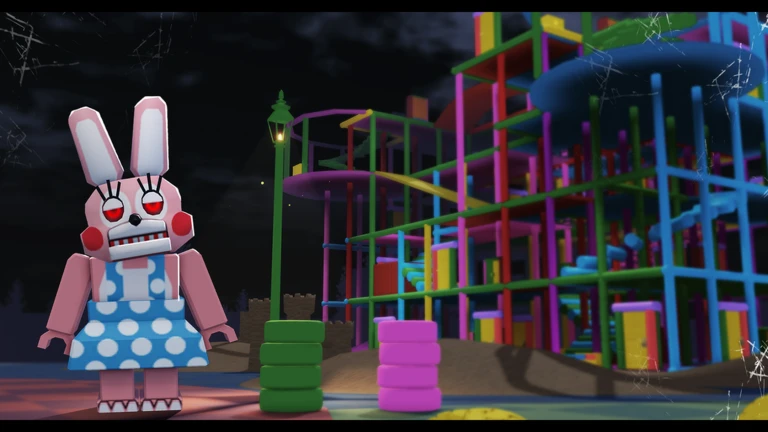
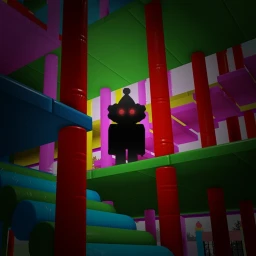
OverviewKeys is a horror puzzle game where you explore dark, mysterious locations, collect keys, and unlock doors while avoiding monsters that hunt you through the shadows. This guide walks you through the basics of getting started, surviving encounters, and pushing through when you get stuck.
What is on this page
Contents
Player notes and tips
Found a useful trick? Share it with everyone! Notes with screenshots are welcome!
Write a guide note
Keys 🗝️
Before you start playing
Check
Keys uses flickering lights and sudden loud sounds on purpose, so your environment matters before you hit play. Headphones are strongly recommended — the audio is a core part of how the game builds tension. Keep your volume at a moderate level from the start, because the game can get loud without warning. If you are sensitive to flashing lights, be aware that the flickering is frequent throughout.
- Plug in headphones before launching the audio experience changes the game significantly.
- Set your volume to a medium level so sudden sounds do not hurt your ears.
- Play somewhere calm and reasonably lit rather than a pitch-dark room.
- If flashing lights cause you any health concerns, take that seriously before proceeding.
- Solo play is fully supported, but having a friend nearby is fine if the atmosphere feels like too much.
MetaNew Player Survey

The next survey is being prepared.
Finding keys and opening doors
Tips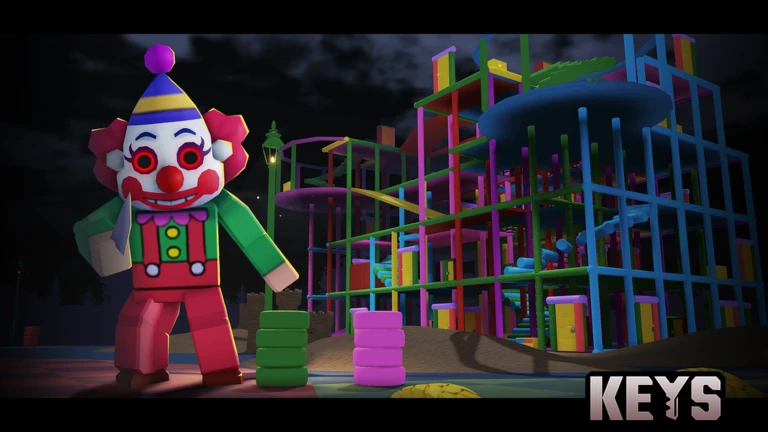
The core loop of Keys is simple: find a key, open a matching door, and step into a new area with new puzzles waiting. Each door needs its own specific key, so you cannot shortcut the process. The flashlight is your best tool here — sweep it across every corner, shelf, and high spot rather than sticking to the obvious path.
- Sweep the flashlight into every corner and along every wall before deciding a room is empty.
- Listen while you explore
unusual sounds can signal that a monster is nearby before you see it.
- Collect every key you spot before pushing into a new area.
Surviving monster encounters
Warn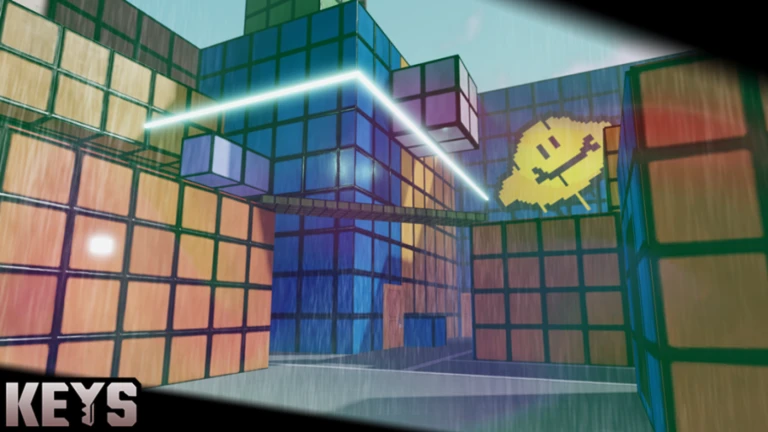
Monsters in Keys will chase you when they detect you. Getting caught ends your run, but you can restart as many times as you need with no time limit, so a death is a setback rather than a disaster.
What to do when you are stuck
Check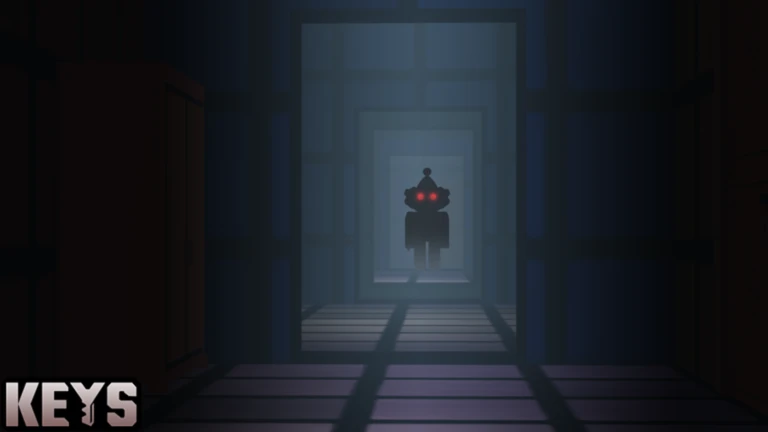
If a door will not open or you cannot find where to go next, the answer is almost always somewhere in the current area. If you have genuinely checked everywhere, revisit already-opened doors to see whether a new route has appeared.
- Have you lit up every wall, shelf, and high surface in the room with your flashlight?
- Does your flashlight still have battery? A dying light makes searches unreliable.
- Have you read any messages or hints the game has placed in the environment?
- Have you tried every door in the area, including ones you passed quickly earlier?
Free-to-play and paid content
TableKeys is designed so that spending money never affects how far you can get or how hard the game is. The entire map, every key, every door, and every puzzle is available to anyone at no cost. If paid items exist, they are cosmetic. That means two players side by side — one who has spent nothing and one who has spent a lot — face exactly the same challenges.
| Full game completion | free |
| All areas and puzzles | free |
| Paid items | cosmetic only, no gameplay effect |
| Difficulty | identical regardless of spending |
 Easter2024
Magic Egg Key
Halloween2024
Fire Crown Key
Glossary
Glossary- Key
- The collectible item you must find in each area to unlock a specific door and progress to the next part of the map.
- Flashlight
- Your primary exploration tool, used to light up dark rooms; keep an eye on its battery level or searching becomes nearly impossible.
- Monster
- An enemy that patrols the map and chases you on sight, causing a game over if it catches you.
- Area
- A distinct section of the map that opens up each time you unlock a door, bringing new keys and new puzzles.
- Horror effect
- Intentional design elements such as flickering lights and sudden loud sounds used to create tension throughout the game.
Common questions
FAQWhat happens when a monster catches me?
You get a game over, but you can restart immediately with no time limit pressing you.
Can I play with friends?
Keys is built around solo play. A friend cannot join your session, but there is nothing stopping someone from sitting next to you, watching, and calling out advice while you play.
What do I do if my flashlight battery runs out?
Without battery your flashlight stops working and exploring in the dark becomes extremely dangerous.
Are there any working redeem codes?
This site tracks two working redeem codes for Keys as of September 11, 2026. Check the codes section of this page for the current list, since codes expire and the page stays updated automatically.
Game updates can change what is on this page. If you spot something, get in touch and let us know.
