
 Live now
–
Live now
–
Game guide
Strike Back Guide: Basic controls
Is this game fun?
No votes yet. Cast the first one.
About
OverviewStrike Back is a PvP shooting game on Roblox where players fight each other using guns and movement. This guide covers the core features you need to know — from your first match to using the practice tools.
What is on this page
Contents
01
Basic controls
Step
In short
Once you have movement and shooting down, you can jump into a real match straight away.
Strike Back is played with mouse and keyboard. You move your view by moving the mouse, move your character with WASD or the arrow keys, and fire with left-click. If anything feels unclear when you first load in, the in-game tutorial walks you through the same controls.
- Look around move the mouse to aim your view at targets.
- Move use WASD or the arrow keys to reposition during a fight.
- Fire left-click to shoot when your crosshair is on an enemy.
- Check the tutorial use the in-game tutorial to confirm any step you are unsure about.
MetaNew Player Survey
The next survey is being prepared.
02
Aim Assist and sensitivity
TipsIn short
Aim Assist lowers the barrier for new players.
The game includes an Aim Assist feature that nudges your crosshair toward enemies automatically, which helps if you are not used to shooting games yet. You can check whether it is turned on or off in the settings menu. Sensitivity is adjustable there too.
Tips worth knowing
- Open the settings menu to confirm Aim Assist is enabled.
03 Live and upcoming events
Events
Events running now or coming soon. They have fixed dates, so check them first.
Live now
–
04
Revenge Vision in a fight
Check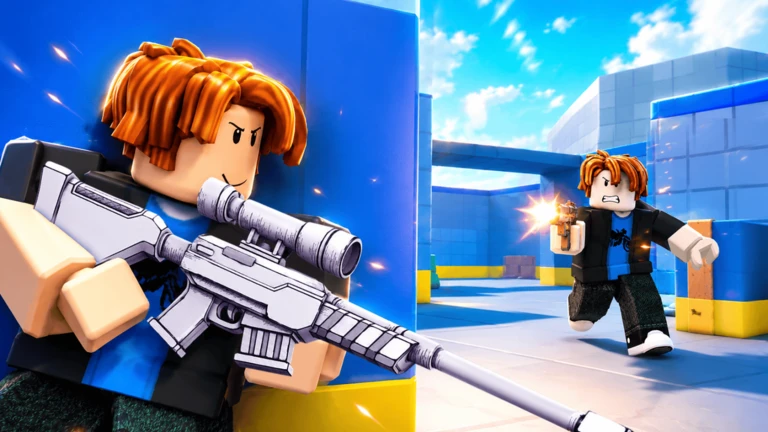
In short
Revenge Vision tells you exactly who is hurting you, so you always have a target to shoot back at.
Revenge Vision highlights any enemy who has dealt damage to you, making them appear with a crystal-like look on your screen. This is most useful when you have taken a hit and lost track of the shooter.
- After taking a hit, scan the screen for a crystal-highlighted enemy.
- Aim at that marked enemy first they are the one who just shot you.
05
Private server practice
Step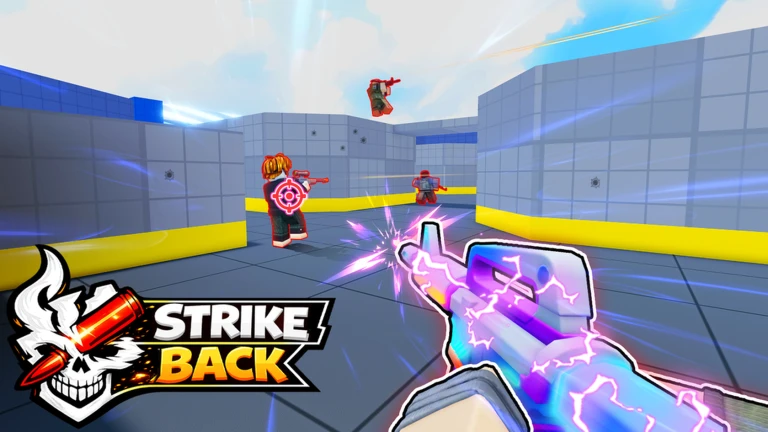
In short
The private server's bot toggle lets you train before you face real players.
A private server option is available in Strike Back, and it is free to use. Inside a private server you can switch bots on or off whenever you want. Turning bots on gives you moving targets to shoot at; turning them off lets you explore the map or work on your aim without any pressure.
- Enable bots turn bots on to spawn computer-controlled enemies to fight.
- Disable bots switch them off to walk the map without any pressure.
06
Playing without spending Robux
Summary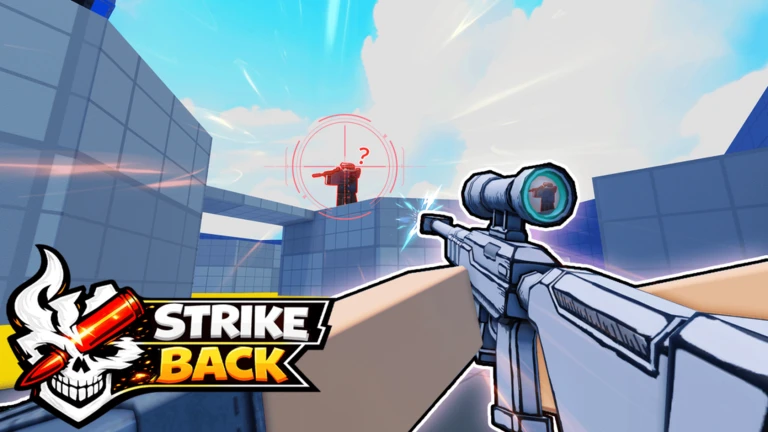
In short
Everything you need to practice and compete is available without spending anything.
All standard matches are open to every player at no cost. The private server and bot features are also free. One working redeem code is currently tracked on this site — entering it in the in-game code field earns you a reward.
- Normal matches free to enter for all players.
- Private server free to use with full bot control.
- Bot practice free inside any private server.
- Redeem codes one active code tracked on this site; enter it in the in-game field for a reward.
Glossary
Glossary- Aim Assist
- A setting that pulls your crosshair toward nearby enemies automatically, making it easier to land shots if you are new to shooters.
- Revenge Vision
- A feature that marks any enemy who has damaged you with a crystal-like highlight so you can spot and shoot them back quickly.
- Private Server
- A personal server you can open for free, where you control whether bots are active.
- Bot
- A computer-controlled enemy character you can spawn inside a private server.
- PvP
- Player versus Player — the main format of Strike Back, where you fight against other real players rather than computer enemies.
Common questions
FAQCan I play Strike Back if I have never played a shooter before?
Yes. The Aim Assist feature is designed specifically for players who are not used to aiming with a mouse. You can also spend time in a private server fighting bots before you go up against real players.
I keep getting shot from somewhere I cannot see — what should I do?
Check your screen for a crystal-highlighted enemy — that is Revenge Vision showing you who just damaged you.
Is there any reward for using a redeem code?
Yes. Find the code input field inside the game, paste a valid code, and the reward is added to your account.
Updated Sep 10, 2026
Game updates can change what is on this page. If you spot something, get in touch and let us know.
Game updates can change what is on this page. If you spot something, get in touch and let us know.
