
Onx’s Ragdoll Playground — The three controls you need to know
About
OverviewOnx's Ragdoll Playground is a sandbox game where you mess around with obstacles, buildings, and machines to send your character flying in ragdoll physics. This guide covers the core controls, how to hunt down every hidden badge, and a few things to keep in mind before you start.
What is on this page
Contents
The three controls you need to know
Table
The whole game is built around three actions. Ragdoll turns your character limp. Fling launches that limp body across the map. Zero gravity cuts gravity so you drift upward instead of falling. Mobile players get on-screen buttons that do the same thing with a tap.
| Ragdoll | keyboard R, controller X, or the on-screen button on mobile |
| Ragdoll fling | keyboard F, controller Y, or the on-screen button on mobile |
| Zero gravity | keyboard Z, controller B, or the on-screen button on mobile |
Six hidden finds and the badges they unlock
Check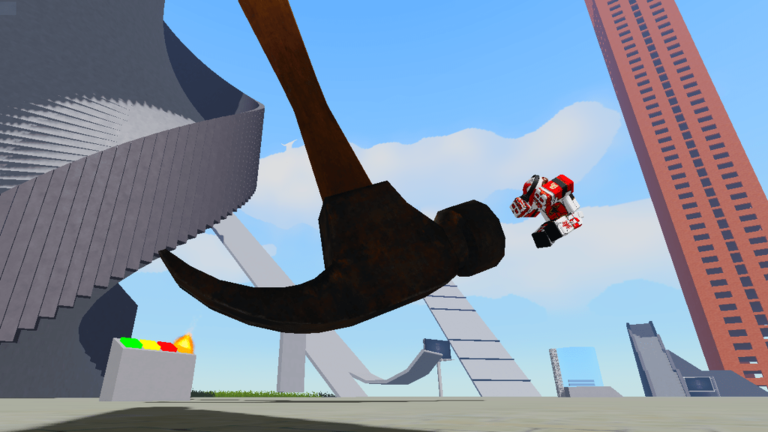
None of the six have marked locations, so exploration is the whole point. Check inside buildings, behind obstacles, and in corners that are easy to walk past.
- Alvin a hidden character somewhere on the map
- Bacon Hair a hidden character somewhere on the map
- Spider a hidden character somewhere on the map
- Crowbar a hidden item somewhere on the map
- Teddy Bear a hidden item somewhere on the map
- Sandwich a hidden item somewhere on the map
Getting the Brain Damage badge
Step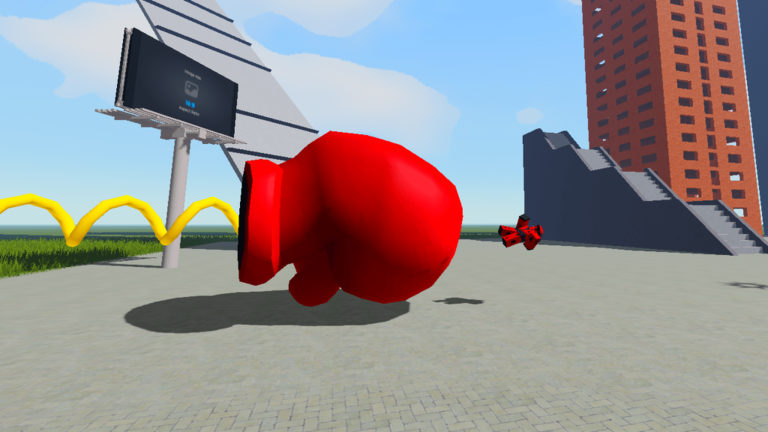
Unlike the six hidden finds, the Brain Damage badge does not come from discovering something — it comes from taking an extreme hit. The machines and obstacles on the map are your best tools for building up enough force.
- Use the map's machines and obstacles they produce stronger collisions
- Go ragdoll so your character can receive the impact
Free VIP Pass with Roblox Premium
Summary
The game offers the VIP Pass at no extra charge to anyone who holds a Roblox Premium membership. Players without Premium are not eligible for this deal. Check inside the game itself to see exactly what the VIP Pass includes.
Things to check before you play
Warn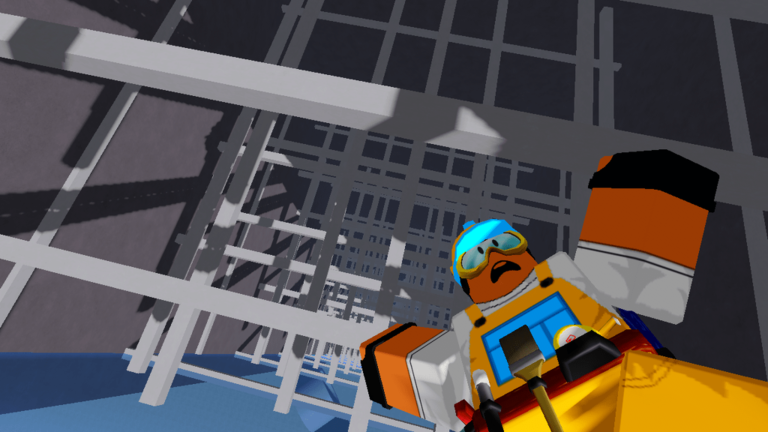
The game itself flags these effects upfront.
Glossary
Glossary- Ragdoll
- A state where your character goes completely limp, letting physics throw the body around freely.
- Ragdoll fling
- An action that launches your ragdoll body across the map with force.
- Zero gravity
- A mode that removes gravity so your character floats upward instead of falling.
- EXTREME Concussion
- A high-impact event your character can suffer that triggers the Brain Damage badge.
- VIP Pass
- A pass available free of charge to players who have an active Roblox Premium membership.
Common questions
FAQCan I play on mobile?
Yes. When you play on a phone or tablet, buttons appear on screen for each action. Tapping them works exactly the same as pressing the keyboard or controller buttons.
How many badges are there in total?
There are seven badges. Six come from finding hidden characters and items scattered across the map, and the seventh — Brain Damage — requires triggering an EXTREME Concussion.
Do I need to do anything special to get the Brain Damage badge?
You need to reach a state the game calls an EXTREME Concussion. Using the map's machines and going ragdoll are the ways to work toward it.
The game warns about flashing lights — how bad are they?
The game's own page flags flashing lights and loud noises as a warning before you even join. If either of those effects bothers you, it is worth considering that before playing.
Game updates can change what is on this page. If you spot something, get in touch and let us know.
