
Game guide
Podiums VC Guide: What you need before you start
Is this game fun?
No votes yet. Cast the first one.
About
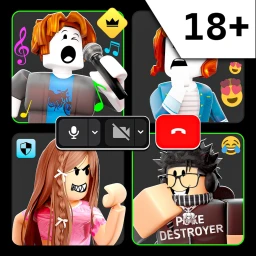
OverviewPodiums VC is a Roblox social game built entirely around live voice chat — you either host a room and talk, or join someone else's room and listen.
What is on this page
Contents
01
What you need before you start
Check
In short
Voice chat is not optional — without a working mic and the right permissions, you cannot participate.
Podiums VC runs on PC, mobile, VR, and console, so your hardware choice is flexible. What is not flexible is voice chat: the game requires it on every platform.
- Have a microphone ready, whichever device you play on
- Open Roblox settings and turn on microphone permissions
- Check that your surroundings are audible to others in your room
✦ Player polls!
MetaNew Player Survey

The next survey is being prepared.
02
Starting your own server
Step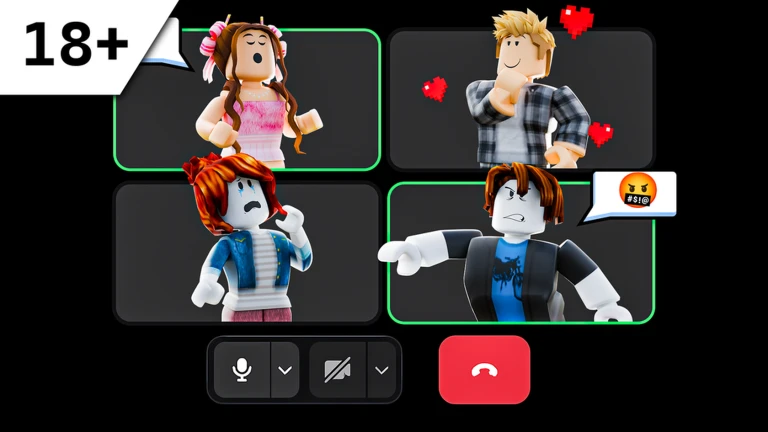
In short
Setting a clear topic lets interested players find your room.
When you enter the game you can browse existing rooms or open a new one. Creating your own puts you in the speaker role.
- Press the button to create a new room
- Set a topic so interested players can find you
- Use emotes during the session to react in real time
Community strategy ideas
CommunityThese ideas and tips come from people playing the game. Share your discoveries too!
No strategy ideas yet. Share a tip you discovered.
Share a strategy idea
[18+] Podiums VC 🔊
Glossary
Glossary- Server
- An individual room inside the game, created by one player and open to up to 50 people at the same time.
- Topic
- The theme or subject a speaker assigns to their server — for example a debate, a talent show, or open chat.
- Speaker
- The player who created a server and is hosting the conversation or performance inside it.
- Emote
- A reaction you can send in real time to express how you feel without interrupting the speaker.
- Donate
- An in-game feature that lets you send a tip to a speaker whose room you are enjoying.
Common questions
FAQDoes the game work on console and mobile?
Yes — Podiums VC supports PC, mobile, VR, and console. Voice chat is required on all of them.
Updated Oct 27, 2026
Game updates can change what is on this page. If you spot something, get in touch and let us know.
Game updates can change what is on this page. If you spot something, get in touch and let us know.
