
Adopt and Raise Guide: First steps when you join

About
OverviewAdopt and Raise is a Roblox roleplay game where you adopt and care for babies, collect and trade pets, and design your own home. You can join an existing family or start one with friends. This guide covers everything you need to get started and keep progressing.
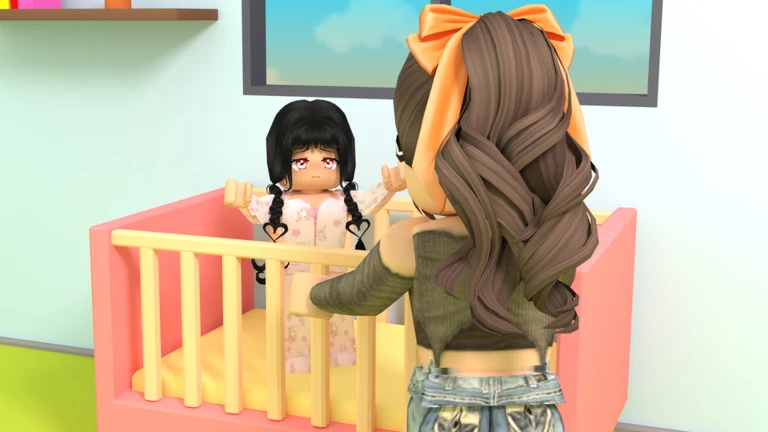
What is on this page
Contents
Player notes and tips
Found a useful trick? Share it with everyone! Notes with screenshots are welcome!
Write a guide note
Adopt and Raise
First steps when you join
Step
The first thing the game gives you is the Avatar Editor, where you can put together your character's look from scratch. After that, you choose whether to join a family someone else has already started or create a new one yourself.
- Open the Avatar Editor
pick clothes, hair, and anything else until your character looks the way you want.
- Decide on a family
join an existing one or create a new family and invite your friends.
- Buy your first house
spending your starting money on a house earns you the Bought a House badge.
MetaNew Player Survey

The next survey is being prepared.
Adopting and caring for a baby
CheckAdopting a baby is one of the first big actions in the game, and the badge you earn for it confirms you are on the right track.
- Adopted your baby?
- Saved up toward $10,000 in cash, which is a notable milestone the game tracks?
The beach area and what it offers
Summary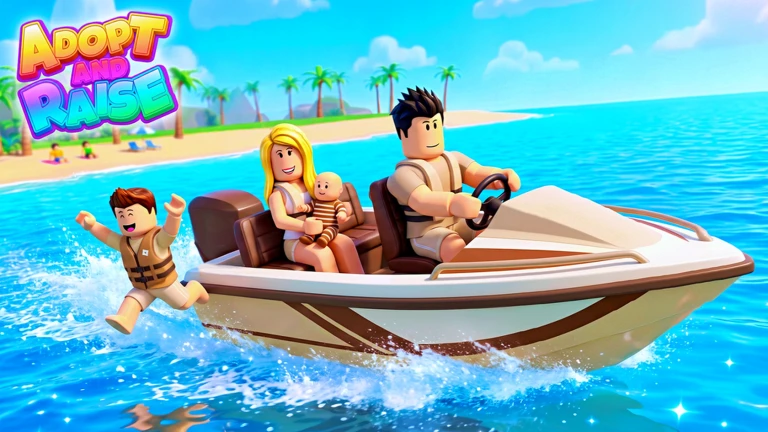
A beach area was added in a summer update. A speedboat is one of the items available there.
- Beach area
a new zone added in the summer expansion
- Speedboat
available in the beach area
Staying safe while you play
Warn
Adopt and Raise is a social game with chat and trading, which means it is important to keep a few safety habits in mind every session.
Glossary
Glossary- Avatar Editor
- The tool that lets you customize your character's appearance before and during the game.
- Family
- A group of players who play together, share a home, and can cooperate on baby care and other tasks.
- Gear store
- The in-game shop where you can find items for your home and other activities.
- Roleplay
- Playing as a fictional character and acting out everyday life situations within the game world.
Common questions
FAQCan I play without spending Robux?
Yes. Adopting babies, raising them, collecting basic pets, and designing your home are all available without spending anything. Some pets and items do cost Robux, but they are not required to enjoy the main game.
How do I play with my friends?
Start by creating a family and inviting your friends to join it. Once you are in the same family, you can raise babies together, trade pets with each other, and decorate a shared home.
Game updates can change what is on this page. If you spot something, get in touch and let us know.
