

 Upcoming
–
Game guide
Mini Tornadoes 2 Guide: Three ways to spend your time
Is this game fun?
No votes yet. Cast the first one.
About
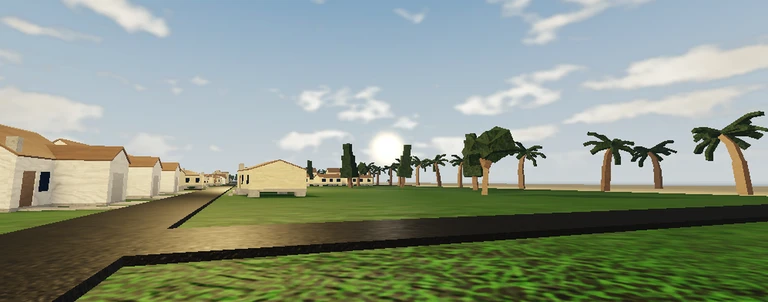
OverviewMini Tornadoes 2 is an open-world tornado-watching and roleplay game set in the state of Westfield. You can chase storms, hang out as an interceptor, or just explore at your own pace — there are no forced objectives. This guide covers the main ways to play, how to earn every badge, and how to get the most out of the camera and graphics settings.
What is on this page
Contents
Player notes and tips
Found a useful trick? Share it with everyone! Notes with screenshots are welcome!
Write a guide note
Mini Tornadoes 2
01
Three ways to spend your time
Table
In short
Watching tornadoes, roleplaying as an interceptor, and using the free camera are the three pillars of the game.
The game puts no single goal in front of you, so knowing what is actually on offer helps you settle into a style.
| Tornado watching | hang back and observe storms as they develop across Westfield |
| Interceptor roleplay | take on the role of a storm chaser and get close to the action with other players |
| Free-camera photography | move the camera to any angle you like and capture the storms on your own terms |
✦ Player polls!
MetaNew Player Survey

The next survey is being prepared.
02
Earning the four badges
TableIn short
Three badges reward you for stacking up intercepts, and one rare badge requires witnessing an extreme tornado.
The intercept badges build on each other, so your first intercept counts toward all three. The Wrath of Nature badge is in a category of its own and depends on a 500 mph tornado appearing in your session.
| Badge | How to unlock | What it signals |
|---|---|---|
| First Intercept | Reach 1 intercept | You have engaged a tornado for the first time |
| Rookie Interceptor | Reach 10 intercepts | You are building consistent storm-chasing experience |
| Expert Interceptor | Reach 100 intercepts | Long-term dedication to chasing |
| Wrath of Nature | Witness a 500 mph tornado | Witnessing the most catastrophic storm in the game |
03 Live and upcoming events
Events
Events running now or coming soon. They have fixed dates, so check them first.
Upcoming
–
04
Hunting the Wrath of Nature badge
Warn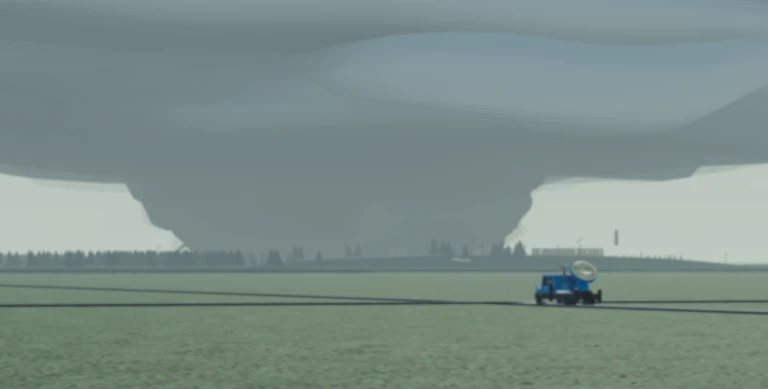
In short
A 500 mph tornado is the rarest event in the game, so be ready to move when one appears.
This badge has no milestone steps — it either happens in your session or it does not.
Worth watching out for
A 500 mph tornado is described by the developers as truly catastrophic.
Switch to free camera with Shift+P so you can position yourself for a clear view.
Raising your graphics quality in the settings menu lets you see the tornado at its full visual intensity.
05
Camera and graphics setup
Tips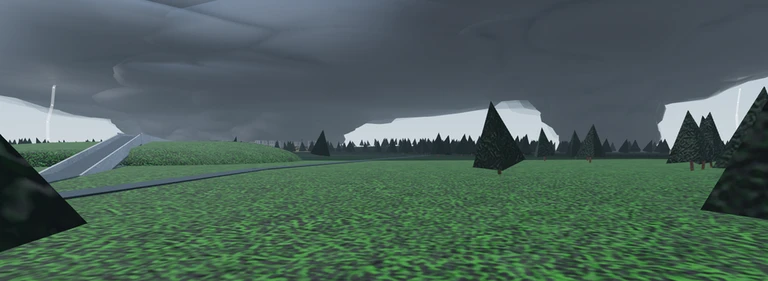
In short
Free camera and a graphics setting make a real difference to how much you enjoy watching storms.
The game gives you two tools — free camera and a graphics setting — that affect how storms look and how you view them.
Tips worth knowing
- Adjust tornado quality in the settings — if the game feels slow, lower the setting; if your device has headroom, push it higher for more detailed storms.
- Activate free camera — press Shift+P to detach the camera from your character and move it freely around the world.
06
Gamepasses and what the game includes without them
Summary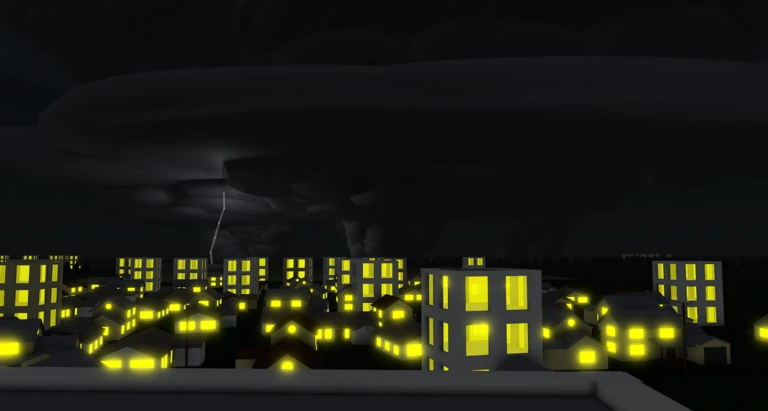
In short
Any gamepass you bought in the original game carries over automatically, and not all features from the original are present yet.
The game is a solo project and still growing, so not every feature from the original is present yet.
- Gamepass transfer purchases from the old game move to Mini Tornadoes 2 automatically
- Missing features some content from the original game has not been added to this version yet
Glossary
Glossary- Intercept
- The act of tracking or engaging a tornado; your intercept count is what drives three of the four badges.
- Free camera
- A camera mode activated with Shift+P that lets you move the viewpoint anywhere in the world, independent of your character.
- Wrath of Nature
- The badge you earn by witnessing a 500 mph tornado.
- Interceptor
- A storm-chaser role that players take on during roleplay sessions.
- Gamepass
- A paid Roblox item that unlocks extra features; gamepasses bought in the original Mini Tornadoes transfer to this game.
Common questions
FAQDo my gamepasses from the original Mini Tornadoes carry over?
Yes, gamepasses transfer from the old game to Mini Tornadoes 2 automatically. Not all features from the original are in this version yet.
How do I make the tornadoes look better?
Open the settings menu and raise the tornado quality option. If your device struggles to keep up, lower it instead — the game is designed to be adjustable either way.
Is the Wrath of Nature badge something I can grind for, or does it just happen?
You have to be in a session where a 500 mph tornado appears. Switch to free camera with Shift+P so you do not miss it when one shows up.
Updated Oct 13, 2026
Game updates can change what is on this page. If you spot something, get in touch and let us know.
Game updates can change what is on this page. If you spot something, get in touch and let us know.
