
Run a Cheer Gym Guide: Getting started
About
OverviewRun a Cheer Gym lets you build a cheerleading empire from a single small gym, recruiting athletes, hiring coaches, designing custom routines, and customizing everything from uniforms to floor layouts.
What is on this page
Contents
Player notes and tips
Found a useful trick? Share it with everyone! Notes with screenshots are welcome!
Write a guide note
[NEW📣] Run a Cheer Gym
Getting started — the first things to do
Step
The game gives you a small gym right away, but you need to take a few actions before anything exciting happens.
- Build and expand your gym place equipment and set up your space.
- Scout your first athletes add cheerleaders to your roster.
- Hire a coach a coach trains your athletes so their levels rise.
- Level up your cheerleaders keep training until your athletes grow stronger and unlock new possibilities for the gym.
- Create your first routine once you have a team, put together a routine using moves, stunts, jumps, and tumbling.
- Customize uniforms dress your cheerleaders in outfits that match your gym's style.
MetaNew Player Survey

The next survey is being prepared.
Building and upgrading your gym
Tips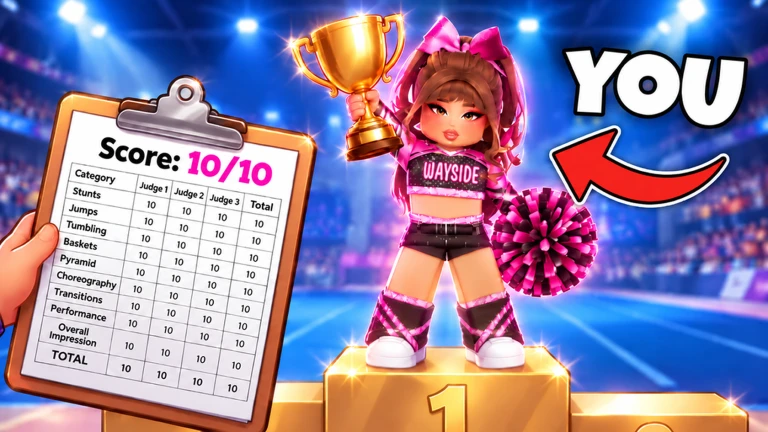
Your gym grows in stages. Every time you level up, new areas become available. Colors, decorations, equipment, and layouts are all adjustable, which means no two gyms have to look alike.
- Upgrade your gym regularly — each level you gain unlocks a new area to build in.
- Change colors and decorations freely to make your gym look different from everyone else's.
- Swap equipment and rearrange layouts whenever you like.
Building a strong team
Check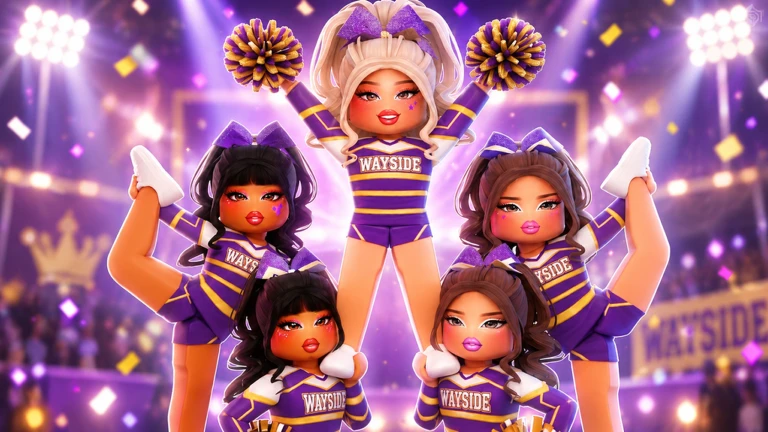
Your roster is the heart of the gym. The stronger your team, the more the gym can grow.
- Scout new cheerleaders whenever you have room on the roster.
- Hire coaches to help train your athletes.
- Level up your cheerleaders to grow your gym.
Designing custom routines
Tips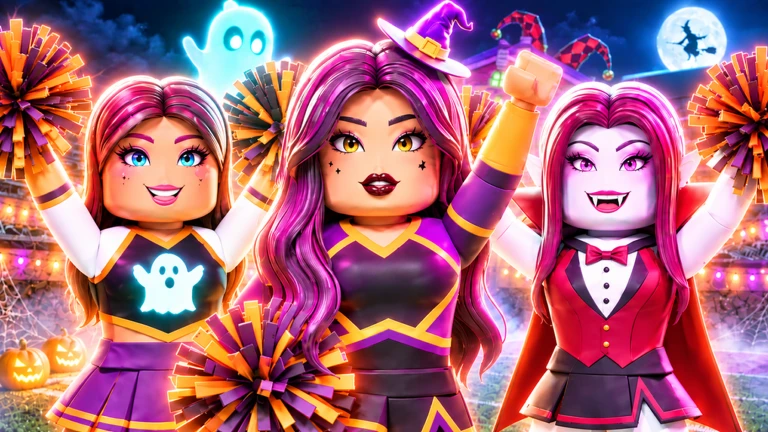
The routine builder lets you pick from moves, stunts, jumps, and tumbling, then arrange them into a sequence that fits your team.
- Pick moves, stunts, jumps, and tumbling from the routine builder.
- Design routines around your team to make every performance unique.
Wardrobe and athlete customization
Tips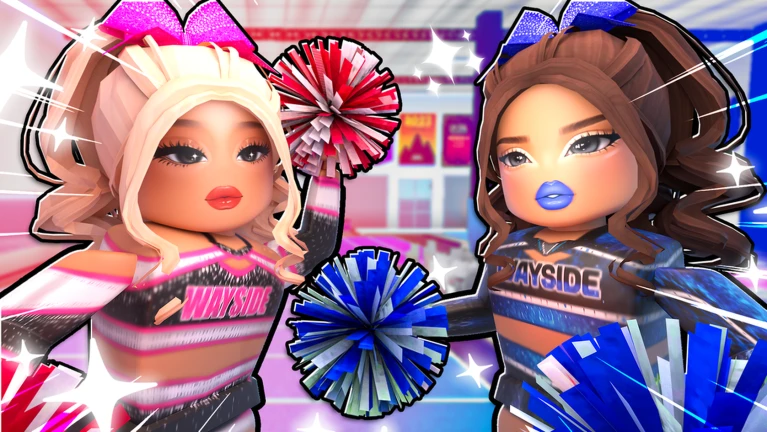
Each cheerleader can wear different uniforms and outfits. The selection grows as you advance through the game.
- Dress your cheerleaders in different uniforms and outfits.
- New wardrobe options unlock as you progress.
Playing with friends
SummaryThe game supports up to six players in the same session. You can manage the gym solo or invite friends.
- Max players per session six
- Solo play fully supported across all features
- Friend invites available
Glossary
Glossary- Routine
- A sequence of moves, stunts, jumps, and tumbling that your cheerleaders perform together.
- Scouting
- The process of finding and recruiting new cheerleaders to add to your team.
- Leveling up
- Increasing a cheerleader's or gym's level to unlock stronger abilities and new areas.
- Stunt
- An acrobatic element you can include when building a custom routine.
- Tumbling
- A type of move available in the routine builder.
Common questions
FAQHow do I unlock new areas of my gym?
Leveling up your gym is what opens new areas. Each new level you reach adds more buildable space.
Can I play this game by myself?
Yes — every feature, from building and scouting to routine creation and wardrobe customization, works in a solo session. You can also invite up to five friends to join the same session.
How do I make my gym look different from other players' gyms?
You can change the colors, decorations, equipment, and layout. As you progress, more wardrobe and customization options unlock.
Game updates can change what is on this page. If you spot something, get in touch and let us know.
