
Deadly Golf Guide: Controls you need to know
About
OverviewDeadly Golf is a chaotic multiplayer golf game where the only goal is to sink your ball in the hole before everyone else does — and everything else is fair game. You can block, blast, and bamboozle your way to victory with no rules holding you back. This guide covers the controls, how a round plays out, and how to use items to wreck your friends.

What is on this page
Contents
Player notes and tips
Found a useful trick? Share it with everyone! Notes with screenshots are welcome!
Write a guide note
Deadly Golf [UPD]
Controls you need to know
Check
Swinging and using items share the same input: hold the left mouse button to charge, then release. The longer you hold, the more power you put behind the shot. Moving around the course uses the keyboard.
- Hold left mouse button charges a swing or item; release to fire
- Press F cancels a charge or drops the item you are holding
- Press Q switches your swing angle
- Scroll the mouse wheel fine-tunes the angle in smaller steps
- Press Space jumps; double-tap Space to dive forward
- Press Ctrl dives without double-tapping Space
MetaNew Player Survey

The next survey is being prepared.
How a round works
Step
Every player starts from a set point on the course. From there, you swing your ball toward the hole, repeating until it drops in. The first player to hole their ball wins and collects the prize: a 60-minute paid vacation.
- Set the angle use Q to switch angles and the mouse wheel to dial it in
- Charge your shot hold the left mouse button until you have the power you want
- Release to swing let go of the button and watch the ball fly
- Keep swinging repeat until your ball reaches the hole
- Hole out first sink the ball before any other player to win the round
Using items to stop your opponents
Tips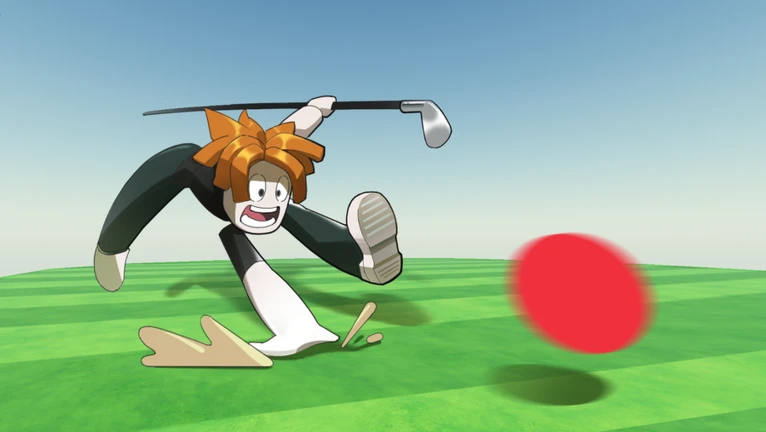
Items are scattered around the stage. Pick one up and use the same charge-and-release input you use for swinging to deploy it. You can aim at another player or directly at their ball. If you want to swap to something else, press F to drop what you have.
- Items are sitting on the stage for anyone to grab
- Charge an item the same way you charge a swing: hold left mouse button, then release
- You can target another player's body or their ball with most items
- Press F to drop a current item whenever you want to switch to another
- Blocking, blasting, and bamboozling opponents are all valid — there are no rules
What costs money and what does not
SummaryThere are no purchases required to swing, pick up items, or compete in rounds. Everything in a match is available to all players from the start.
- Swinging free for all players, every round
- Items on the stage free to pick up, no purchase needed
- Sabotage moves free; Block, Blast, and Bamboozle are all available without spending anything
 Golf
100 Coins
Glossary
Glossary- Charge
- Holding the left mouse button to build up power before releasing a swing or item.
- Dive
- A fast forward movement triggered by double-tapping Space or pressing Ctrl.
- Block
- An item that places an obstacle in another player's path or in front of their ball.
- Blast
- An item that knocks a player or ball away from its current position.
- Bamboozle
- An item that disorients an opponent.
Common questions
FAQWhat does the winner actually get?
The winner receives a 60-minute paid vacation — though the game is upfront that you should not ask when you will get to take it.
Can I cancel a swing after I start charging?
Yes. Press F at any point while holding the charge to cancel it without firing. This also drops any item you are currently holding.
Are there redeem codes for this game?
Gift codes are available and can be redeemed inside the game for rewards. Codes can only be used once, and some have expiry dates.
Game updates can change what is on this page. If you spot something, get in touch and let us know.
