
Build and Drive Guide: Putting a car together
About
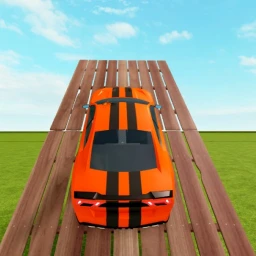
OverviewBuild and Drive is a Roblox game where you assemble cars from parts, build courses to race them on, and share everything with friends.
What is on this page
Contents
Player notes and tips
Found a useful trick? Share it with everyone! Notes with screenshots are welcome!
Write a guide note
Build and Drive
Putting a car together
Tips
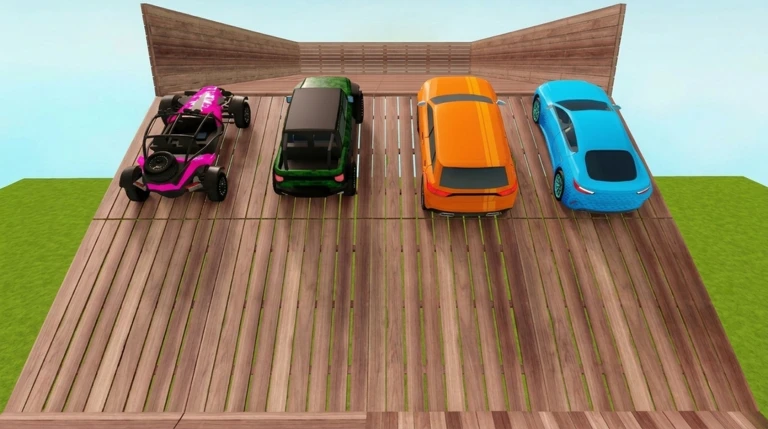
Car creation works by picking parts from a palette and placing them on the stage. Every part can be repositioned and rotated, so nothing is locked in until you're happy with it.
- The palette holds every available part, including body panels, tires, and an engine.
- Adjust each part's position and angle after you place it to get the shape you want.
- Combine multiple parts and check the balance before you commit to a layout.
MetaNew Player Survey

The next survey is being prepared.
Building and testing a course
Check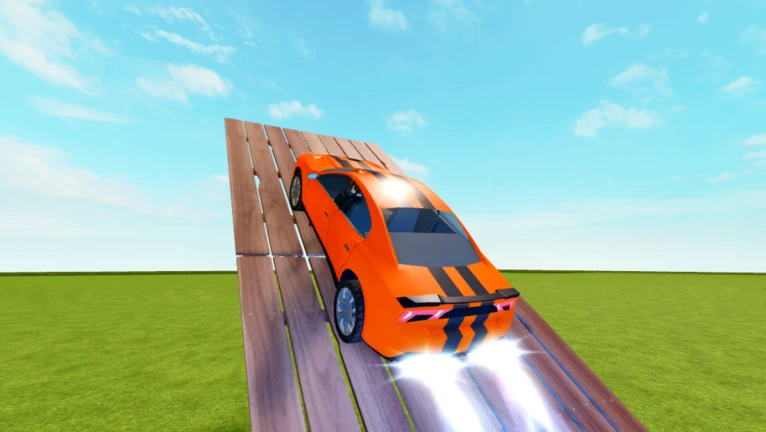
Your car needs something to drive on. You place building blocks on the stage to create roads, jumps, and turns, then run your car through the layout to check how it plays.
- Open the building palette and pick the blocks you want to use.
- Lay out the course shape roads, ramps, and corners all go where you place them.
- Drive through it to find spots that need adjustment.
- Fix the problem sections.
Saving your creations
Step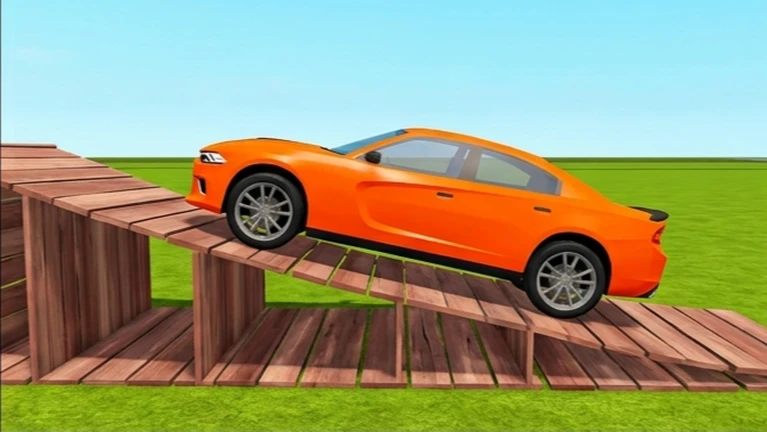
Both cars and courses can be saved inside the game. Once saved, you can reload them any time to keep editing or just take them for another run.
- Hit save press the save button when you're done editing a car or course.
- Name it give your creation a name so you can find it again later.
- Reload load a saved creation whenever you want to continue.
- Keep going load it and edit or drive as many times as you like.
Playing with friends
SummaryUp to ten people can join the same room. Once everyone's in, you can race the same course or check out each other's cars.
- Room size up to ten players per room.
- Shared course everyone in the room can drive the same track.
- Show and tell you can look at other players' cars while you're in the same room.
Glossary
Glossary- Parts palette
- The in-game menu where you select body panels, tires, engines, and other car components to place on the stage.
- Stage
- The workspace inside the game where you build cars and lay out courses.
- Test run
- Driving your finished car to check how it handles and whether the course plays well.
Common questions
FAQCan I drive a friend's car in the same room?
When you're all in the same room, you can check out and try other players' builds together.
How many people can play together at once?
One room holds up to ten players.
Game updates can change what is on this page. If you spot something, get in touch and let us know.
