
Catalog Emote Tester Guide: How to try an emote

About
OverviewCatalog Emote Tester lets you try any emote from the Roblox catalog on your own avatar before you spend a single Robux. This guide walks you through how to try emotes, how to use other players to compare looks, and what happens when you decide to buy.
What is on this page
Contents
Player notes and tips
Found a useful trick? Share it with everyone! Notes with screenshots are welcome!
Write a guide note
🕺 Catalog Emote Tester
How to try an emote
Step
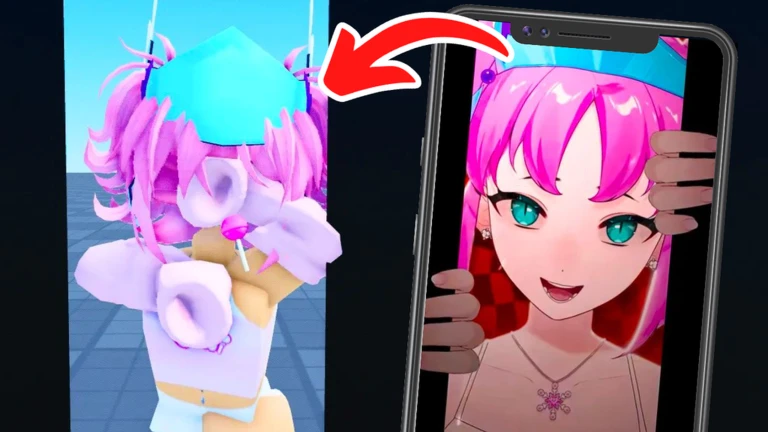
When you join the game, a list of available emotes appears on your screen. Select any emote from that list and your avatar plays it immediately, so you can see exactly how it looks in real time.
- Open the emote list it appears as soon as you enter the game.
- Tap an emote your avatar performs it right away.
MetaNew Player Survey

The next survey is being prepared.
What happens after you buy
Check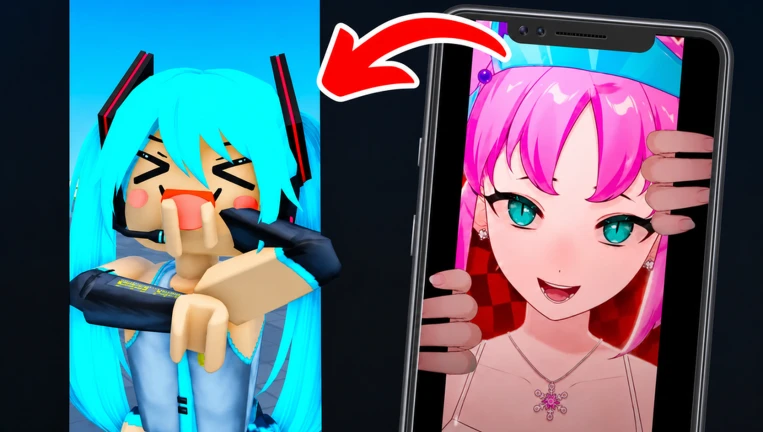
You do not need to do anything extra after buying. The emote is added to your Roblox inventory the moment the purchase goes through, and that inventory is shared across all Roblox experiences, not just this game.
- The emote appears in your Roblox inventory automatically no manual transfer needed.
- You can equip and use it in any other Roblox experience that supports emotes.
Glossary
Glossary- Emote
- An animation — such as a dance, pose, or gesture — that your avatar can perform.
- Avatar
- The character that represents you in Roblox, whose look and animations are yours to customise.
- Roblox Inventory
- Your personal collection of purchased Roblox items and animations, accessible across all experiences.
- Catalog
- The Roblox storefront where emotes and other items are listed for purchase.
- Sync
- Matching your avatar's emote playback to another player's by tapping on them.
Common questions
FAQDoes trying an emote cost anything?
No. Every emote in the game can be tested on your avatar completely free of charge. You only pay if you decide you want to keep it.
If I buy an emote here, can I use it in other games?
Yes. Purchasing an emote adds it to your Roblox inventory instantly, and that inventory carries over to every Roblox experience. You do not need to buy it again elsewhere.
How many people can be in the room at the same time?
Up to 50 players can share the same room.
Game updates can change what is on this page. If you spot something, get in touch and let us know.
