
BLITZ FPS Guide: First steps when you join
About
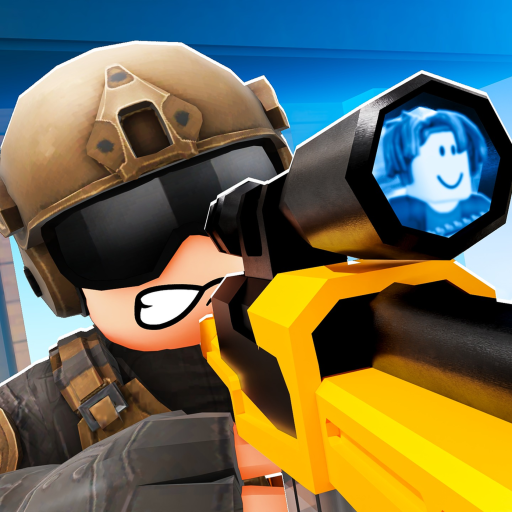
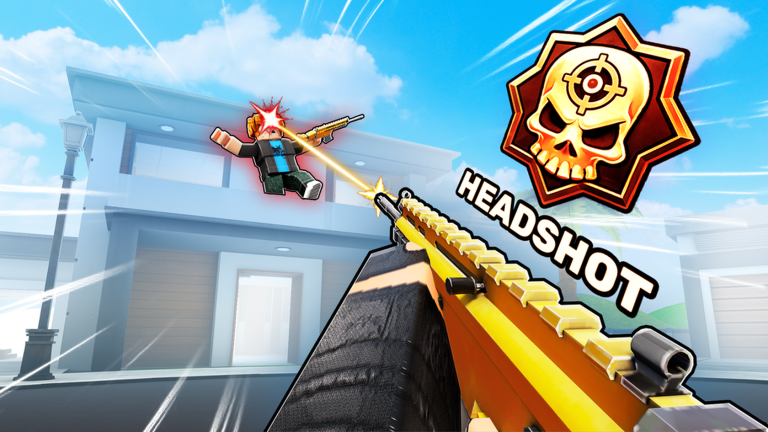
OverviewBlitz FPS is a fast-paced first-person shooter on Roblox made by Atlas Creative Games, where up to 30 players battle in Free-for-All and Team Deathmatch matches. This guide covers how to get started, earn every deployment badge, level up, and pick the right weapon for each situation.
What is on this page
Contents
First steps when you join
Step
The moment you load in, you earn the Welcome to Blitz! badge automatically. From there, jumping straight into a match and staying for the full 20 minutes gives you the First Deployment badge. Win that match — or any match during that session — and the Win Your First Game badge is yours too.
- Join a match you earn Welcome to Blitz! just by loading into the game.
- Stay in the match remaining for a full 20 minutes completes your first deployment and earns First Deployment.
- Win a match earning your first victory earns Win Your First Game.
Deployment badge progression
Check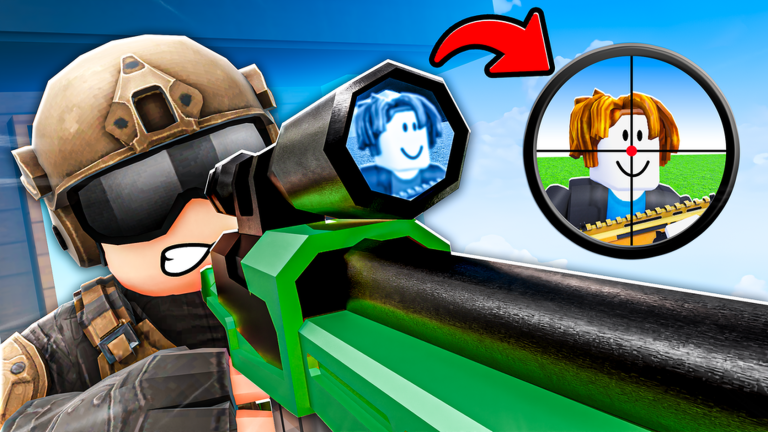
Each completed 20-minute match counts as one deployment. The badges stack in order — Combat Ready at two, Frontline Fighter at three, Elite Operative at four, Special Forces at five, Black Ops Agent at six, and Blitz Veteran at seven. Once you earn Blitz Veteran, go to Arcade Basketball inside the game to collect the final reward.
- One full 20-minute match earns First Deployment.
- Two completed deployments earn Combat Ready.
- Three deployments earn Frontline Fighter.
- Four deployments earn Elite Operative.
- Five deployments earn Special Forces.
- Six deployments earn Black Ops Agent, and seven earn Blitz Veteran then head to Arcade Basketball for the final reward.
What to do if deployments stop counting
Warn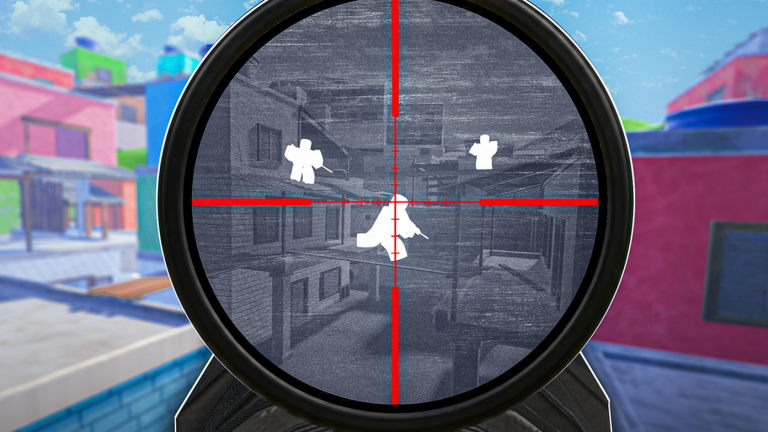
Each deployment requires you to stay in a single match for the entire 20 minutes without disconnecting. The badges also unlock in strict order, so there is no way to skip ahead.
Weapon categories and when to use them
Table
Blitz FPS offers six weapon categories: assault rifles, SMGs, shotguns, snipers, pistols, and specialty weapons.
| Assault rifles | reliable at medium range. |
| SMGs | best in close-quarters fights. |
| Shotguns | high burst damage at point-blank range. |
| Snipers | built for long-range headshots. |
| Pistols and specialty weapons | serve as backup or situational tools. |
Long-term goals: mastery and prestige
Tips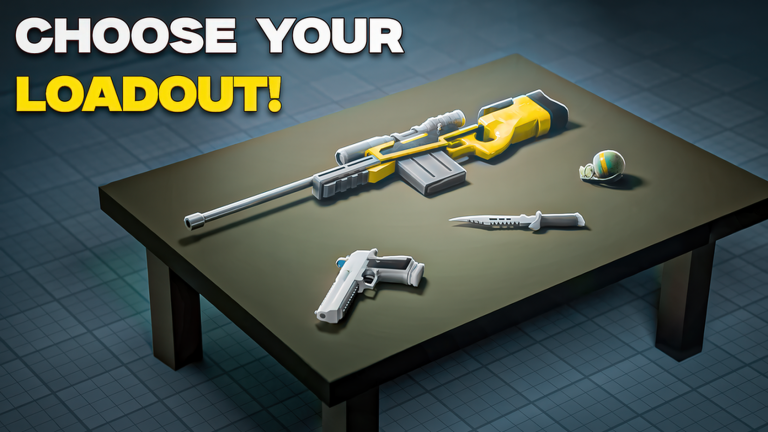
Reaching level 100 unlocks the Maxed! badge and opens up Prestige. Separately, maxing out the mastery on any single weapon earns the Weapons Master badge. Completing quests and achievements along the way unlocks guns, wraps, charms, perks, and crates.
- Hitting level 100 triggers both the Maxed! badge and the Prestige system.
- Reaching maximum mastery on any single weapon earns the Weapons Master badge.
- Quests and achievements each pay out rewards including guns, wraps, charms, perks, and crates.
- Roblox Premium members receive an exclusive banner, a badge, and occasional crate rewards on top of the standard unlocks.
Glossary
Glossary- Deployment
- One completed 20-minute match; you need seven total to earn all deployment badges.
- Weapon Mastery
- A per-weapon level that rises the more you use that weapon; reaching the maximum on any one weapon earns the Weapons Master badge.
- Prestige
- A progression stage that becomes available after you reach level 100.
- Free-for-All
- A mode where every player is an enemy and you compete purely on individual performance.
- Team Deathmatch
- A mode where two teams compete to rack up more eliminations than the opposing side.
Common questions
FAQDo the daily deployments reset each day?
The Blitz Veteran badge description refers to completing all seven daily deployments. Finishing all seven leads to the final reward available through Arcade Basketball.
What do I get after earning Blitz Veteran?
After completing all seven deployments and earning the Blitz Veteran badge, you can collect your final reward by visiting Arcade Basketball inside the game.
Does Roblox Premium change how the game plays?
Premium grants an exclusive banner, an exclusive badge, and occasional crate rewards.
Game updates can change what is on this page. If you spot something, get in touch and let us know.
