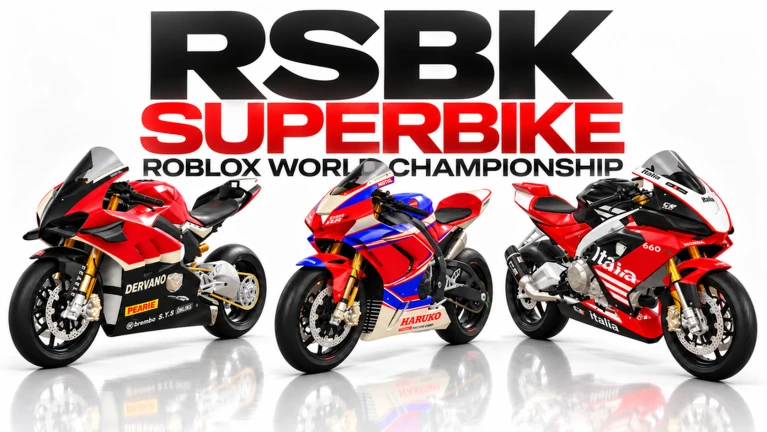
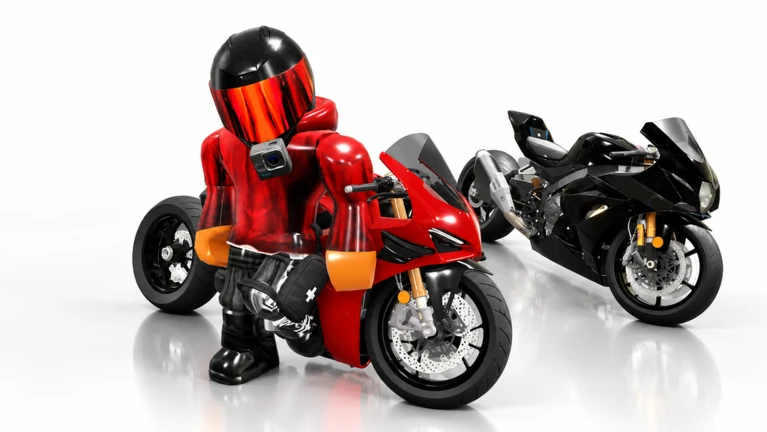
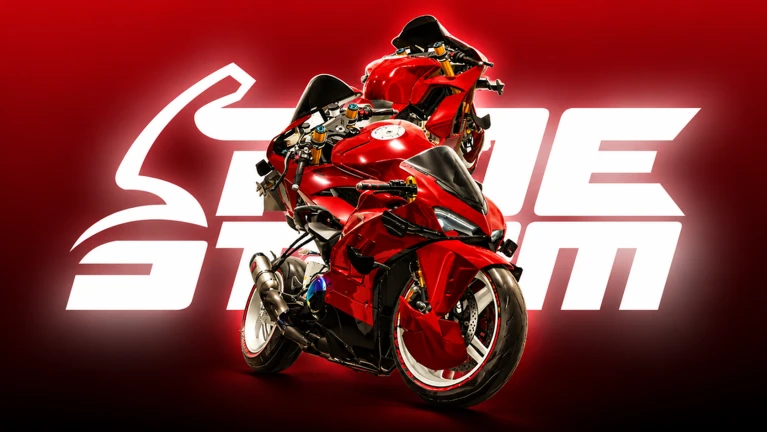
Ride Storm is an open-world motorcycle game on Roblox where you race, explore, and build up a collection of over 90 bikes. This guide covers how to get started, win races, unlock new bikes, and make the most of the open world — whether you're riding solo or with friends.
In shortTake your time with the in-game tutorial before heading into races.
When you first load in, you're given a starter bike and the game walks you through the controls. Read those instructions carefully rather than skipping past them. Once you're out on the map, spend a few minutes just riding freely — get a feel for accelerating, braking, and taking corners before you try to compete.
Read the tutorialwork through the in-game control explanation before anything else.
Explore the mapgetting a sense of the roads and terrain pays off later in races.
Look for race markersthey're scattered across the map and easy to spot while you're out riding.
In shortConsistent race wins are the main way to unlock new bikes and earn currency.
Races and challenges are placed throughout the open world. Finishing them earns you in-game currency and can unlock new bikes. Start with easier events so the rewards start coming in steadily, and come back to tougher races once your skills and bike are in better shape.
Tips worth knowing
Repeat the same race if you keep losing — learning a course matters.
Upgrading your bike between attempts can push you over the line in a race you've been close to winning.
Unlock conditions progress automatically as you race, so just keep entering events.
Skipping a race you can't beat is fine — come back when you're stronger.
03Live and upcoming eventsEvents
Events running now or coming soon. They have fixed dates, so check them first.
Upcoming –
Ragdoll, Stoppies & More!
Get ready for the next Ride Storm update! 🏍️
💥 Ragdoll System – Experience realistic crashes!
🔥 Exhausts & Rims – E…
In shortCustomization covers both how your bike looks and how it performs, so use both.
The in-game menu lets you change your bike's appearance and improve its performance. Upgrades cost currency or rewards earned from races. If you ride more than one bike, you can tune each one for different kinds of terrain or events.
Appearance changes
adjust the look of your bike through the customization menu.
Performance upgrades
improve speed and handling using currency earned in races.
Resource source
races and challenges are how you fund both kinds of changes.
05
Terrain worth seeking out
Check
In shortThe map has enough variety that exploring off the main roads is worth your time.
The open world includes highways, city streets, mountains, deserts, and canyons. You don't need a race running to go looking — just ride toward parts of the map you haven't reached yet.
The map includes highways, city streets, mountains, deserts, and canyons.
Dynamic weather changes the look of every area, so the same road can feel different depending on conditions.
Stuck? Try a video
Ride Storm ROBLOX!
Ride Storm Guide! (Codes, How To GET RICH FAST) ROBLOX
In shortFree-to-play progression works if you stay consistent.
The game is designed so that races and challenges provide the main income stream. Slow, steady progress through the race list will keep new bikes and upgrades coming in over time.
Tips worth knowing
Do races consistently — rewards from races and challenges are the main income stream.
Clear the races you can win reliably before attempting ones where you keep losing.
07
Riding with friends
Tips
In shortThe game supports both competitive and relaxed multiplayer, so choose the style that suits your group.
You can join friends through Roblox's standard friend system — find them through your friend list or join from their profile. Once you're in the same session, you can race against each other or simply cruise the map together.
Tips worth knowing
Casual riding across the open world is just as valid as formal races.
Matching your bike choices with friends adds a fun layer to group sessions.
Exploring unfamiliar parts of the map together is a good way to discover roads you'd miss solo.
08
Redeem codes
Warn
In shortCodes expire, so use them as soon as you find them.
The game has a system for redeeming codes in exchange for in-game rewards. Codes are released during updates and events, and each one can only be used once. Expired codes cannot be redeemed, so old lists of codes are often useless.
Worth watching out for
Each code only works oncethere's no point entering the same code twice.
Codes from old posts or outdated lists are frequently expired already.
A large map that you can ride around freely without being locked to a specific track or path.
In-game currency
The money-like resource you earn from races and challenges, used to buy upgrades and customizations.
Unlock
Gaining access to a new bike or feature by meeting a condition, usually by completing races.
Upgrade
Improving your bike's speed, acceleration, or handling by spending earned currency.
Customization
Changing the appearance of your bike, such as its color or look, through the in-game menu.
Dynamic weather
Weather conditions in the game world that change over time, affecting how the environment looks.
Common questions
FAQ
I can't control my bike at all — what should I do?
Go back to the in-game tutorial and read through it carefully.
How do I unlock new bikes?
Unlock conditions move forward automatically each time you enter races and challenges. Keep competing in events and the conditions will be met over time. There's no separate process — just keep racing.
I keep losing the same race — should I just give up on it?
Not permanently. Repeat the race to memorize the course, then come back after you've upgraded your bike.
How do I get into the same session as a friend?
Use Roblox's friend system — either search for them through your friend list in-game or join directly from their Roblox profile page. Once you're in the same session, you can ride and race together freely.
Updated Sep 11, 2026
Game updates can change what is on this page. If you spot something, get in touch and let us know.

 Upcoming
–
Upcoming
–