
BUILD your Butterfly Garden Guide: Getting started in your garden
About
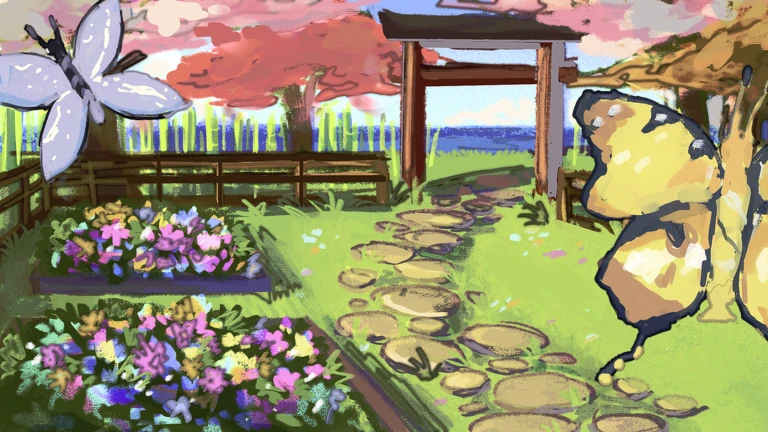
OverviewBuild Your Butterfly Garden is a tycoon-simulation game by Chocolatine Games where you hatch eggs, collect butterflies of different rarities, and decorate your own garden. The more butterflies you place on your flowerbeds, the more nectar you earn — even while you're offline. This guide covers how to get started, how eggs and butterflies work, what happens during weather events, and how to redeem free codes.
What is on this page
Contents
Getting started in your garden
Step
The core cycle is simple: hatch eggs to get butterflies, place those butterflies on flowerbeds to generate nectar, and spend that nectar on flowerbed upgrades to earn more nectar faster. Your garden keeps producing nectar while you're logged off, so you'll always have something to work with when you come back.
- Hatch an egg open your inventory and hatch the egg you start with to add your first butterfly to your collection.
- Place it on a flowerbed butterflies sitting on flowerbeds raise your garden's beauty and value.
- Upgrade your flowerbeds spend nectar to strengthen flowerbeds and increase how much nectar you earn.
- Collect Likes Likes push you up the leaderboard.
- Check for free codes open the Settings button in the top-right corner and enter any working codes for free eggs and nectar.
MetaNew Player Survey

The next survey is being prepared.
Butterfly rarities and what they earn
TableEvery butterfly has a default nectar value shown in nectar per second (s). That value scales up through five sizes: Default, Big, Huge, Massive, and Giant. The table below shows one representative butterfly per rarity tier and its Default and Giant values.
| Rarity | Example Butterfly | Default (s) | Giant (s) |
|---|---|---|---|
| Common | Monarch | 4.00 | 12.00 |
| Uncommon | Opal Pixie | 12.00 | 36.00 |
| Rare | Sunset Mirage | 32.00 | 96.00 |
| Epic | Solar Eclipse | 56.00 | 168.00 |
| Legendary | Akane Cloud | 115.00 | 345.00 |
| Shiny | Poseidon Wave | 310.00 | 930.00 |
Why butterfly size matters
Tips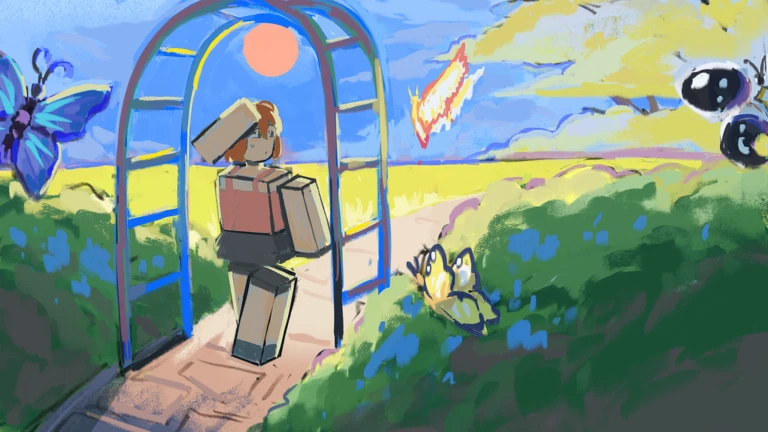
Size is a second layer on top of rarity. A Giant version of any butterfly is worth roughly three times its Default value.
- Five sizes exist: Default, Big, Huge, Massive, and Giant — each step up means more nectar per second.
- Giant butterflies are worth roughly three times a Default of the same species.
Weather events and special eggs
CheckCertain weather events change what you can hatch and how you collect rewards. During Astral Weather, a wide range of eggs appears in the shop, ranging from the Common Egg at N$600 all the way up to the Pearl Egg at N$330 million. Weather can also raise the price of eggs like the Candy Egg — its default price is N$25 million, but it costs N$87.5 million during Magma Weather.
- During Carnival Weather, crates fall from the sky around the plaza grab them before they vanish and open them in your inventory for limited decorations.
- Carnival Crate decorations cannot be traded or gifted.
- The Carnival Egg is not sold in the Egg Shop the only way to get one is to collect eggs that drop during Carnival Weather.
- During a Butterfly Chase event, press E near a butterfly to catch it and add it to your inventory.
- During Astral Weather, a full range of eggs appears in the shop.
The Flower Code community mission
SummaryFlower Code was added in the Royal Update Part 2. Every player across all servers participates at the same time, picking up flowers each round and using clues to crack a five-flower code.
- Goal crack a five-flower code each round by following the in-game clues.
- Scope all servers work together, so every player's contribution counts.
- Reward reaching the third tier of any Community Mission gives a chance at a random Royal decoration instead of a King Egg.
- Available decorations 16 Royal Decorations are in the pool, including the King Altar, Royal Chapel, Crown Statue, and others.
 FAV5K
VISIT1M
PixieShop
PLAZAUPDATE
Pets and how to unlock them
Tips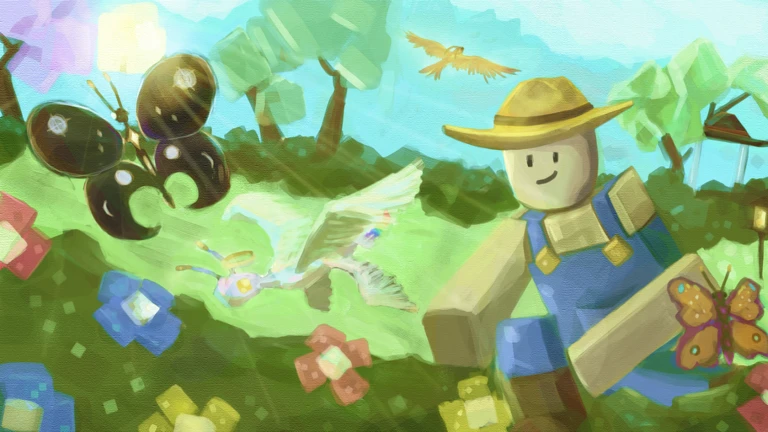
The game includes six unique pets to accompany you in your garden. Pets can have their appearance changed with skins, which are tied to Star counts or VIP status.
- The Cat is unlocked by redeeming a specific code — once redeemed, it is permanently yours.
- The Panda and Baby Dragon are obtained through Doogy's Treasure Hunts.
- The Baby Dragon also has its own Fairy Tree Obby that is part of how you obtain it.
- Each pet offers three skin options: a Candy skin at 150 Stars, a Golden skin for VIP members only, and a Galaxy skin at 400 Stars.
Redeeming codes for free rewards
StepDevelopers release codes that give free eggs, nectar, and other rewards. As of October 12, 2026, five working codes were available.
- Open Settings tap the gear icon in the top-right corner of the screen.
- Enter the code type a valid code into the 'Enter a code' box.
- Press Activate hit the Activate button to claim your reward.
- Join the group joining the Chocolatine Games group and rating the game also unlocks free rewards.
Community strategy ideas
CommunityThese ideas and tips come from people playing the game. Share your discoveries too!
No strategy ideas yet. Share a tip you discovered.
Share a strategy idea
[🦋] BUILD your Butterfly Garden
Glossary
Glossary- Nectar
- The main currency in the game, earned from flowerbeds and used to buy eggs and upgrades.
- Rarity
- A butterfly's tier — Common, Uncommon, Rare, Epic, Legendary, or Shiny — which determines its base nectar value.
- Flowerbed
- A garden plot where you place butterflies; upgrading it increases how much nectar you earn.
- Butterfly Chase
- An event where butterflies spawn around the map and you catch them by pressing E.
- Carnival Weather
- A weather event that drops crates from the sky and makes Carnival Eggs available.
- Astral Weather
- A weather event that brings a wide selection of eggs into the shop.
- Carnival Crate
- A limited box that falls during Carnival Weather and contains exclusive decorations that cannot be traded.
- Stars
- A secondary currency used to unlock certain pet skins.
Common questions
FAQDoes my garden earn nectar while I'm offline?
Yes — the game states that you earn nectar while offline.
Can I trade or give away Carnival Crate decorations?
No. Decorations that come from Carnival Crates cannot be traded or gifted to other players.
When can I buy the Candy Egg?
The Candy Egg appears in the Egg Shop on a rotating schedule, so it is not always available. Its price also changes with weather — the default price is N$25 million, but active weather events push it higher.
Can I catch rare butterflies during a Butterfly Chase?
Any butterfly in the game can appear during a Butterfly Chase. Moth and Common Blue are the most common butterflies encountered during the event.
How do I get the Cat pet?
The Cat is unlocked by redeeming a specific code. Once you redeem it, the pet is permanently added to your account and ready to equip.
Game updates can change what is on this page. If you spot something, get in touch and let us know.
