
Steal A Brainrot Egg Guide: Your first ten minutes
About
OverviewSteal A Brainrot Egg is a Roblox game where you run into zones to grab eggs, carry them back to your base, and hatch them into brainrots that earn you money. The more you upgrade your speed and base, the further into the zones you can reach.
What is on this page
Contents
Your first ten minutes
Step
Before you grab anything, find your base, the treadmill, the hatching spot, and the sell point. Once you know where everything is, hop on the treadmill briefly to feel how fast you move. Then head to Zone 1, pick up one egg, and take the most direct route back.
- Find your base locate it and picture the route home before leaving.
- Find the hatch spot know exactly where to go the moment you return.
- Try the treadmill a short session now tells you your starting speed.
- Head to Zone 1 it is close for a first run.
- Hatch and equip once the brainrot appears, put it in an equipment slot and check that your income goes up.
MetaNew Player Survey
The next survey is being prepared.
Carrying eggs home safely
Check
Check how much space you have at your base before you set out, since a full base means a wasted trip. In the zone, look at how many players are nearby before you commit to an egg. The moment you pick one up, head straight back without stopping. When you arrive, confirm that the egg is showing as ready to hatch.
- Base has space before you leave
- Route home is already decided
- You head directly back without detours
- Hatch-ready status is confirmed on arrival
Building speed on the treadmill
TipsSpeed matters for two things: reaching eggs faster and putting distance between yourself and anyone chasing you. If you keep losing eggs on the way back, focus on the treadmill rather than hunting rarer eggs. After each upgrade, repeat the same route you used before so you can feel the difference. Avoid spending all your money on treadmill sessions while skipping hatching and equipping, since your income stalls if your brainrot roster does not grow.
- If you cannot make it home, train before hunting rarer eggs.
- Use the same route before and after an upgrade to judge the improvement.
- Balance treadmill sessions with hatching so your income keeps growing.
Hatching, equipping, and selling
Step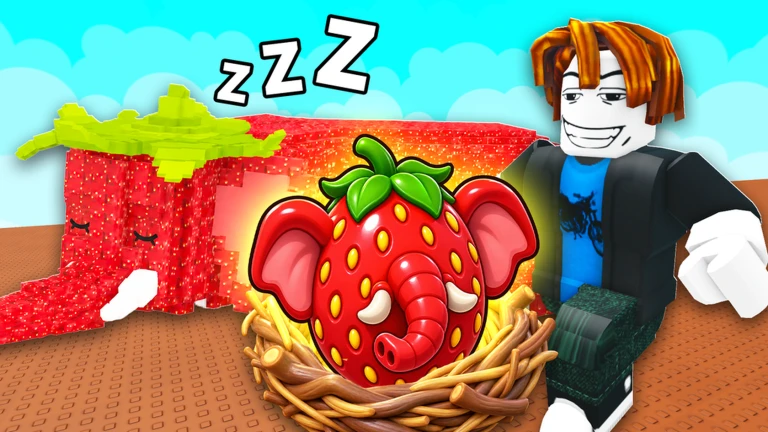
Only hatch an egg once it shows as ready at your hatch spot. After the brainrot appears, check whether you have a free equipment slot. Once it is equipped, look at your income display to confirm the number went up. Before selling any brainrot, pause and check three things: its size, whether it has a mutation, and whether it is already recorded in your index.
- Confirm ready status only hatch when the egg shows it is prepared.
- Check equipment slots see whether you have space or need to swap something out.
- Verify income went up check the income display after equipping.
- Before selling, check size and mutation both affect value.
- Before selling, check the index make sure the entry is already recorded.
Avoiding other players on the way back
WarnOther players can take your egg while you are carrying it. A zone full of players around a single egg is a sign to look for a different one. On the way back, use the terrain to break line of sight, but do not loop so far out of your way that a faster player catches up anyway. If someone is clearly quicker than you, the better move is to return to the treadmill and come back later.
Zone order and when to move on
Table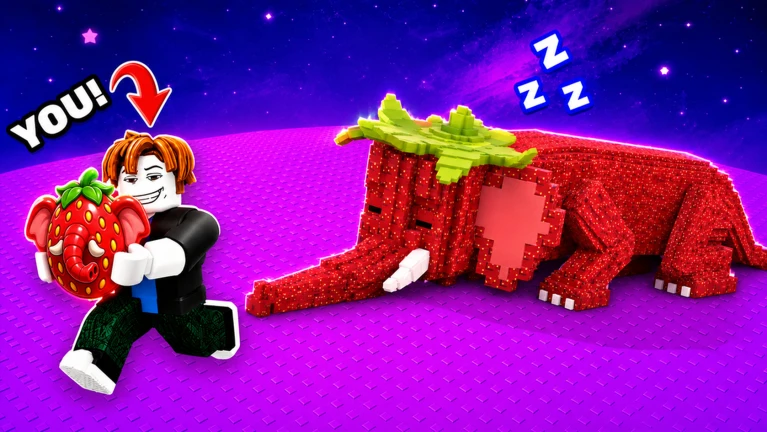
There are eight zones in the game.
| Zone 1 | Lazy Lowlands, starting area |
| Zone 2 | Sleepy Spruce |
| Zone 3 | Dusty Dunes |
| Zone 4 | Tropical Tides |
| Zone 5 | Sugary Springs |
| Zone 6 | Primal Plateau |
| Zone 7 | Meteor Meadows |
| Zone 8 | Sunken Sanctuary, current final area |
Safety and account protection
WarnAnything that claims to automate egg stealing or teleport you instantly is an external script, and using one risks a permanent ban as well as exposing your password. If someone is ruining your session, Roblox has mute, block, and report tools built in. Any item that costs Robux should get a conversation with a parent or guardian before you buy it.
Glossary
Glossary- Brainrot
- A character that hatches from an egg and, once equipped, generates income for your base.
- Zone
- One of eight areas in the game where eggs spawn and players compete to collect them.
- Treadmill
- A base facility you train on to increase your movement speed.
- Hatching
- The process of turning a ready egg into a brainrot at the hatch spot in your base.
- Mutation
- A special variant of a brainrot that looks different from the standard version and affects its value.
- Size
- A property of a brainrot that can differ even among the same species and influences what it is worth.
- Index
- The in-game catalogue that records every egg and brainrot type you have discovered, also used to collect rewards.
- Capacity
- The maximum number of eggs or brainrots your base and inventory can hold at one time.
- Base
- Your personal area where you manage eggs and brainrots, check income, and access upgrades.
Common questions
FAQWhat should I focus on first?
Get comfortable carrying eggs home from Zone 1, then hatch and equip whatever comes out. If you keep losing eggs on the way back, the treadmill is your next stop. If your income is not climbing, check that your brainrots are actually equipped.
Can I play without running into other players?
The core loop of training, collecting, hatching, and upgrading works on your own. Public servers hold up to six players, though, so other people can try to take your eggs.
Does a rare egg guarantee a powerful brainrot?
Rarer eggs improve your chances, but the final value of the brainrot also depends on its size and whether it has a mutation. Check the income display and index entry after hatching before you decide what to do with it.
The hatch prompt is not appearing even though my egg looks ready — what do I do?
Make sure you are standing at the hatch spot and that you have selected the correct egg. If the prompt still does not show, step away and come back, or rejoin the server.
Why does my screen look different from videos I have watched?
Game updates and differences in device or screen size can shift button positions and layouts. Follow what is on your own screen rather than matching a video exactly.
Game updates can change what is on this page. If you spot something, get in touch and let us know.
