
Phone OS Guide: First steps
About
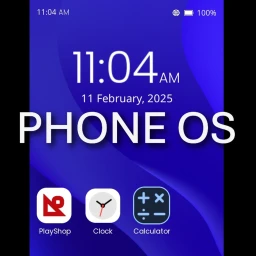
OverviewPhone OS [EMULATOR] is a Roblox game that recreates an Android phone experience inside a virtual device you control completely. You can install apps, fight viruses, run mini-games, and even build your own apps and share them. This guide walks you through setup, what to do next, and how to earn every badge.
What is on this page
Contents
First steps: powering on and setting up
Step
When you join the game, your virtual phone is off. Follow the on-screen prompts to get it running and make it your own. Once setup is done, the phone is yours to explore.
- Power on Start the virtual phone.
- Set a name Give your virtual device a name when prompted.
- Choose a wallpaper Pick a background image to personalise the home screen.
- Finish setup Complete the process and the Installed the OS badge is awarded.
MetaNew Player Survey
The next survey is being prepared.
What you can do on the virtual phone
Check
The virtual phone is designed to feel like a real Android device.
- Install and arrange apps to customise your home screen.
- Connect to Wi-Fi through the phone's settings.
- Chat with the built-in AI.
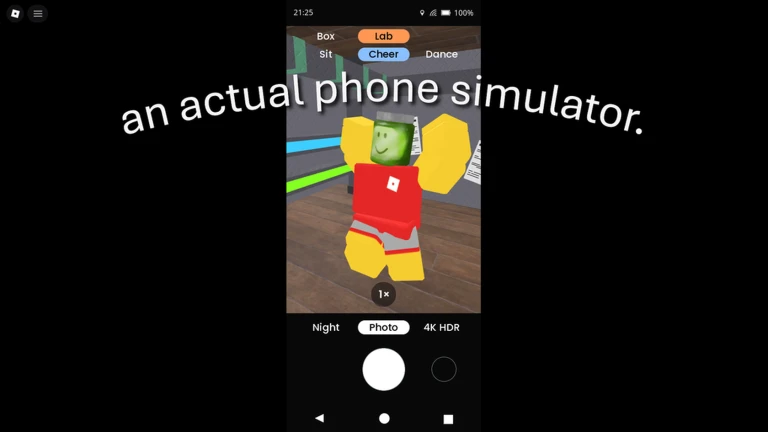
- Take photos of your Roblox avatar using the camera.
- Build your own app and publish it for other players to install.
- Install custom apps that other players have made.
Saving and the one-hour virus rule
Warn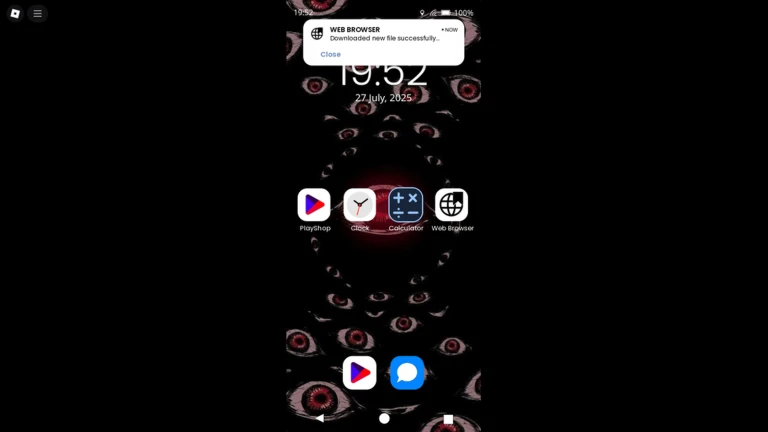
Almost everything on the phone saves automatically when you leave. The one big exception involves viruses. If you rejoin the game after being away for more than an hour, all viruses on your phone are wiped. Rejoining to clear a virus never counts toward a badge.
Badge guide: what each badge asks you to do
Table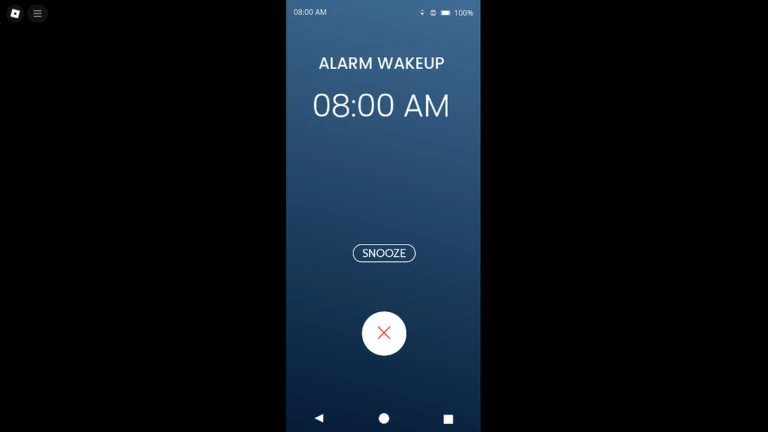
Each badge unlocks a different part of the phone.
| Badge | How to unlock it |
|---|---|
| Installed the OS | Complete the initial phone setup when you first join. |
| Nani | Break the calculator app. |
| 5 more minutes.. | Set an alarm, let it go off, then hit the snooze button. |
| Computer Biology | Install a virus onto your virtual phone. |
| Uncovered | Enter a code and confirm it with the equals sign. |
| Breaking Character | Let's hope he is okay. |
| Customer Service | Navigate a phone menu inside the game. |
| Quiz Master | Call in to a quiz show and answer every question correctly. |
| SpyNote | Remove the SpyNote virus through the correct in-game process — rejoining does not count. |
| RansomLocker | Remove RansomLocker through its special removal process — the Hardware Tools app does not work here. |
| Punished | The badge warns you not to try this at home. |
| Play the Pulse | Reach a streak of 50 in PulsePress. |
| Cursor Expert | Score 40 in The Cursor Game, which you install from the Play Shop. |
| External Content | Install a custom app made by another player. |
Mini-game badges: Play the Pulse, Cursor Expert, and Quiz Master
Tips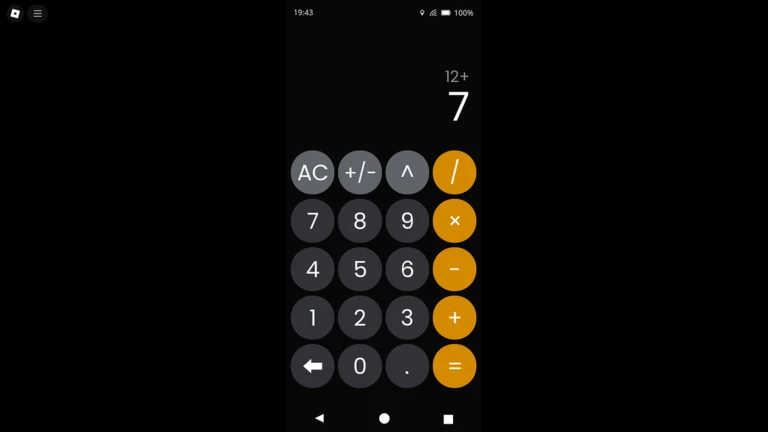
Two badges require hitting a score or streak inside a mini-game.
- For Play the Pulse, reach a streak of 50 in PulsePress.
- The Cursor Game must be installed first: go to the Play Shop, grab the app, then aim for a score of 40.
- For Quiz Master, call in to the quiz show and answer every question correctly.
Glossary
Glossary- Play Shop
- The in-game store where you download apps, including The Cursor Game.
- SpyNote
- A virus that appears on your virtual phone and must be removed through the correct in-game process to earn its badge.
- RansomLocker
- A virus that requires a specific removal method — the Hardware Tools app will not work and neither will rejoining.
- PulsePress
- A mini-game app on the virtual phone where you build up a streak; hitting 50 earns the Play the Pulse badge.
- Custom app
- An app created by another player that you can install on your virtual phone, earning the External Content badge.
- Hardware Tools
- A built-in app that cannot be used to earn the RansomLocker badge.
Common questions
FAQWhy did my virus disappear when I rejoined?
All viruses are cleared automatically if you come back to the game after more than an hour of inactivity.
Why did I not get the RansomLocker badge after removing the virus?
RansomLocker requires a specific removal process that is different from using the Hardware Tools app. Rejoining after an hour to let the virus disappear on its own also does not count.
Where do I get The Cursor Game?
Open the Play Shop on your virtual phone and install it from there. Once it is installed, play until you reach a score of 40 to unlock the Cursor Expert badge.
Can I share apps I have made with other players?
Yes — you can build an original app inside the game and publish it for others to download. Installing another player's custom app earns you the External Content badge.
Game updates can change what is on this page. If you spot something, get in touch and let us know.
