
Dreamhaven Tycoon Guide: How the game works
About
OverviewDreamhaven Tycoon is a Roblox tycoon game where you build your dream home, grow your income, collect cars, and roleplay with friends in a living city.
What is on this page
Contents
How the game works
Summary
Dreamhaven Tycoon starts you off with a small home. From there, every building or facility you add generates income, and that income funds your next expansion. The game saves automatically, so you never have to worry about losing progress when you log off.
- Goal build and expand your home to generate a steady income
- Income comes from the buildings and facilities you place
- Spending goes back into new buildings, upgrades, and vehicles
- Saving happens automatically; no save button required
MetaNew Player Survey
The next survey is being prepared.
Building multiple income streams
Tips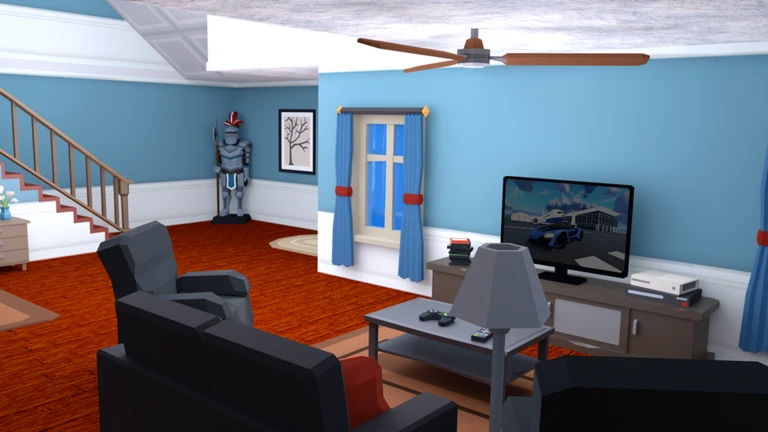
Once your starting income is stable, the next goal is variety. Several buildings working together grow your balance faster.
- Try different building types to find the ones that suit your playstyle.
- When a new update adds buildings, test them early to see whether they improve your setup.
Cars and getting around the city
Tips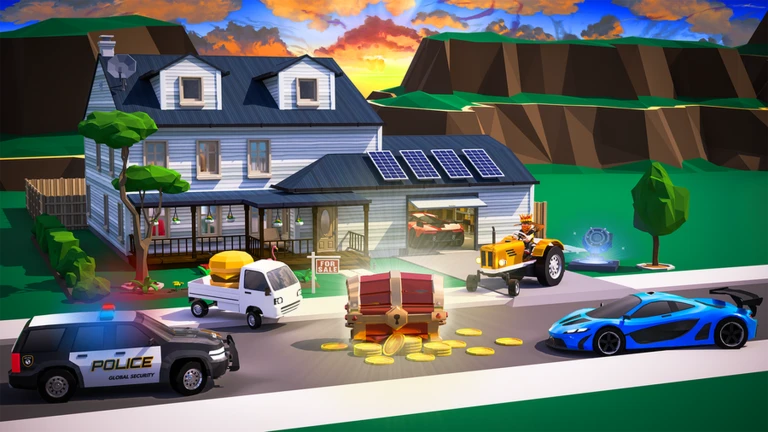
The city has multiple areas to explore, and having a car makes moving between them much quicker. Beyond that, your choice of vehicle adds personality to however you are roleplaying. Planes and trains are also available for getting around.
- Collect cars over time — different vehicles suit different roleplay situations.
- Use planes and trains as alternatives to driving when you want variety in how you travel.
- Match your vehicle to your roleplay character's backstory to make the experience more immersive.
Roleplaying with friends
Tips
Roleplay is a big part of what makes Dreamhaven Tycoon stand out from a plain building game. You and your friends can split into roles, build matching sections of a city, and create ongoing stories together. Tycoon data is saved per player, so each person manages their own progress even while collaborating.
- Pick a character backstory before you start building — it shapes which home style and cars you go for.
- Agree on a city theme with friends, such as a business district or an upscale neighborhood, so everything fits together.
- Use travel — including planes and trains — as part of your story rather than just a way to get somewhere.
When progress feels slow
CheckIf you feel stuck, run through this list before assuming you need to do something drastic.
- Count your active income sources if you only have one or two, add more before anything else.
- Try a building type you have not used before.
- Ask a friend to look at your setup and suggest changes.
- If the game crashes, close it fully and relaunch.
Glossary
Glossary- Tycoon
- A game type where you build facilities that generate money, then reinvest that money to grow your empire.
- Income source
- Any building or facility that produces money for you over time.
- Autosave
- A feature that saves your progress automatically so you never need to press a save button.
- Upgrade
- Improving an existing building so it earns more money or unlocks additional features.
Common questions
FAQCan I play with my friends?
Yes — join the same server and you can build, explore, and roleplay together. Each player's tycoon data is saved individually, so your progress and theirs stay separate even when you are in the same world.
Will I lose my progress if I close the game?
No. The game saves automatically, so your buildings, money, and cars are there when you come back.
Why should I collect more than one car?
Cars make it faster and easier to get around the city, and having several gives you more options when roleplaying different characters or scenarios.
Game updates can change what is on this page. If you spot something, get in touch and let us know.
