
Emotes Testing — Getting started with the emote menu
About
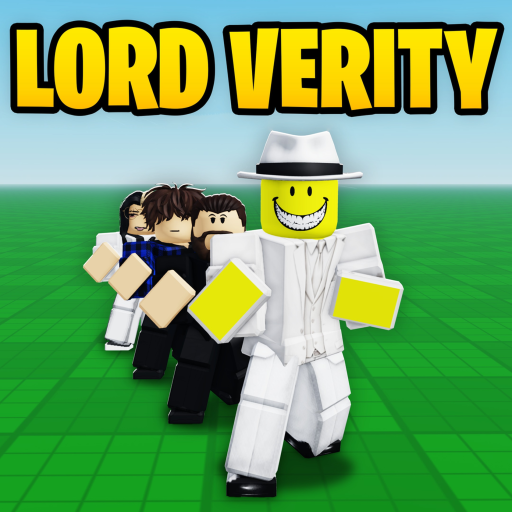
OverviewEmotes Testing Sandbox is a free-roam game where you can try out hundreds of dance emotes, sync them with friends in real time, and dress up your character however you like.
What is on this page
Contents
Getting started with the emote menu
Step
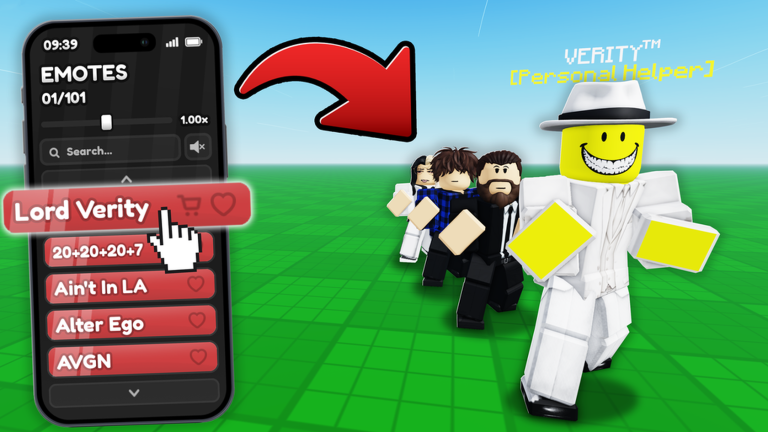
When you load in, the emote menu holds hundreds of dances. Some emotes come with music or visual effects, so it is worth trying a wide range. You can use any emote as many times as you like.
- Pick any emote from the emote menu to start dancing.
- Look for effects some emotes trigger music or on-screen effects that plain dance emotes do not have.
- Try to find every type the game encourages you to discover all the different varieties in the menu.
- Repeat freely there is no cost for re-using an emote you have already tried.
Syncing emotes with other players
Step
One of the game's standout features is real-time emote syncing. When you tap on another player, your emote appears on their screen at the same moment. Taking turns showing each other different dances is a natural way to play together.
- Choose your emote select whichever dance you want to share before you tap.
- Tap the other player the sync happens the moment you tap, and they see your emote in real time.
Avatar customisation options
Check
The game includes a built-in avatar editor where you can pick from a range of morphs — different character models — or put together your own look.
- Browse the available morphs and pick one.
- Use the built-in avatar editor to create a custom look rather than relying on a preset morph.
Free content versus paid unlocks
Tips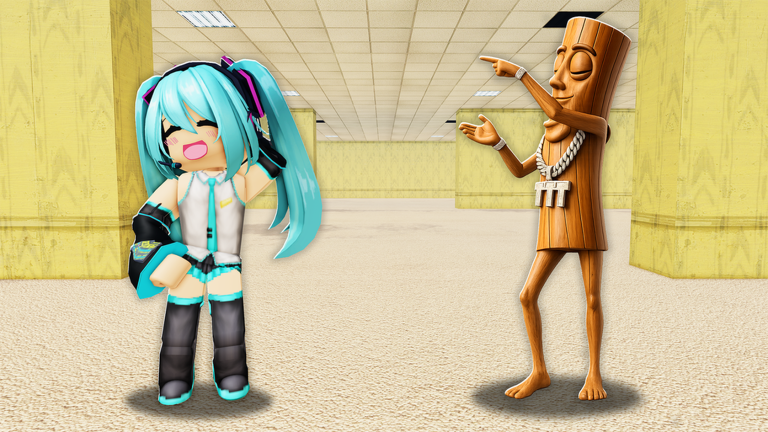
Most of what the game offers costs nothing. Exclusive emotes sit behind Emote Packs or individual purchases.
- Free emotes — hundreds of dances available to every player at no cost.
- Emote Packs — paid bundles that unlock a set of exclusive emotes.
- Individual unlocks — single exclusive emotes you can purchase on their own.
- The game works on phones, tablets, and consoles.
Playing on different devices
Tips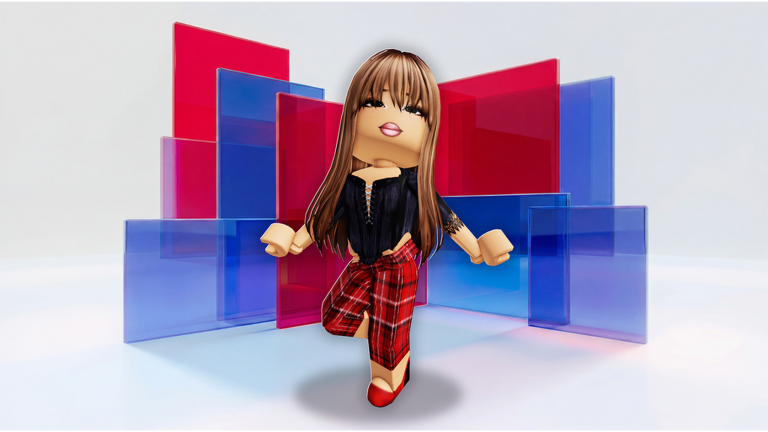
The game is confirmed to support phones, tablets, and consoles. The emote-sync feature works by tapping other players.
- The game supports phones, tablets, and consoles.
- Emote effects, music, and syncing all work on all supported devices.
Glossary
Glossary- Emote
- An animation your character performs, ranging from simple dances to elaborate routines with music and effects.
- Morph
- A preset character model you can apply to your avatar inside the game's avatar editor.
- Sync
- When you tap another player and your current emote appears on their screen at the same moment.
- Emote Pack
- A purchasable bundle that unlocks a collection of exclusive emotes not available for free.
- Sandbox
- An open space designed for experimenting — here, it means you can try any emote freely.
Common questions
FAQHow do I find emotes with effects?
Scroll through the emote menu and try each one — effects and music only show up when the emote plays. The game encourages you to discover every type.
Do I need to spend Robux to enjoy the game?
No — the free emote selection runs to hundreds of dances. Exclusive emotes through Emote Packs or individual purchases are optional extras.
Where does the music in emotes come from?
Any music that plays during an emote is sourced from publicly available Roblox audios. The Byteonix team did not create the audio tracks themselves.
Game updates can change what is on this page. If you spot something, get in touch and let us know.
