
Build To Climb — The basic loop
About
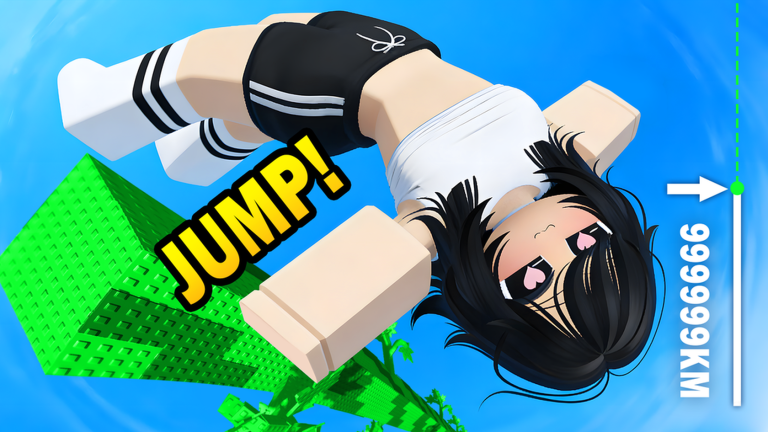
OverviewBuild To Climb is a Roblox game where you stack blocks called stacks as high as you can, climb your tower, jump off to earn coins, and use those coins to buy more stacks and go even higher.
What is on this page
Contents
The basic loop
Step
The game revolves around a simple cycle that you repeat over and over.
- Visit the shop spend your coins on stacks.
- Place your stacks pile each one on top of the last to make your tower grow.
- Climb and jump scale the tower, then jump off to collect coins.
- Reinvest take the coins you just earned back to the shop and buy more stacks to push the tower higher.
Earning coins faster
Tips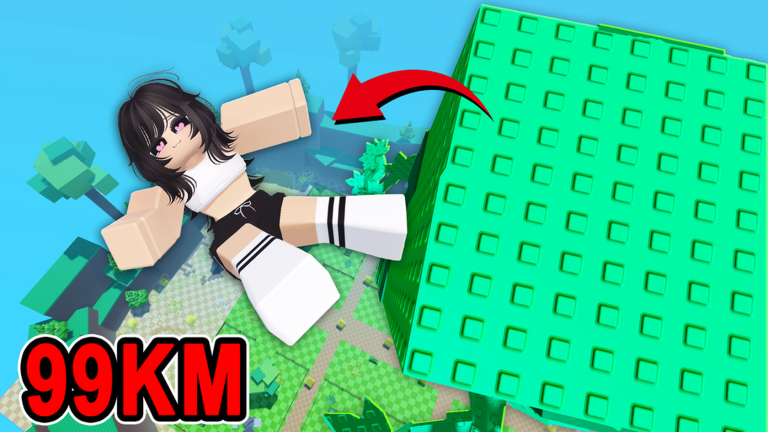
The amount of coins a jump pays out rises with the height you fall from, so a taller tower earns more. Stacking many cheap ones achieves the same height as using a few pricey ones.
- Always jump from the very top of your tower.
- Stacking lots of small, cheap blocks is just as valid as buying fewer large ones — both add height.
- Adding a new stack before the next jump makes each jump pay more.
Unlocking new themes
Check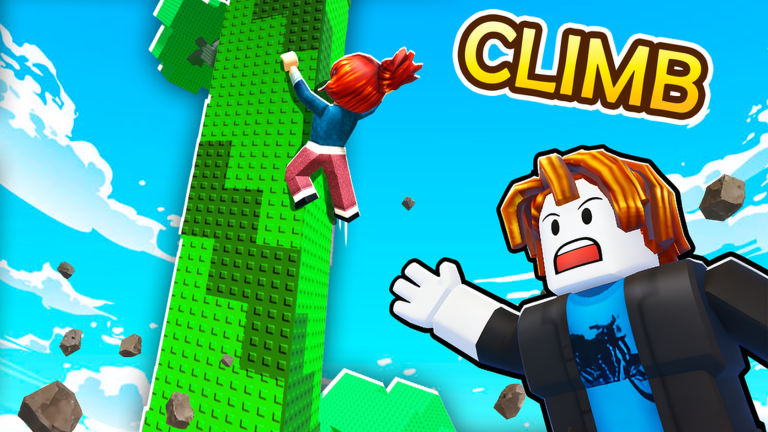
New visual themes unlock when your tower hits a certain height, changing how the tower and surroundings look. The game displays the target height in-play, so you can always see how far you still have to go.
- Check the in-game height indicator to know how far you are from the next theme.
- Keep returning to the shop after each jump to see whether new stacks are now within budget.
What to do when progress stalls
WarnAll stacks and features are available through in-game coins alone, so no real-money purchase is required to reach every theme.
 WEEKENDSURPRISE12
Freebies
MERRYCHRISTMAS2025
THEME5UPDATE
1 Palm、1 Tulip Bud
WELCOMETOBUILDTOCLIMB
-
WEEKENDSURPRISE12
Freebies
MERRYCHRISTMAS2025
THEME5UPDATE
1 Palm、1 Tulip Bud
WELCOMETOBUILDTOCLIMB
-
Glossary
Glossary- Stack
- A block you buy from the shop and place on your tower to make it taller.
- Coin
- The in-game currency you earn by jumping from your tower, used to buy more stacks.
- Theme
- A visual style that changes how your tower and background look, unlocked by reaching a certain tower height.
- Jump
- The act of leaping off your tower from height, which is how coins are collected.
Common questions
FAQI just started — what should I do first?
Head to the shop and buy a stack, then place it to start your tower. Climb up, jump off, collect the coins, and use them to buy the next stack. Repeat that cycle.
Why am I getting so few coins per jump?
Coin payout scales with the height you fall from, so a short tower pays very little. Add more stacks to increase your tower's height and each jump will reward more coins.
Do I need to spend real money to unlock everything?
No — every stack and every theme is reachable through in-game coins alone.
Can I play with friends?
Build To Climb is a solo experience, so each player builds and progresses on their own.
Are there any working redeem codes?
Yes, this site currently tracks six working codes for the game.
Game updates can change what is on this page. If you spot something, get in touch and let us know.
