
Noob Tower Defense Guide: Finishing the tutorial first
About
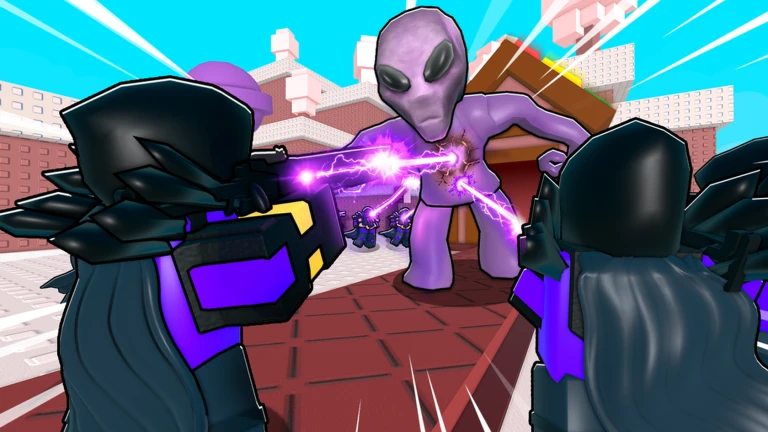
OverviewNoob Tower Defense puts you in charge of a squad of blocky noobs defending a base against endless waves of enemy noobs. You roll for rare towers, upgrade them with coins, and enchant your favorites to push further into harder waves.
What is on this page
Contents
Finishing the tutorial first
Step
Until you finish the tutorial, the code entry field stays locked.
- Complete the tutorial finishing it unlocks the full game interface, including the settings menu where codes are redeemed.
- Open the settings menu tap the gear button on the left side of the screen to find the code entry field.
- Redeem a code type your code into the ENTER CODE field and press the REDEEM button to collect coins or gems.
MetaNew Player Survey
The next survey is being prepared.
How to spend coins and gems
Table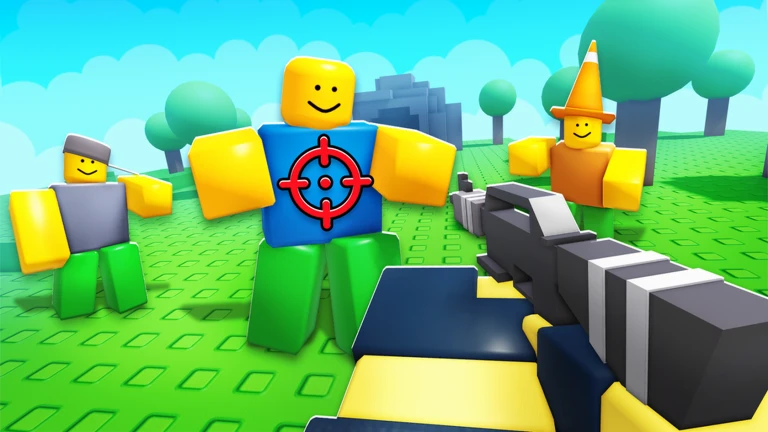
The game has two main currencies. Knowing which currency does what lets you make decisions faster during a wave.
| Gems | used to roll the gacha and summon rare towers. |
| Coins | used to upgrade towers you have already placed on the map. |
| Free currency | redeeming codes hands you coins or gems at no cost. |
Placing and enchanting towers
Tips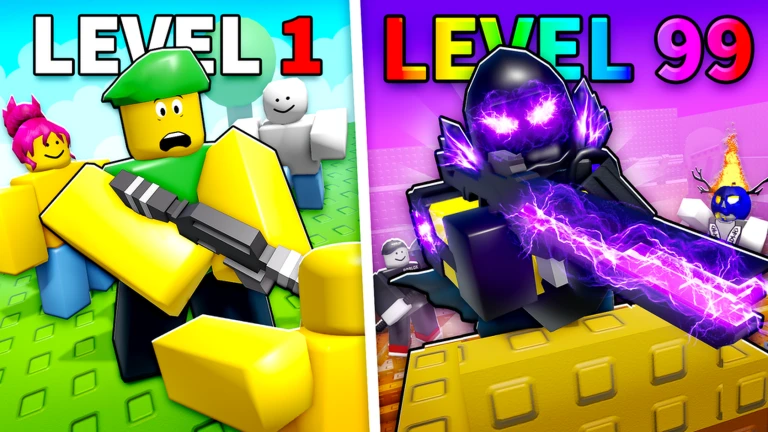
Tower placement and enchantments work together. A well-placed tower covers more enemies, and an enchanted tower hits them harder.
- Put long-range towers where they can cover a wide stretch of the enemy path.
- Place area-damage towers at choke points where enemies bunch together.
- Use enchantments on the towers you rely on most.
- The game supports up to twenty players cooperating, so in a squad you can divide placement roles.
Redeeming codes
CheckThe developers release a new code for every 1,000 likes the game receives.
- Tutorial completed the code field is locked until you finish it.
- Gear button open the ENTER CODE field is inside the settings menu on the left side of the screen.
- Code typed exactly a wrong letter or wrong case causes an error.
- REDEEM pressed the button must be pressed after typing or the code does not register.
- Used only once the same code cannot be redeemed a second time.
- Redeemed quickly codes have expiry dates.
 ECONOMY
Season2
300 Gems
TradePlaza
450 Coins and 150 Gems
IMPOSSIBLE
450 Gems and 750 Coins
ECONOMY
Season2
300 Gems
TradePlaza
450 Coins and 150 Gems
IMPOSSIBLE
450 Gems and 750 Coins
Daily spin and community reward
Summary
Beyond one-time codes, there are repeating rewards available through the game's community side.
- Daily spin liking the game and joining the community unlocks an exclusive daily spin.
- Rare rewards the community membership also makes rare rewards available through that spin.
- 2x game speed members gain access to double game speed.
- Update schedule new content drops every Saturday.
Community strategy ideas
CommunityThese ideas and tips come from people playing the game. Share your discoveries too!
No strategy ideas yet. Share a tip you discovered.
Share a strategy idea
[✒️SPY PASS!] Noob Tower Defense
Glossary
Glossary- Noob
- The blocky character style used for both the enemies rushing your base and the towers you place to stop them.
- Roll / Gacha
- Spending gems for a random chance at summoning a rare tower.
- Enchantment
- An upgrade you apply to a placed tower to increase its power beyond normal upgrade levels.
- REDEEM
- The button you press after entering a code to actually receive the reward.
Common questions
FAQWhere do I enter a code?
Open the gear icon in the menu on the left side of the screen. Inside you will find a field labeled ENTER CODE — type your code there and press REDEEM. The tutorial must be finished before this option becomes available.
Why did my code not work?
The most common reasons are a typo, wrong capitalisation, an expired code, or trying to use the same code a second time.
Can I play with friends?
Yes — the game supports cooperative play with up to twenty players at once across PC, mobile, tablet, and console.
Game updates can change what is on this page. If you spot something, get in touch and let us know.
