
digital Station sign Guide: Using the station signs
About
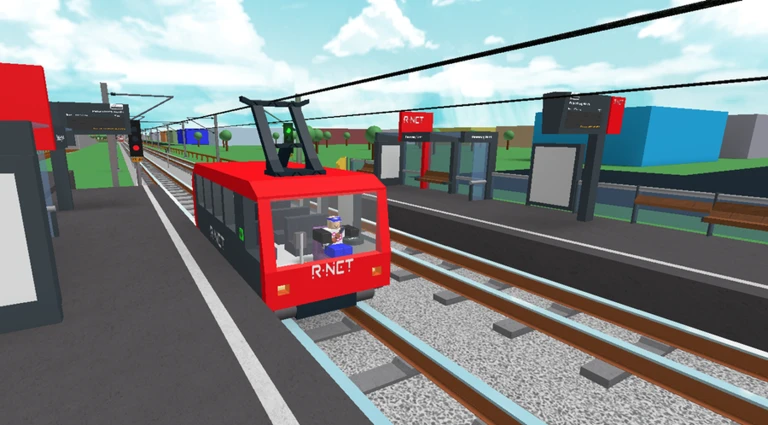
OverviewDigital Station Sign is a public-transport simulator where you drive trams and metro trains, stop at stations to pick up passengers, and deliver them to their destinations.
What is on this page
Contents
Using the station signs
Step
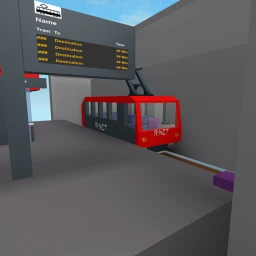
Station signs are the core tool of the game. Each one shows arrival times and destinations for trams and metro trains running through that station. You can also change what a sign displays, so experiment with the menu options once you have the basics down.
- Walk up to a sign the interaction button appears on screen only when you are close enough.
- Open the menu press the interaction button to bring up the sign's options.
- Check arrivals find the section of the menu that lists incoming trams or metro trains and their destinations.
- Change the display use the menu controls to edit what the sign shows.
MetaNew Player Survey
The next survey is being prepared.
Trams, metros, and the train control system
Summary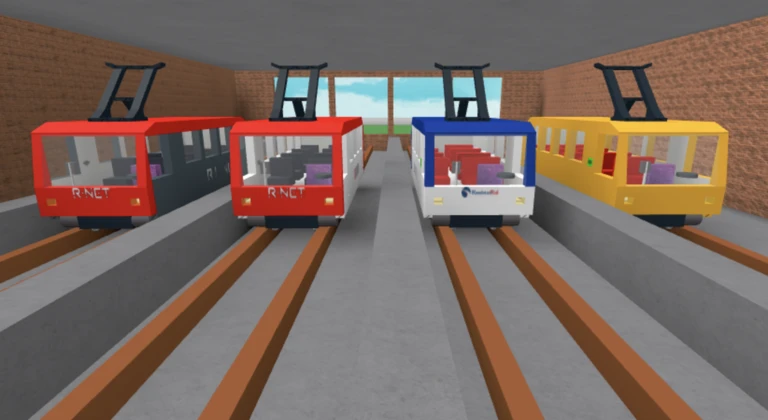
The game currently lets you drive trams and metro trains with friends, stopping at stations to pick up passengers and bring them to their destinations. A train control system called PTCS manages how trains run, while tram and metro extensions are both listed as active development projects.
- Tram a vehicle you drive between stops to carry passengers.
- Metro an urban rail vehicle operating on a separate system from the tram.
- PTCS the train control system that governs how trains move through the network.
- Passengers picked up at stations and dropped at their destination stop.
- Upcoming additions the tram extension and metro are both in active development.
When the game is not responding
CheckWork through these checks before giving up.
- Are you close enough to the sign? The interaction prompt only appears within a short distance.
- Has the sign fully loaded? Wait a moment for the display to finish rendering before trying to interact.
- Is your internet connection stable? An unstable connection causes signs and train data to stop updating.
- Has restarting helped? Leave the game and rejoin this clears most loading and interaction issues.
Playing with friends
Tips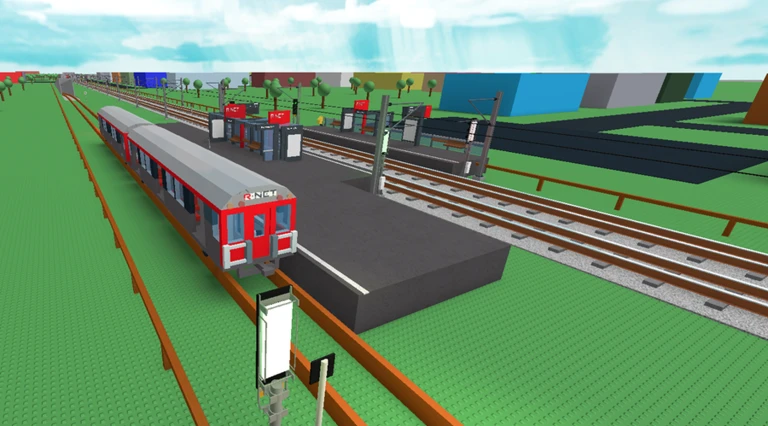
The game is multiplayer, so you and your friends can be in the same server at the same time.
- Join the same server so you appear in the same world at the same time.
- Drive trams or metro trains together, stopping at stations to pick up passengers.
Glossary
Glossary- Digital station sign
- An in-game board at each station that displays arrival times and destinations for trams and metro trains, and can be operated by the player.
- PTCS
- The train control system in the game that manages how trains move through the network.
- Tram
- A passenger vehicle you drive between stations; a tram extension is currently in development.
- Metro
- An urban rail vehicle in the game, operated separately from the tram and still being expanded.
- Interaction prompt
- The on-screen button that appears when you are close enough to a station sign, allowing you to open its menu.
Common questions
FAQHow do I interact with a station sign?
Walk up close to the sign until an interaction button appears on screen, then press it to open the menu. From there you can check arrivals and change what the sign displays.
Where do I find train and tram arrival times?
Approach any station sign and open its menu — the arrival times and destinations for incoming trams and metro trains are shown there.
Can I play this with friends?
Yes — the game is multiplayer and multiple players can be in the same server at once. You can drive trams or metro trains together and stop at stations to pick up passengers.
What is being added to the game?
Three projects are currently listed as in development: the PTCS train control system, the metro, and a tram extension.
Game updates can change what is on this page. If you spot something, get in touch and let us know.
