
ULTRAS ONLINE Guide: Getting started

About
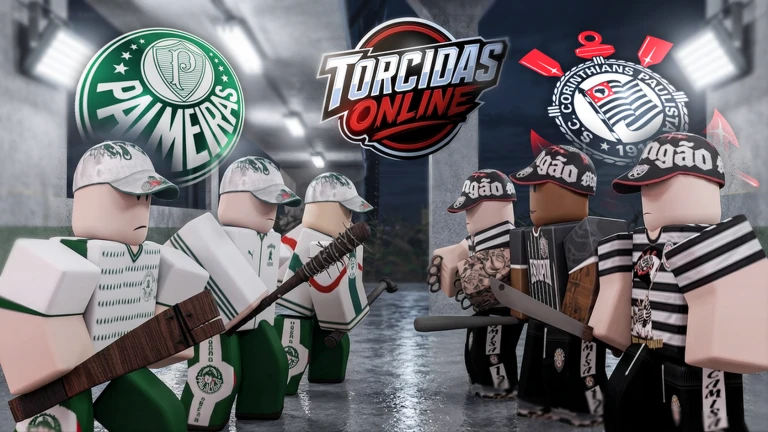
OverviewUltras ONLINE (also known as Torcidas Online) is a melee battle game where you join a soccer supporters group, fight rival fans, and strip opponents of their shirts. This guide covers how to get started, the controls you need to know, and how to work toward every achievement the game tracks.
What is on this page
Contents
Player notes and tips
Found a useful trick? Share it with everyone! Notes with screenshots are welcome!
Write a guide note
ULTRAS ONLINE ⚽🚩
Getting started: tutorial and team choice
Step
When you first load in, a tutorial walks you through the basics. Completing it unlocks a reward and earns you the tutorial completion badge. After that, you pick one of 15 teams and join their supporters group to enter the fight.
- Finish the tutorial you unlock a reward and the completion badge, so do not skip it.
- Pick your team choose any one of the 15 available clubs.
- Join the supporters group this puts you on the battlefield with your chosen side.
- Learn the two main keys G to carry and E to finish off a rival.
- Enter a match up to 30 players share one room.
MetaNew Player Survey

The next survey is being prepared.
Controls and chat commands
Table
The control scheme is small but important to memorize. Chat commands are typed directly into the chat box during a match.
| G key | carry |
| E key | finish off a downed rival |
| /votekick | start a vote to remove a disruptive player from the room |
| /char | apply a custom skin to your character |
| /musica | play music, available only if you own the DJ game pass |
Kill milestones and badges
Table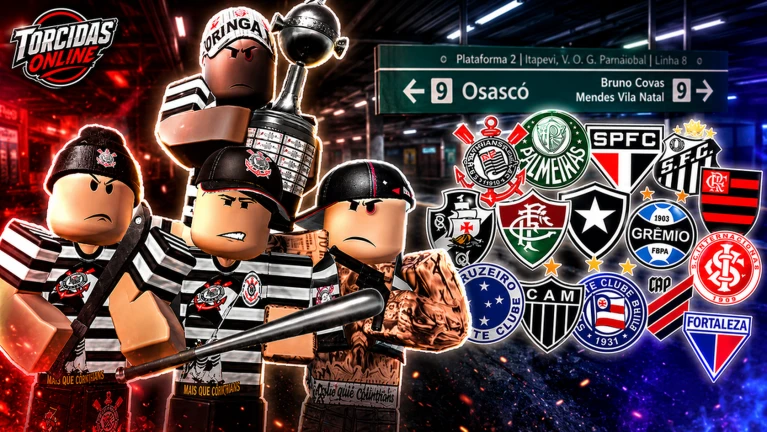
Badges unlock automatically once you hit the required kill count.
| Badge name | Rivals to eliminate |
|---|---|
| Primeiro Sangue | 10 |
| Linha de Frente | 50 |
| Lenda da Torcida | 100 |
| Aniquilador | 500 |
| Exterminador de Torcidas | 1,000 |
Stripping rival shirts
TipsStripping shirts is one of the game's defining mechanics. Two separate badges reward you at different totals.
- Strip 10 shirts from rival players to earn the Despojador de Camisas badge.
- Strip 50 shirts to earn the Colecionador de Camisas badge.
Glossary
Glossary- Torcida
- A passionate soccer supporters group; in this game it refers to the organized fan faction you join when you pick a team.
- Finish Off (E key)
- A special finishing move you trigger with the E key to eliminate a downed rival.
- Carry (G key)
- The action mapped to G.
- Votekick
- A chat command (/votekick) that starts a group vote to remove a specific player from the match room.
Common questions
FAQWhat should I do first when I join?
Run through the tutorial before anything else. It covers all the basic mechanics and awards a reward when you complete it. After that, pick one of the 15 teams and join their supporters group to start fighting.
How do I strip a rival's shirt?
Defeat a rival player and take their shirt during the fight. Reaching 10 strips earns the first shirt badge, and 50 strips earns the second.
Can anyone use the /musica command?
No — /musica only works if you own the DJ game pass. Players without it cannot use the command.
How many players can be in one match?
A single room holds up to 30 players at once.
Game updates can change what is on this page. If you spot something, get in touch and let us know.
