
STAND OUT Guide: Core controls to learn first
About
OverviewSTAND OUT is a Roblox action game set in a bizarre adventure world where up to 18 players fight together using attacks, blocks, and special abilities.
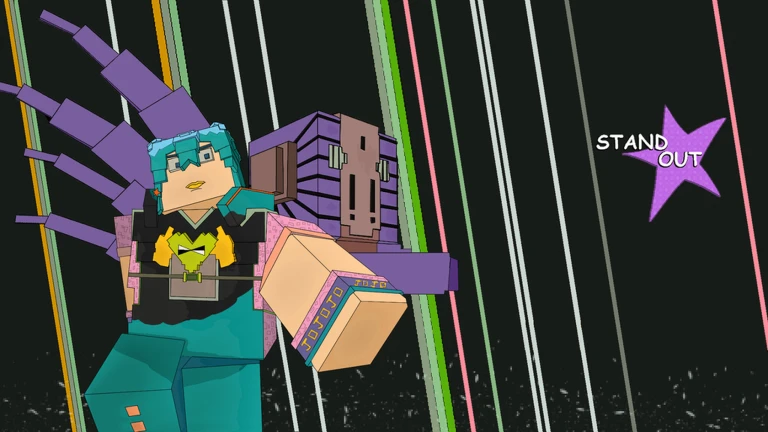
What is on this page
Contents
Player notes and tips
Found a useful trick? Share it with everyone! Notes with screenshots are welcome!
Write a guide note
STAND OUT
Core controls to learn first
Check
Every fight in STAND OUT comes down to these basics.
- Run hold Left Shift, or tap W twice and keep holding
- Light attack Left Mouse Button for quick hits
- Heavy attack R for a stronger strike
- Block F to stop incoming attacks
- Pause menu P to bring up the menu mid-match
MetaNew Player Survey

The next survey is being prepared.
Advanced combat techniques
Step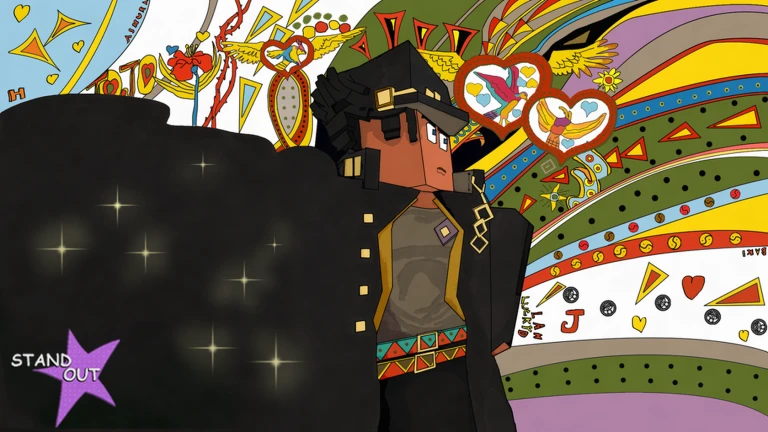
Once you can run, attack, and block without thinking about it, these moves let you control the pace of a fight.
- Dash
press Q to move quickly
- Camera lock
hold Left Alt to fix your camera on an enemy so you can track them while moving
- Summon
press E to activate your special ability
- Pilot mode
press Left Control to switch to an alternate perspective
Playing with others
Summary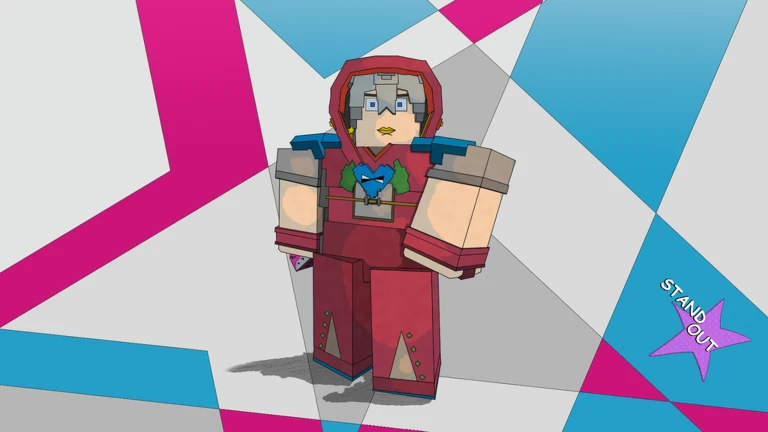
STAND OUT supports up to 18 players in one session. You can jump in alone or alongside a full group.
- Max lobby size
18 players
- Solo play
fully supported
- Group play
cooperate with whoever else is in the session
Redeem codes
StepThe game hands out codes from time to time, and each code can only be redeemed once. Codes sometimes have expiry dates.
- Open the input field
look for the code entry box inside the game
- Enter the code
type it exactly and confirm to collect your reward
-
Some codes expire, and every code stops working after you use it once
 100KLIKESHUGE
three mysterious arrows, one lucky arrow, three arrow parts, and 333 Dalas
50KLIKES
three lucky arrows and 2.5k Dalas
RELEASE
+3 Mysterious Arrows
HUGE100K
+1 Bizarre Arrow
Glossary
Glossary- Block
- A defensive move triggered by pressing F that stops incoming attacks.
- Dash
- A quick burst of movement activated with Q.
- Summon
- A special ability triggered by pressing E.
- Pilot Mode
- An alternate control perspective activated with Left Control.
- Camera Lock
- A mode activated with Left Alt that keeps your camera fixed on an enemy.
Common questions
FAQWhat is the difference between a light attack and a heavy attack?
Light attacks use the Left Mouse Button. Heavy attacks use R.
How do I use a redeem code?
Find the code entry box inside the game and type the code in exactly as it appears. Each code can only be used once.
Game updates can change what is on this page. If you spot something, get in touch and let us know.
