
Mandrake Catalog Editor Guide: Getting started with the catalog
About
OverviewMandrake Catalog Editor is a fashion dress-up game on Roblox where you pick outfits from a catalog of more than 500 items, take screenshots of your look, and share them to collect likes from other players.
What is on this page
Contents
Getting started with the catalog
Step
The moment you enter the game, head straight for the catalog. More than 500 items are available to mix and match, and the developers keep adding new ones over time. Once you have a look you like, you can explore the community and meet players who share your taste.
- Open the catalog browse the full list of available clothing and accessories right after joining.
- Pick your items combine pieces freely until your character looks the way you want.
- Check for new arrivals the catalog grows with updates, so revisit it after patches.
MetaNew Player Survey
The next survey is being prepared.
Building a look that gets noticed
Tips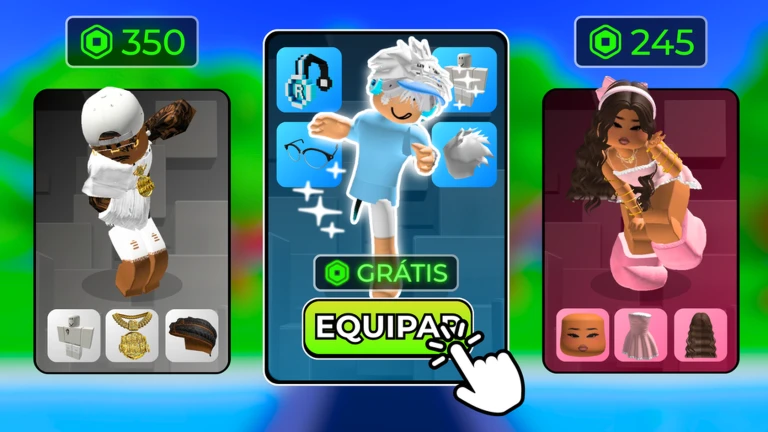
Anyone can throw on random items, but a thought-out outfit stands out in the community.
- Keep your colors consistent across your whole outfit so the overall look feels put-together.
- Use the in-game screenshot feature to capture your outfit before sharing it anywhere.
- Check the catalog after every update so you are among the first to wear newly added items.
Sharing screenshots and collecting likes
Check
The game has a global likes ranking tied directly to how many likes your shared screenshots receive.
- Share the screenshot to your social network.
- Keep an eye on your like count as it climbs toward each badge milestone.
Badges and how to earn them
Table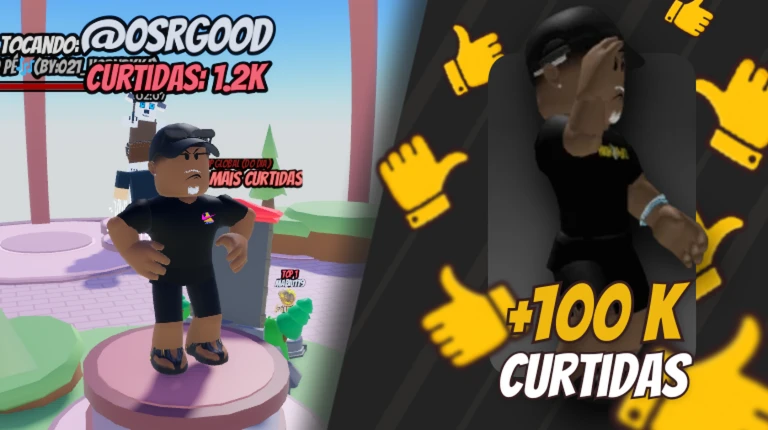
The milestone badges require other players to like your shared content. The seasonal badge was tied to the Valentine's Day event.
| Badge | How to earn it |
|---|---|
| Welcome badge | Awarded automatically when you first join the game |
| Match Perfeito! | Participate in the Valentine's Day in-game event |
| 10,000 Likes | Receive 10,000 likes on your in-game content |
| 25,000 Likes | Receive 25,000 likes on your in-game content |
| 100,000 Likes | Receive 100,000 likes on your in-game content |
| 500,000 Likes | Receive 500,000 likes on your in-game content |
Community strategy ideas
CommunityThese ideas and tips come from people playing the game. Share your discoveries too!
No strategy ideas yet. Share a tip you discovered.
Share a strategy idea
👓 Mandrake Catalog Editor (BETA)
Glossary
Glossary- Catalog
- The in-game library of more than 500 clothing and accessory items you can apply to your character.
- Dress-up
- The act of equipping items from the catalog onto your character to create an outfit.
- Likes ranking
- A global leaderboard that tracks how many likes players have received on their shared screenshots.
- Badge
- An achievement awarded for reaching a like-count milestone or participating in a limited-time event.
Common questions
FAQHow many items can I choose from?
The catalog holds more than 500 items, and the developers continue to add more with each update.
How do I move up the global likes ranking?
Share your screenshot on social media. Every like that screenshot receives counts toward your total and pushes you higher on the leaderboard.
Can I earn the Valentine's Day badge now?
That badge was awarded during the Valentine's Day event.
Game updates can change what is on this page. If you spot something, get in touch and let us know.
