
Makeup Star Guide: Three things to do on your first day
About
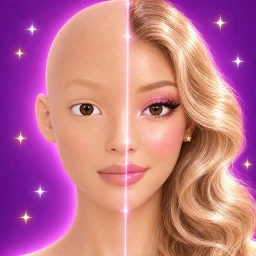
OverviewMakeup Star is a beauty game by Emo Playworks where you sit at your own vanity and build looks by hand — skin prep, eyeshadow, glitter, gems, and more — with no timer and no limits. This guide walks you through your first session, how to earn and spend Pearls, how the Daily Treat log-in streak works, and how to collect every badge.
What is on this page
Contents
Player notes and tips
Found a useful trick? Share it with everyone! Notes with screenshots are welcome!
Write a guide note
Makeup Star [BETA]
Three things to do on your first day
Step
When you first load in, head straight to your vanity.
- Do Skin Prep sit at your vanity and complete the skin prep step to earn the Prep Pro badge.
- Save your first look tap Done after finishing any look and it saves to your Look Diary, unlocking the First Look badge.
- Join the group find the official Makeup Star group on Roblox, join it, and claim the Club Gifts to earn the Club Member badge.
MetaNew Player Survey

The next survey is being prepared.
Building and saving a look
Tips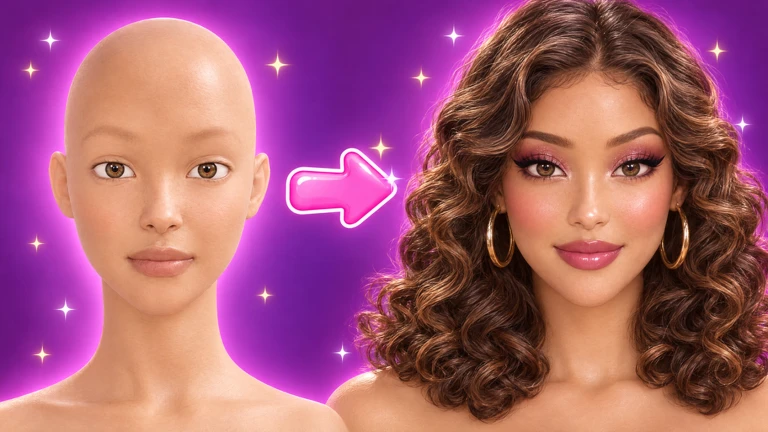
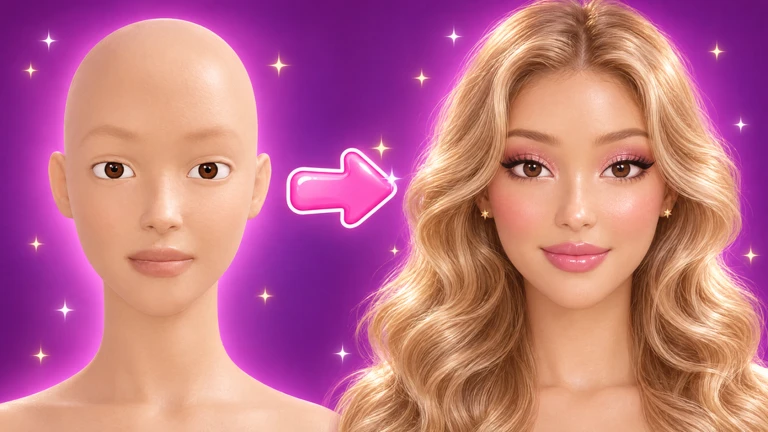
Your vanity lets you stack blush, lipstick, eyeshadow, eyeliner, lashes, glitter, and gems in any combination. Because there is no timer, you can take as long as you want. Your appearance is private — no other player can see your look.
- Tap Done at any point to save your current look to your Look Diary and start fresh.
- Use Full View to hide every interface element except your model so you can check the finished result clearly.
- Snap a photo of any look you want to share or keep as a reference outside the game.
- Your look stays exactly as you left it when you log out, so you can return and keep working later.
- Style your model with hairstyles, lashes, and jewelry alongside your makeup for a complete look.
Earning and spending Pearls
Summary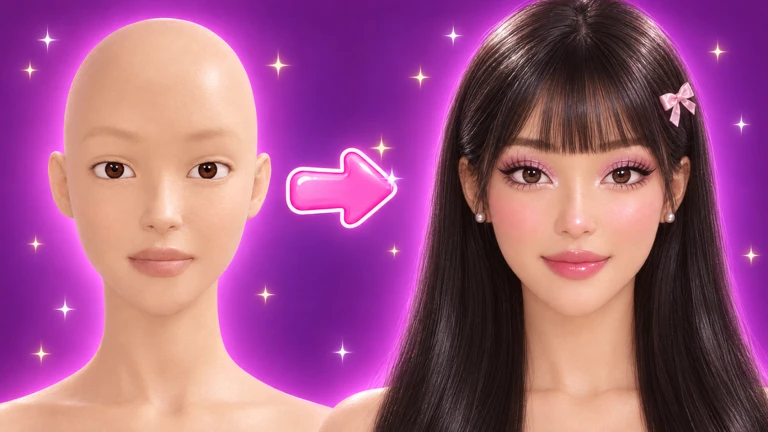
Pearls are the in-game currency you collect by finishing looks. You spend them at the Beauty Bar to unlock new shades, finishes, and treat items. You can also get bonus Pearls by entering a code in the game's code field.
- Finish a look earn Pearls each time you tap Done on a completed look.
- Beauty Bar the shop where Pearls unlock new shades, finishes, and reward items.
- Code field entering a valid code gives you a bonus Pearl payout on top of normal earnings.
Daily Treat streak and its badges
Check
Each day you log in you can open a Daily Treat.
- Open the Daily Treat every day to keep your streak alive.
- Reach day 7 to earn the Sweet Week badge.
- Open your 30th Daily Treat to earn the Treat Collector badge.
Glossary
Glossary- Pearls
- The in-game currency you earn each time you finish a look, spent at the Beauty Bar on new shades, finishes, and treats.
- Beauty Bar
- The in-game shop where you spend Pearls to unlock new shades, finishes, and reward items.
- Look Diary
- A saved collection of your finished looks that you can revisit and wear again at any time.
- Skin Prep
- The skincare step you do at your vanity before applying makeup, and the action that earns the Prep Pro badge.
- Daily Treat
- A log-in bonus you can open once per day, with special badges at the 7-day and 30-day milestones.
- Full View
- A display mode that hides everything except your model so you can inspect your finished look without any interface in the way.
Common questions
FAQCan other players see my makeup?
No. Your look is private and only visible to you.
Does my look reset when I leave the game?
It does not reset. Your vanity keeps your look exactly as you left it, so you can log back in and pick up right where you stopped.
Where do I enter a code to get bonus Pearls?
There is a code entry field inside the game. Type your code there and the Pearls are added to your total.
Game updates can change what is on this page. If you spot something, get in touch and let us know.
