
My iPad Guide: How to get started
About
OverviewMy iPad is a Roblox game where you customize a virtual iPad, collect coins, and unlock new games, apps, and colors. This guide covers how to earn coins, what to spend them on, and how to work toward the game's toughest badge.
What is on this page
Contents
Player notes and tips
Found a useful trick? Share it with everyone! Notes with screenshots are welcome!
Write a guide note
My iPad
How to get started
Step
When you join for the first time you earn the Newcomer badge automatically. After that, your main job is collecting coins by playing the game, then heading to the shop to see what you can unlock.
- Play the game
coins come in as you play, so just getting started is enough to begin earning.
- Open the shop
check what games, apps, and iPad colors are available to buy.
- Take a photo
after any customization, use the photo feature to see how everything looks.
- Adjust your avatar
the game lets you change your character's appearance, so tidy that up too.
MetaNew Player Survey

The next survey is being prepared.
Three things to spend coins on
Table
Every coin you earn can be put toward one of three categories in the shop.
| More games | adds playable games inside your virtual iPad |
| More apps | expands the range of apps you can use |
| New iPad colors | changes the look of the iPad itself |
Keeping momentum through the badges
Tips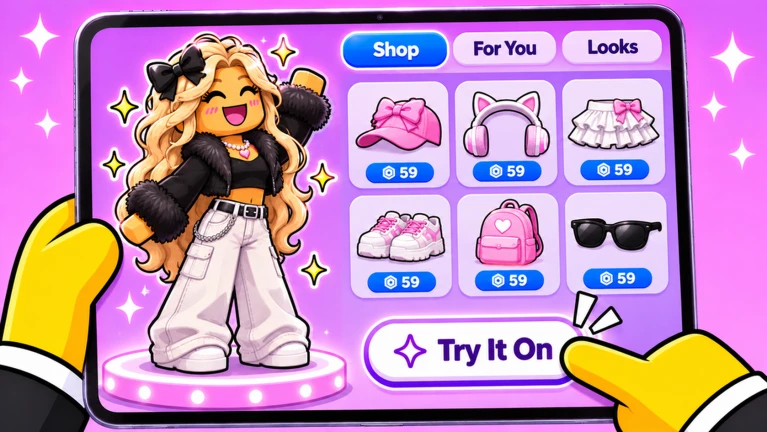
There are six badges in total. Five of them track how dedicated a player you are, and earning them is a matter of continuing to play.
- The Newcomer badge unlocks the moment you first load the game
you already have it.
- Fan, Super Fan, Best Friend, and Legend badges follow as you keep coming back and playing.
- Up to 25 players can be in a room at once, so the game always has other people to share it with.
Going for the Hall of Fame badge
Check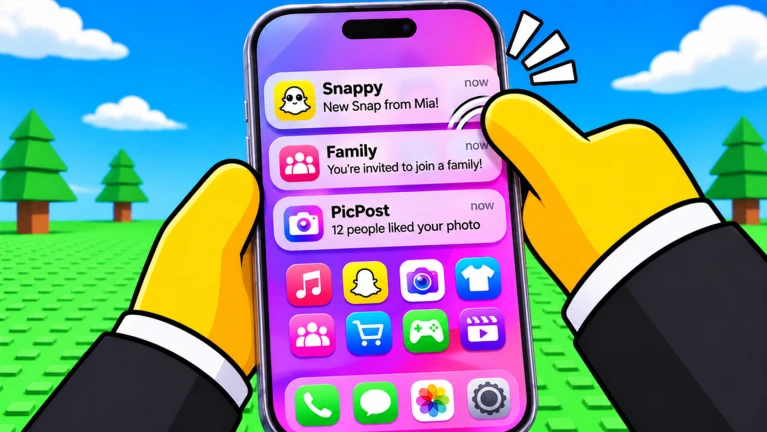
The HOF badge is separate from all the others. It is not about how long you have played — it is about how good your setup looks during a given week. That means putting real effort into both your iPad and your avatar.
- Buy iPad colors and customize your iPad's appearance.
- Spend time customizing your avatar inside the game so it looks polished.
- Use the photo feature to check your full look before the week is out.
Glossary
Glossary- HOF
- Short for Hall of Fame — a badge awarded each week only to players whose look is judged among the very best.
- Coins
- The in-game currency you earn by playing, used in the shop to unlock games, apps, and iPad colors.
- iPad colors
- Purchasable options in the shop that change the appearance of your virtual iPad.
Common questions
FAQHow do I earn coins?
Coins come from playing the game.
How many players can be in one room?
A single room holds up to 25 players at once.
What is the best way to chase the HOF badge?
HOF is given to players whose look stands out as one of the best in a given week. Focus on buying iPad colors and refining your avatar, then use the photo feature to review how the whole thing comes together.
Game updates can change what is on this page. If you spot something, get in touch and let us know.
