
Villa Tycoon — First steps when you load in
About
OverviewVilla Tycoon is a Roblox tycoon game where you build your own villa from scratch, then fill it with furniture, unlock cars, and style your avatar however you like. This guide walks you through your first steps, the two main villa goals, and everything you can customize along the way.
What is on this page
Contents
First steps when you load in
Step
When you first join, your job is to start laying out your villa. The furniture editor is not available right away — you need to unlock it before you can arrange anything inside. Once it is unlocked you earn a badge for it, and your interior options open up fully. After that, the wardrobe lets you change your avatar's look whenever you want.
- Start your villa place the foundation and begin shaping your building.
- Unlock the furniture editor this is the first major milestone and earns you a badge.
- Open the wardrobe change your avatar's outfit to match your style.
- Rebuild whenever you want each time you rebuild you earn rewards, so do not feel locked into your first design.
Two villas worth completing
Table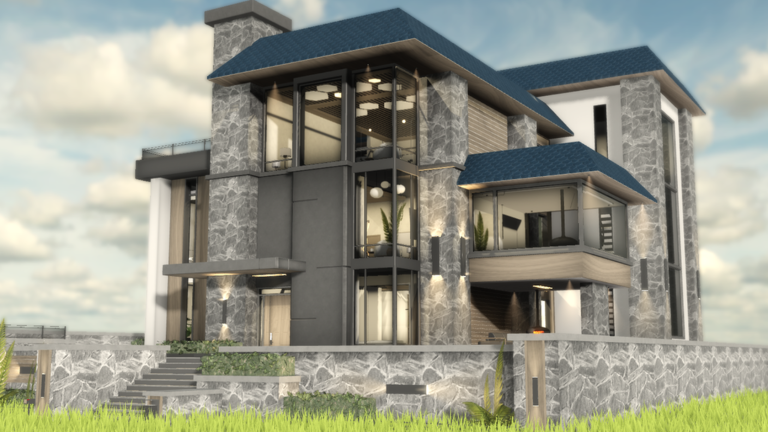
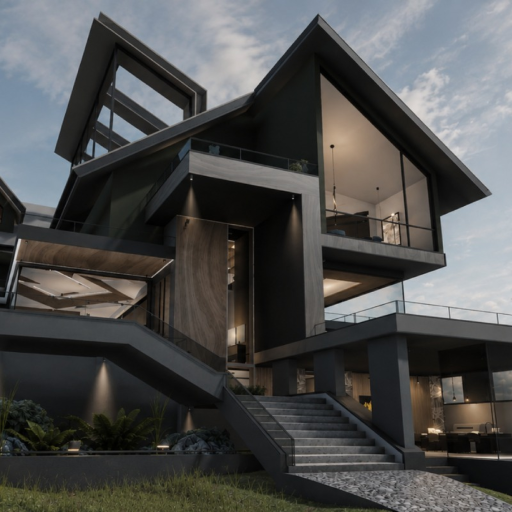
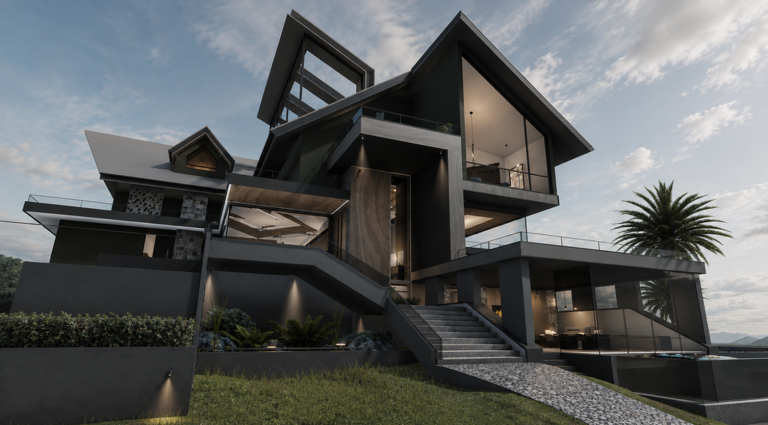
The game has two distinct villa types, each with its own completion badge. Earning both badges is the core progression challenge. Because rebuilding rewards you every time, you can attempt each villa more than once and still come out ahead.
| Modern Villa | finish it to earn the Modern Villa Completed badge. |
| Hillside Villa | finish it to earn the Hillside Villa Completed badge. |
| Rebuild reward | each rebuild pays out a reward, making repeat runs worth your time. |
Customization options beyond the villa
Tips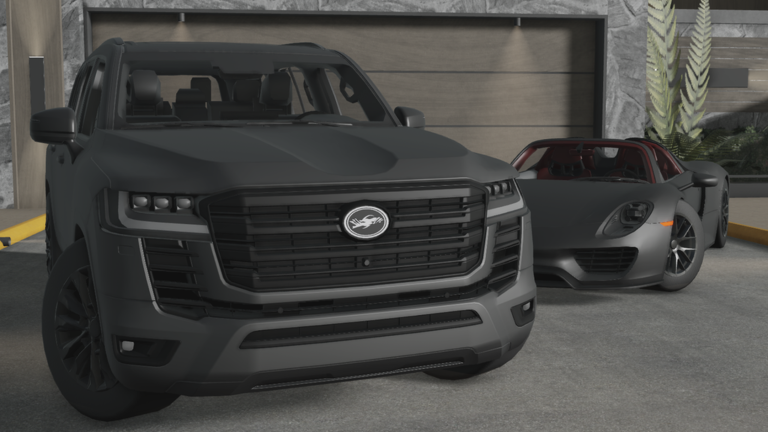
Customization in Villa Tycoon goes well beyond the building itself. You can change how your car looks and how your avatar looks, and version 2.1 added new rooms and a helper buddy alongside new cars and a new currency.
- Unlock multiple cars and switch between them as you progress.
- Use body paint to change your car's color and pattern.
- Visit the wardrobe to update your avatar's fashion at any time.
- New rooms added in version 2.1 give you more interior options to work with.
- The helper buddy introduced in version 2.1 is a new companion to use in your villa.
Glossary
Glossary- Furniture Editor
- A tool you unlock during play that lets you place and arrange furniture inside your villa.
- Wardrobe
- The in-game feature where you change your avatar's clothing and style.
- Body Paint
- A customization option that lets you change the color and pattern of your car.
- Weekly Shop
- A shop included in the game.
- Helper Buddy
- A companion character added in version 2.1 that accompanies you in your villa.
- Rebuild
- Starting your villa over from scratch, which the game rewards you for each time you do it.
Common questions
FAQCan I play on mobile or console?
Yes — Villa Tycoon runs on PC, mobile, and console.
What do I actually get for rebuilding my villa?
The game gives you a reward each time you complete a rebuild.
How many badges are there?
There are four badges: Modern Villa Completed, Hillside Villa Completed, Furniture Editor Unlocked, and the Egg Hunter event badge. The Egg Hunter badge requires completing a round of the Egg Hunt event.
What was added in the latest update?
Version 2.1 brought new cars, new rooms, a new currency, a helper buddy, and bug fixes. The Weekly Shop was also introduced.
Game updates can change what is on this page. If you spot something, get in touch and let us know.
