In shortGetting your bearings and buying a home is the right place to start.
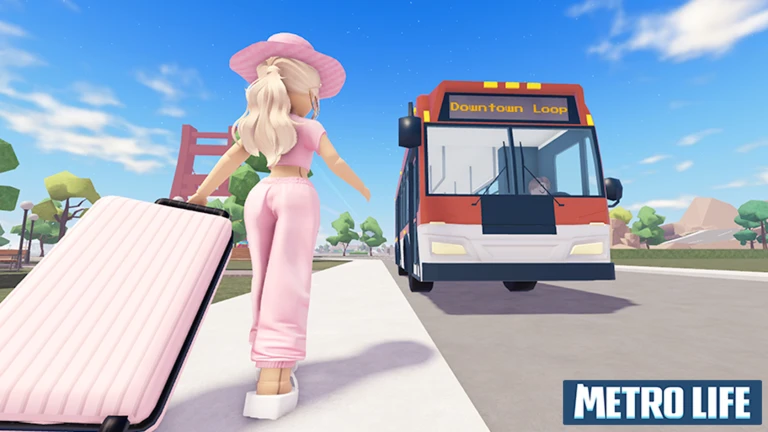
When you first load in, take a moment to get comfortable with the movement and camera controls before doing anything else. Once you feel steady, walk around the city to get a feel for what's there — the real estate options, shops, and other players. Your first big goal is buying a home with your starting currency.
Learn the controlsspend a minute moving around and adjusting the camera so nothing surprises you later.
Explore the spawn areawalk through the city to spot job locations, shops, and properties for sale.
Buy your first homefind a property and purchase it with your in-game currency.
Start personalizingonce you own a home, rearrange the furniture and interior to make it yours.
In shortTrying several jobs early on helps you find one you enjoy, and sticking with it pays off.
Metro Life has several jobs available around the city, including roles like police officer, taxi driver, and food service worker. The city is set up so that you can earn steadily without spending real money. Once your wallet is healthy, you can upgrade to a nicer home or a better car.
Tips worth knowing
Try different jobs around the city to figure out which ones suit your playstyle.
Sticking with one job over time can earn you bonus pay, so consistency has real value.
Working alongside a friend makes jobs more fun and helps both of you earn together.
03Live and upcoming eventsEvents
Events running now or coming soon. They have fixed dates, so check them first.
Live now –
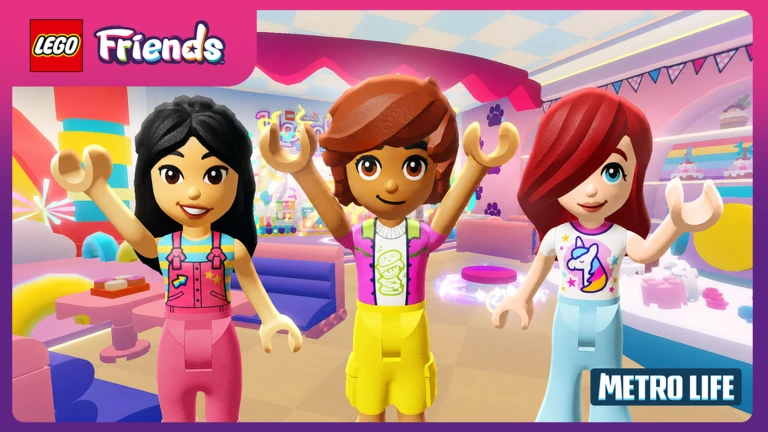
LEGO® Friends Hit Metro!
Celebrate the launch of Heartlake The Musical in the Tree House Hangout & Unicorn Café.
🔑 Unlock the Friendship Tree…
In shortHomes and cars each have their own customization systems.
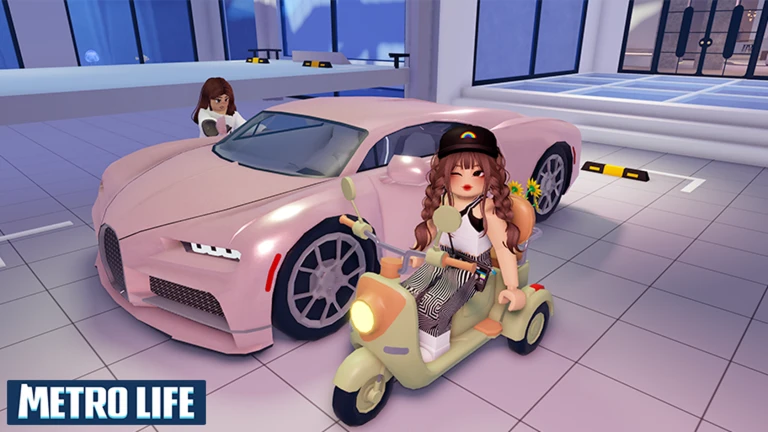
Your home can be completely rearranged — furniture placement and interior style are all up to you. Larger, more upscale properties give you more room to work with. Cars can be modified with unique colors and designs.
Luxurious mansion
more rooms and room for more furniture.
Modified car
unique colors and designs that set it apart.
05
Playing with friends
Tips
In shortThe in-game device system is the key to staying connected with friends across the city.
Metro Life is built around spending time with other people. The in-game devices let you connect with friends — think of them as the game's version of a phone. Visiting a friend's home is also a great way to pick up ideas for your own.
Tips worth knowing
Use the in-game devices to message friends and agree on where to meet.
Visit a friend's home to see how they arranged their space and borrow ideas for yours.
Take on jobs together so you're both earning while you hang out.
Explore the city as a group — there's a mysterious island nearby that's worth checking out together.
06
Staying safe while you play
Warn
In shortIf anything feels off — someone asking for personal info or pushing you toward outside sites — stop and tell a trusted adult.
Keep a few rules in mind every time you play.
Worth watching out for
Never share your real name, address, phone number, or any other personal information in chat.
Never share your Roblox password with anyone, no matter what reason they give.
Don't click links to outside websites that other players send you.
If someone offers you something that sounds too good or asks for anything personal, tell a parent or another trusted adult right away.
07
Keeping the game fresh over time
Check
In shortRegular updates add new content, so checking in after each update is the easiest way to stay ahead.
Metro Life receives regular updates that add new vehicles, clothing, and furniture. Update 138, for example, opened up a mysterious nearby island and added a popup event.
Head to any new areas introduced in recent updates.
Try new clothing and furniture items when they drop.
Look for limited eventspopup activities like the Raww event are only around for a short time.
Stuck? Try a video
Metro Life 🏡 City RP In Roblox Hindi Playing With My Sister | Episode 1
Community strategy ideas
Community
These ideas and tips come from people playing the game. Share your discoveries too!
No strategy ideas yet. Share a tip you discovered.
Share a strategy idea
Metro Life 🏡 City RP
Glossary
Glossary
Roleplay (RP)
Playing as a character and living out a story within the game world, rather than focusing on winning.
In-game device
A virtual phone or similar gadget inside Metro Life that lets you message and connect with friends.
Customization
Changing the appearance or layout of your home or car to match your personal style.
Popup event
A limited-time activity that appears in the city for a short period before disappearing.
Mansion
A high-end property type in the game that offers more space and room for furniture than standard homes.
Common questions
FAQ
How do I earn money right at the start?
Head to one of the job locations scattered around the city and pick up whatever work is available.
My money isn't adding up fast enough — what should I do?
Keep working the same job consistently, since sticking with one role over time can unlock bonus pay.
What's the point of buying a car?
Cars let you get around the city and are useful for jobs like taxi driving. You can also customize them with unique designs. Driving around with friends is one of the more enjoyable things to do in the game.
How do I find my friends in the city?
Use the in-game devices — the game's built-in communication tools — to message your friends and arrange a meetup spot.
A player is saying strange things and asking for my personal information. What do I do?
Stop the conversation immediately and do not share anything. Use Roblox's block feature so they can't contact you again. Tell a parent or trusted adult what happened as soon as you can.
Updated Sep 6, 2026
Game updates can change what is on this page. If you spot something, get in touch and let us know.


 Live now
–
Live now
–