
Mega Fun Obby Revamped⭐2935 Stages Guide: Getting started
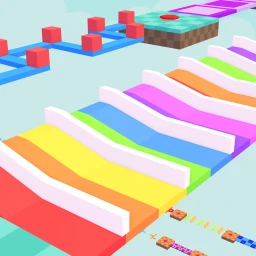
About
OverviewMega Fun Obby Revamped is one of Roblox's longest obstacle courses, with over 2,900 stages to work through solo or with friends. Every stage is free to attempt, and this guide covers how to get started, push through hard sections, and make the most of the tools the game gives you.
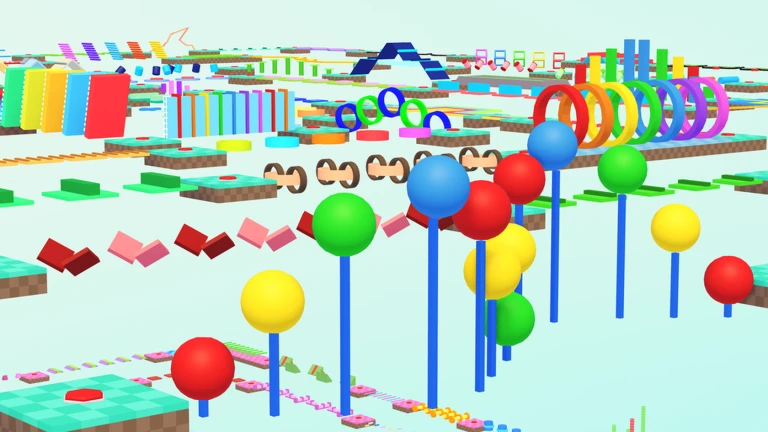
What is on this page
Contents
Player notes and tips
Found a useful trick? Share it with everyone! Notes with screenshots are welcome!
Write a guide note
Mega Fun Obby Revamped⭐2935 Stages
Getting started
Step
The game drops you at stage one, so the early levels are your best chance to learn how jumping and landing feel in this particular obby. Before you push forward, check the official community — free skip codes are sometimes handed out there, and they have expiry dates, so redeeming one early beats missing it.
- Check the official community
look for any free skip codes being distributed and redeem them straight away.
- Get a feel for the progress bar
it shows exactly where you are across all 2,900-plus stages at a glance.
MetaNew Player Survey

The next survey is being prepared.
Pushing through difficult stages
Check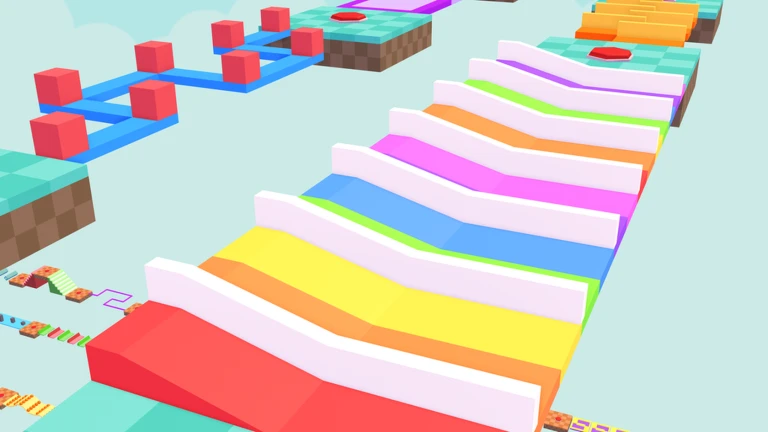
With more than 2,900 stages the difficulty is not a smooth curve — tough stages can appear without warning. The Fast Forward Stage Selector, added in the June 2026 update, lets you jump to a different stage instead of grinding the same one repeatedly.
- Open the Fast Forward Stage Selector and jump to a different stage if you have failed the same spot many times.
- Check the progress bar to see how far through the full course you actually are.
- Look at Daily Challenges each session they give you a fresh target to work toward every day.
Free-to-play habits that keep you going
Tips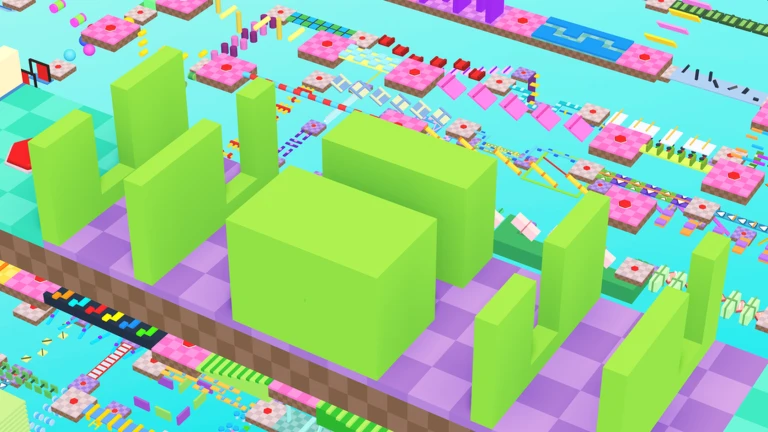
Every stage in the game is open to free players, so progress is never locked behind a paywall. The community and the Daily Challenges system are the two free tools that do the most work.
- Check the official community
skip codes are distributed there and expire, so frequent checks mean fewer missed opportunities.
- Use the Stage Selector to skip a stage that is blocking your enjoyment.
Glossary
Glossary- Obby
- Short for obstacle course — the game mode where you jump through a series of platforms and hazards to reach the end.
- Fast Forward Stage Selector
- A tool added in June 2026 that lets you jump directly to any stage instead of playing through every one in order.
- Skip code
- A code you enter in-game to skip past a stage; distributed free through the official community and limited to one use per code.
- Daily Challenge
- A goal that resets every day and gives you something to aim for beyond simply reaching the next stage.
- Progress bar
- The on-screen indicator that shows how far through the full 2,900-plus stages you have come.
Common questions
FAQWhere do I find skip codes?
Skip codes are given out free in the official community. They expire and can only be used once, so redeem any code you find as soon as possible.
Do I need to pay anything to reach every stage?
No — all 2,900-plus stages are open to free players.
What should I do if a stage seems impossible or broken?
Post a description in the official forum — the developers have asked players to do exactly that after the full redesign.
Game updates can change what is on this page. If you spot something, get in touch and let us know.
