
Derealization Guide: Level order and what each one asks of you
About
OverviewDerealization is a short mystery-puzzle game inspired by the Backrooms, where you move through unsettling levels and meet each one's escape condition to push forward. The story follows a family that disappeared half a decade ago — though the levels themselves are the main challenge. This guide walks you through every level's escape route, the creatures you'll face, and the optional challenge badges.
What is on this page
Contents
Level order and what each one asks of you
Table
The game runs through levels in a fixed order. Check the escape condition for the level you're on before you go searching.
| Level | Common name | Escape condition |
|---|---|---|
| Level 0 | Office Spaces | Navigate to the south-west corner and climb the ladder into the vent |
| Level 1 | Pipe Dreams | Press 3 buttons in the correct order |
| Level 2 | Poolrooms | Walk straight, turn right, enter the vent — no items needed |
| Level 3 | Darkened Suburbs | Collect 5 keys scattered around the parking lot area |
| Level 4 | Blackout | Collect a key and a lever from the security room, unlock the closet, pull its lever |
| Level 5 | Penitentiary | Find and pull 6 levers (buttons in this level are optional) |
Escaping Office Spaces (Level 0)
Step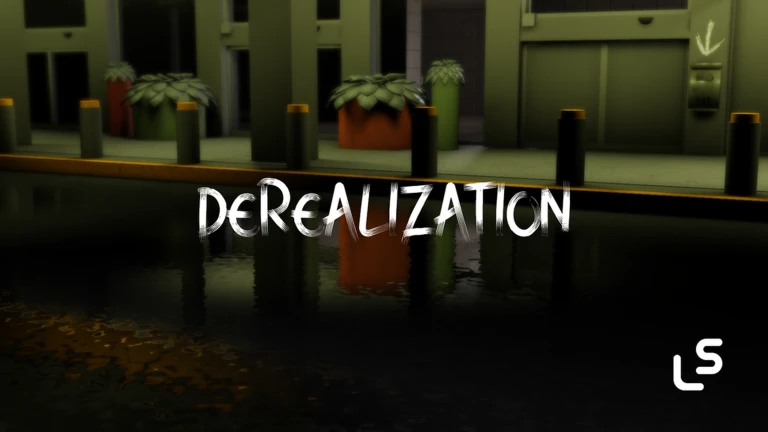
Office Spaces is a maze of repeating yellow hallways. The Howler patrols here, so keep moving and use doorways to lose it. The exit is a vent reached by a ladder at the south-west end of the map.
- Turn around as soon as the level starts, face the opposite direction and take the left-hand path.
- Head south keep following the left route until you reach the southernmost point of the map.
- Turn right from the south end, move right toward the south-west corner.
- Find the two ladders one lies flat on the ground and one leads upward; climb the one that goes up.
- Enter the vent crawling in transports you to Pipe Dreams.
Pressing buttons in the right order
Tips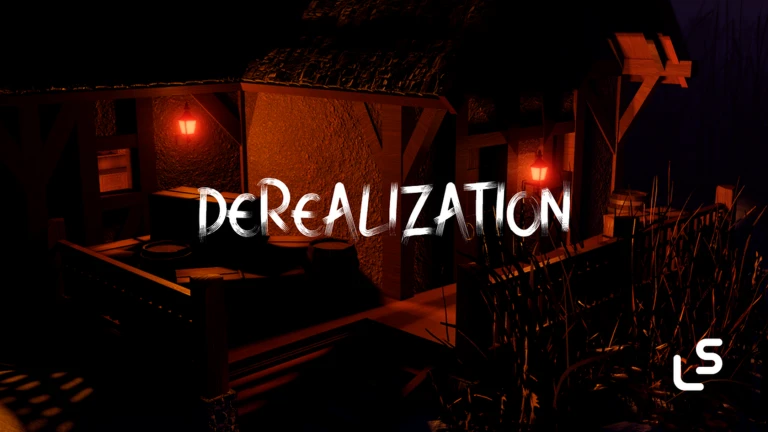
Buttons appear in Pipe Dreams, Penitentiary, and Airport, always in groups of three. Each button has one of three states: red means it is ready to press, green means it has already been pressed, and gray means it is locked until an earlier button is activated.
- Red button — press this one next.
- Green button — already done, move on.
- Gray button — do not waste time clicking it; find and press a red one first.
- In Penitentiary specifically, the three buttons are completely optional and have no effect on the exit.
Finding the three buttons in Pipe Dreams (Level 1)
StepA note near the power box reads '3 buttons = Exit?', which confirms exactly what you need to do. The patch in version 4.3 removed the shortcut that let players press buttons from the upper catwalk, so you have to go down to the lower path.
- Walk straight and turn left the first button is at the far left end of the upper area.
- Drop to the lower path find where the catwalk breaks off and descend.
- Backtrack to the start on the lower path the second button is along this route.
- Find the corner of the lower path the third button sits near that corner.
- Once all three are green the exit opens and takes you to the Poolrooms.
Escaping Darkened Suburbs (Level 3)
Step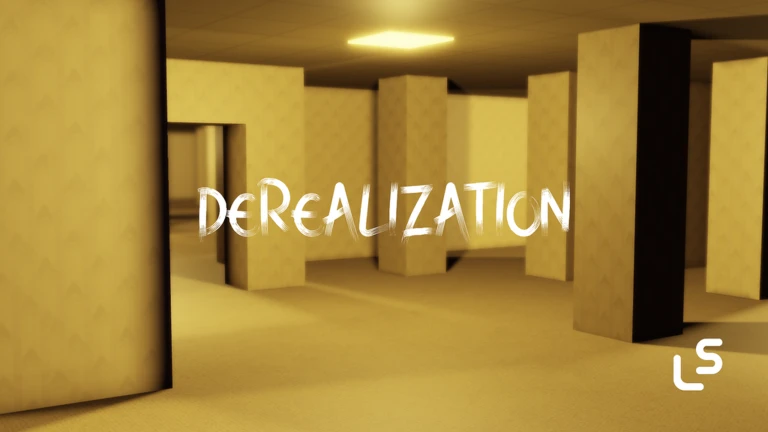
This is the first outdoor level and the one where keys are introduced.
- Shack on the left enter through the back (the front is locked) to grab the first key.
- Far down-right corner of the parking lot look for the key sitting under a blue light.
- Fourth pair of left street lights the third key is between this pair.
- Fifth pair of right street lights the fourth key is near here.
- Right next to the exit door the fifth key is the easiest to spot.
Escaping Blackout (Level 4)
Step
Blackout introduces levers as a mechanic. There are four locked doors in the level that cannot be opened at all.
- Go straight from the entrance follow the main hallway.
- Turn right the floor changes to dirty ceramic tiles; keep going straight.
- Find the security room it is past the office area with shelves, desks, and chairs.
- Pick up the key and the lever inside the security room.
- Return to the locked closet use the key to open it, then pull the lever inside.
- Head to the white void that is the exit.
Challenge badges worth planning for
Check- No sprint you cannot use the sprint button at any point across all levels.
- Zero hesitation standing still for more than 5 seconds anywhere fails this badge; the timer pauses only when you are actively using a computer or a minigame.
- Stayed too long spend more than 20 minutes inside a single level.
- Speedrunner I complete every level in under 30 minutes.
- Speedrunner II complete every level in under 25 minutes.
Glossary
Glossary- Howler
- A tall humanoid creature that patrols Level 0, sprints toward the player on sight, and kills on contact, but cannot fit through standard doorways.
- Button
- An interactable item that turns green when pressed and must be activated in a set sequence; a gray button is locked until the previous one is pressed.
- Lever
- An interactable item introduced in Blackout and used again in Penitentiary; collecting or pulling the required number of levers is the escape condition in those levels.
- Key
- The most common collectible in the game, first found in Darkened Suburbs, used in several later levels.
- Vent
- The physical exit object in most levels — crawling or climbing into it transitions the player to the next level.
- Catwalk
- An elevated walkway found in Pipe Dreams and other levels; some sections have no collision.
Common questions
FAQCan I press Pipe Dreams buttons from the upper catwalk to save time?
No. That shortcut was removed in version 4.3. You have to descend to the lower path and press each button from there.
Do I need to press the buttons in Penitentiary?
No — those three buttons are optional and have no effect on the exit. Only the six levers matter for escaping that level.
Is there a way to skip collecting all five keys in Darkened Suburbs?
As of version 5.7 there is still a skip that lets you reach the exit without touching the keys, but it requires getting to the exit and pushing against one of the walls in a specific way.
Game updates can change what is on this page. If you spot something, get in touch and let us know.
