
Barber Bus Guide: The basic gameplay loop
About
OverviewBarber Bus is a Roblox game by BlueLoop Studios where you run a barbershop, cut customers' hair, and collect coins, skins, and perks. Up to six players can share a server.
What is on this page
Contents
The basic gameplay loop
Step
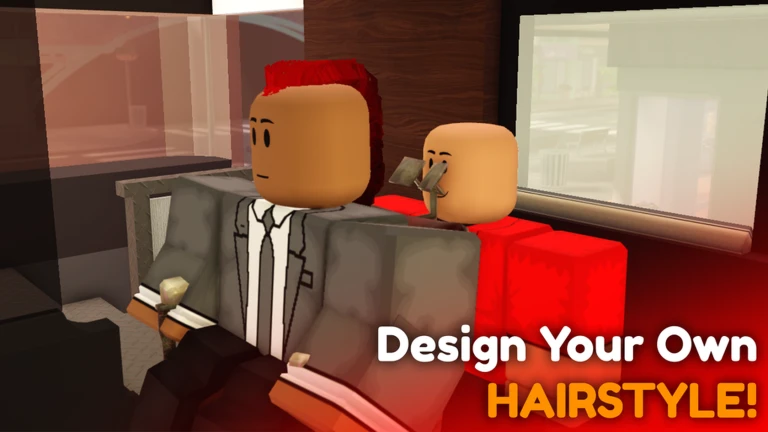
Each customer who walks into your shop has a specific style they want. You use the taper tool and the hair system to get it done. Finish the cut successfully and you earn coins, skins, or other perks that let you customize your shop and your character.
- Talk to the customer find out what hairstyle they are asking for.
- Pick up the taper tool this is the main tool you use to cut and shape hair.
- Use the hair system adjust the hair color and style to match the customer's request.
- Complete the cut finish the haircut to trigger the reward.
- Spend your earnings put coins toward shop upgrades and cosmetic changes.
MetaNew Player Survey
The next survey is being prepared.
Perks worth knowing before you start
Table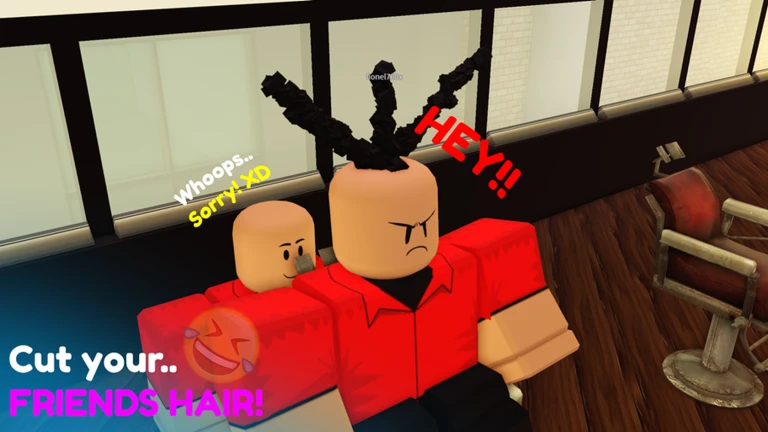
Two standing bonuses are available and both stay active every time you play. Neither one expires.
| Premium membership | every coin you earn is increased by 50 percent, permanently. |
| Group membership | your walk speed gets a permanent boost of plus three. |
| Private server saves | your progress is stored automatically in private servers, so nothing is lost between sessions. |
Redeeming codes
StepThe game has a redemption screen where you type codes in. Once a code is used it cannot be entered again.
- Open the redeem screen look for the redemption option in the game's interface.
- Type the code exactly upper and lower case both matter.
- Check for new codes BlueLoop Studios announces them through the official group.
 GRANDMA
MOMSCISSOR
MAKEITRAIN
RICHBYLUCK
GRANDMA
MOMSCISSOR
MAKEITRAIN
RICHBYLUCK
Playing a beta game
Warn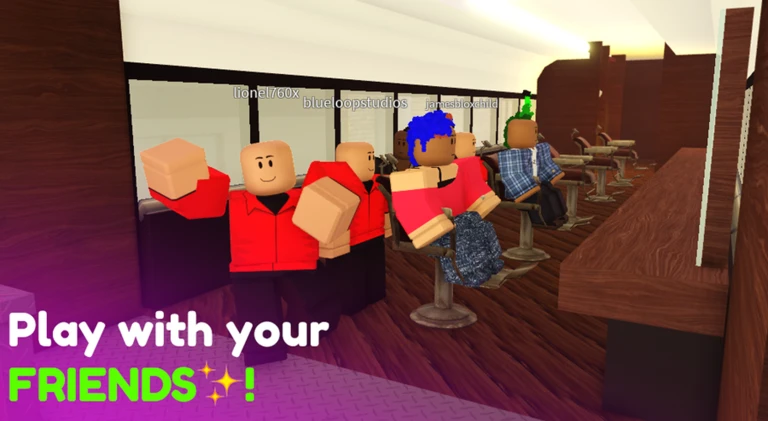
The game is openly described as a work in progress. BlueLoop Studios pushes patches regularly — recent fixes addressed issues with sitting in chairs, cutting and growing hair, chair customization, and hair coloring.
Glossary
Glossary- Taper tool
- The main tool you use to cut and shape a customer's hair.
- Hair system
- The in-game feature that lets you change a customer's hair style and color.
- Coins
- The currency you earn from completed haircuts, used to customize your shop and look.
- Skins
- Cosmetic items that change the appearance of your character.
- Perks
- Bonus abilities or features you earn or unlock during play.
- Premium membership
- A paid status that permanently increases your coin earnings by 50 percent.
Common questions
FAQHow many players can be in one server?
Up to six players can play together in a single server.
Will I lose my progress when I leave?
No. The game saves your progress automatically to private servers, so everything you earned will still be there the next time you log in.
Can I use the same code twice?
No. Every code can only be redeemed once.
Where do I find new codes?
BlueLoop Studios posts new codes through their official Roblox group. Joining the group also gives you the permanent walk speed bonus.
Game updates can change what is on this page. If you spot something, get in touch and let us know.
