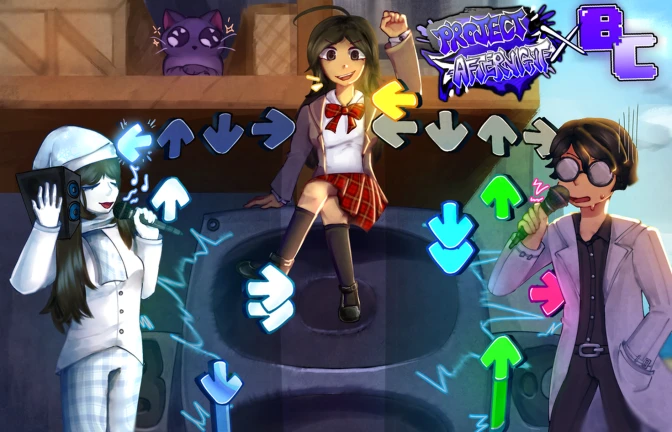
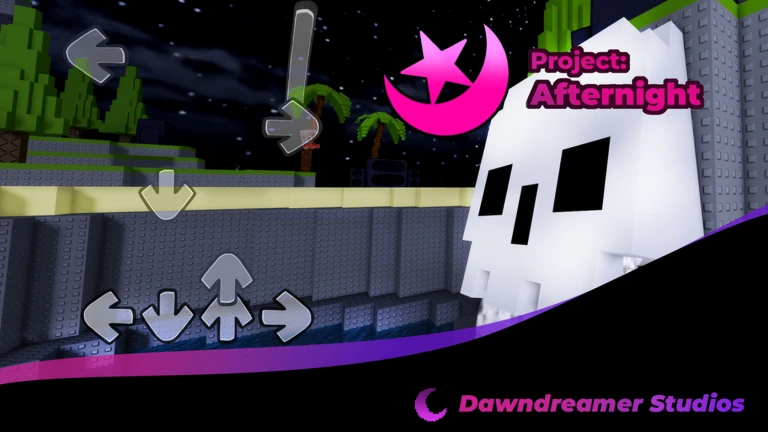
Project: Afternight is a casual rhythm game on Roblox inspired by Friday Night Funkin', where you stand on a speaker and battle other players across nearly 4,000 songs. You pick your character, customize your look, choose a song and difficulty, then try to out-play your opponent by hitting notes as accurately as possible. This guide covers how matches work, how to read and hit notes, how to pick the right difficulty, and what to watch out for before you start.
In shortAccuracy is everything — hit the arrow key the moment the arrow reaches the judgment zone.
Arrows scroll up the screen from bottom to top. At the top of the screen is a judgment zone, and your job is to press the matching directional key the instant each arrow enters that zone. The tighter your timing, the more damage you deal to your opponent. String hits together without missing and your combo climbs, which adds a bonus to your score. Miss a note and your combo resets.
Arrow direction each arrow on screen corresponds to one of the four directional keys
Judgment zone the target area at the top of the screen where you press the key
Combo your running count of consecutive successful hits, which boosts your score
Miss any note you press too early, too late, or skip entirely breaks your combo
Difficulty higher difficulty levels add more arrows and increase scroll speed
03Live and upcoming eventsEvents
Events running now or coming soon. They have fixed dates, so check them first.
Upcoming –
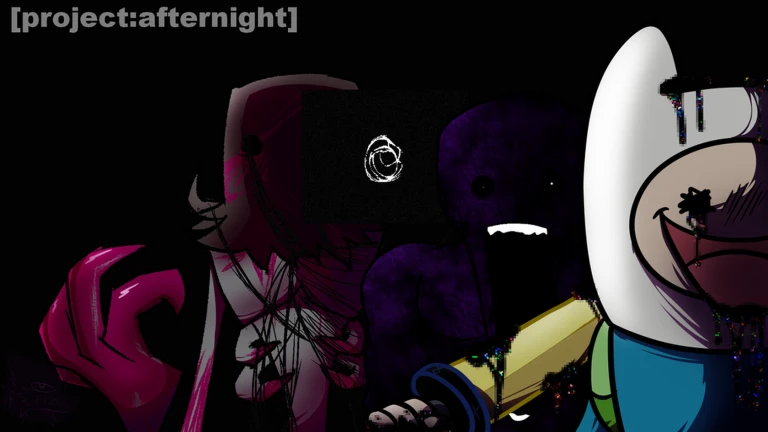
"Creepy Findings" Update
We're happy to bring you another smaller content update, giving a visual overhaul to Scary Hour, alongside adding Hypno…
In shortStaying accurate longer than your opponent is the core path to victory.
Both players play the same song at the same time. Precise hits deal damage to the other player's HP, and the goal is to either drain it fully or still have HP remaining when the song ends.
Tips worth knowing
Both players share the same song for the entire match, so neither side has a timing advantage from the track itself.
Accurate hits reduce your opponent's HP.
A long combo creates a large score gap quickly.
Losing a match carries no penalty — you can immediately try a different song or difficulty.
05
Difficulty levels at a glance
Table
In shortStart easy, build your timing, and move up one level at a time.
Every song in the game can be played at multiple difficulty levels. The arrow count and scroll speed both increase as you go up.
Easy
fewer arrows and a slower pace, the right place to build basic timing
Normal
a standard arrow load that represents the game's default experience
Hard
noticeably more arrows moving faster, a real step up in challenge
Expert
the maximum arrow count at the highest speed, for players who have mastered the lower tiers
06
Fixing common timing problems
Check
In shortWhen hits stop connecting, check your timing, your key bindings, and your song choice before anything else.
If your notes are not registering the way you expect, the problem is usually one of three things: your timing is off, your keys are mapped wrong, or the song is above your current skill level.
Watch where you are pressingmake sure you are hitting the key as the arrow enters the judgment zone, not before or after.
Check key bindingsopen the settings screen and confirm that each directional key matches what the game expects.
Drop one difficulty levelone step down often reveals timing habits you can correct before going back up.
Try a different songswitching can help you find your footing.
Play mobile or consoleif you are on a phone or controller, verify the control layout in settings since it differs from desktop.
Stuck? Try a video
[Project: Afternight] ALL-STARS (ROBLOX)
[Project: Afternight] Verdant CUSTOM TAKE (Mario's Madness Fan Songs)
In shortCheck these risks before you play, especially at higher difficulties.
The game flags three specific effects that appear during play.
Worth watching out for
Flashing lights are present throughout the game.
Screen shake occurs regularly and may cause discomfort if you are prone to motion sickness.
Some songs contain jumpscares, which are sudden visual or audio surprises.
If you are feeling unwell or are easily startled, either lower the difficulty or step away from the game until you feel better.
08
What costs nothing
Tips
In shortThe core game, all songs, customization, and multiplayer are all free to use.
Everything you need to play competitively and express your style is available without spending anything.
Tips worth knowing
All nearly 4,000 songs are free to play.
Character appearance customization does not require any purchase.
Multiplayer battles, including matches with friends, are fully free.
Community strategy ideas
Community
These ideas and tips come from people playing the game. Share your discoveries too!
No strategy ideas yet. Share a tip you discovered.
Share a strategy idea
Project: Afternight
Glossary
Glossary
Judgment zone
The target area at the top of the screen where you press a directional key to register a hit.
Combo
The number of notes you have hit in a row without missing; a higher combo adds a bonus to your score.
HP
Each player's health bar in a battle; draining your opponent's HP to zero wins the match.
Difficulty
The setting that controls how many arrows appear and how fast they scroll, ranging from Easy to Expert.
Customization
The options that let you change your character's colors, outfits, and other visual details before a match.
Jumpscare
A sudden surprise built into certain songs that appears without warning during play.
Common questions
FAQ
Can I play on a phone or console?
Yes, mobile and console are both supported, though the game is best played on desktop. Because the control layout differs between devices, check the settings screen to make sure your keys or buttons are mapped correctly before your first match.
Can I play against a friend instead of a random opponent?
Yes, the matchmaking screen lets you choose who you battle, so you can set up a match with a friend directly. The game also supports more than two players in a single match.
Is there a penalty for losing?
No, losing a match has no penalty. You can immediately try the same song at a lower difficulty, pick a different song entirely, or challenge a different opponent.
Updated Sep 10, 2026
Game updates can change what is on this page. If you spot something, get in touch and let us know.


 Upcoming
–