Heroes Battlegrounds is an anime-style fighting game where you choose a hero or villain and battle other players and bosses across a wide open map. You build up your character through normal attacks, blocking, dashing, and ultimates, then unlock mastered versions once you meet the right conditions. This guide covers controls, early progress, playstyles, and how to push through the parts where most players get stuck.
In shortKnowing all four core inputs before your first real fight makes every other part of the game easier to pick up.
The game runs on PC, mobile, and console, but the buttons differ by platform, so check them in a safe spot before heading into a live server. On PC the four inputs you need right away are left click, F, Q, and G. The rest build on top of those.
Left click deals a normal punchthis is where every combo starts
F blocks incoming attacks
Q dashesuse forward dashes to close in and side dashes to dodge
Q while ragdolled triggers a recovery dash, letting you escape an ongoing combo
Jump and then left click performs a downslam, spiking opponents into the ground
In shortPracticing in a free private server before joining public matches cuts down the frustrating early deaths considerably.
A free private server lets you work with the training dummy at your own pace. Stick to one character from the start — switching constantly means you never build the muscle memory that character needs.
Open a free private serversafer than the public server for learning the controls
Pick one character and stay with themchanging too often makes it hard to judge distances
Confirm all four core inputspunch, block, dash, and recovery dash before anything else
Practice landing three normal attacks into one movethis short combo is the foundation
Once that three-hit chain lands consistently, add a downslam before the move for a longer string
Hit the same combo five times cleanly, then move to a public server
03Live and upcoming eventsEvents
Events running now or coming soon. They have fixed dates, so check them first.
Upcoming –
Human Battery
Awakening + some moves (not full moveset)
New LTEs
Achievements
Upcoming –
Halloween Update
Halloween approaches...
The Pumpkin King is waiting... with new attacks..?
In shortUnderstanding all three styles lets you switch between them mid-fight, which makes you far harder to read.
Every fight in this game comes down to pressure versus patience, and the best players can flip between the two. Each style has a natural counter, so knowing what the opponent is doing is just as important as knowing what you are doing.
Aggressive
push hard to create openings, but sloppy aggression gets punished by a passive opponent
Passive
read the enemy's patterns and counter on their mistakes, strong against aggression and widely hated because it is hard to deal with
Neutral
mix of both styles, switches mid-fight to stay unpredictable, requires solid practice of the other two first
05
Two playstyles worth understanding but being careful with
Tips
In shortHit-and-run and climax-jumping both look strong at first but have real weaknesses that experienced players exploit.
Beyond the three core approaches, you will run into two patterns online that are worth knowing before you face them — or accidentally fall into them yourself.
Tips worth knowing
Hit-and-run involves surprise attacks followed by immediate retreats to recover health, but low health triggers a speed penalty that makes escaping harder than it looks
Climax jumping means chaining combos back to back to overwhelm opponents, but these players usually struggle in true one-on-one situations
To deal with a climax jumper, play passively or get another player to isolate them into a one-on-one — that is where they tend to fall apart
If a fully passive opponent is shutting you down, try circling behind them with a side dash or using a quick forward dash to get to their back before launching a combo
06
Early combat habits
Step
In shortKeeping moves in reserve and attacking bosses with other players nearby are two habits that matter early on.
Most early losses come from burning all moves at once and then standing helpless through the cooldowns. Bosses hit harder and reach further than regular players, so they are not ideal solo targets until your basics are solid.
Keep moves readyusing everything at once leaves you vulnerable during cooldowns
Fight bosses alongside other playersthe shared damage makes the fight safer
If a boss is too tough, step away and practice elsewhere first, then come back
07
Unlocking mastered characters
Summary
In shortMastery only advances when you actively play the target character and work through the in-game objectives it lists.
Mastered versions are stronger forms of characters that unlock after you meet specific conditions. The conditions are tracked through the in-game mastery objectives screen. Updates can change icons and requirements, so trust what the game actually shows you.
What it is an upgraded form of a character with new moves and stronger abilities
How to unlock it play as the target character and complete the objectives shown in-game
Where to check progress the in-game mastery screen
08
Fixing common stuck points
Warn
In shortWhen you keep losing, changing one small thing at a time reveals the real problem much faster than swapping characters.
Switching characters every time you lose hides what actually went wrong. Pick one thing to change each attempt. If a combo you saw in a video does not work, the update may have adjusted that move's properties.
Worth watching out for
Do not swap characters after every lossyou will never learn what caused the problem
Do not use all your moves in one burstyou become a free target while everything cools down
Do not ignore the recovery dash when ragdolledpressing Q in that state gets you out of the combo
Do not follow old combo videos without checking the current in-game move behavior first
09
Redeem codes
Tips
In shortCodes are free rewards worth grabbing quickly.
Codes expire and each can only be used once. None of the game's core content requires spending Robux, though optional purchases like emotes exist.
Tips worth knowing
Enter codes in the dedicated input box inside the in-game menu as soon as you find them
Each code can only be redeemed once and expires, so do not save them for later
Boss fights, mastery unlocks, and all core gameplay are fully free
The basic punch on PC, thrown with left click, that starts every combo chain.
Downslam
An attack performed by jumping and then pressing left click, which drives the opponent into the ground.
Recovery dash
Pressing Q while ragdolled lets you dash away from the opponent and break out of their combo.
Cooldown
The waiting period after using a move before you can use it again.
Ultimate
A powerful ability or transformation triggered with G.
Mastery
The system that unlocks a stronger version of a character after you complete specific in-game objectives with that character.
Unblockable
An attack that the standard F-key block cannot stop.
Private server
A session only you and invited players can enter, available free of charge and useful for practicing without interference.
Hyper armor
A property on certain moves that lets the user keep attacking even while being hit, without flinching.
Ragdoll
The knocked-down state after taking a finishing hit in a combo, during which recovery dash becomes available.
Common questions
FAQ
Does it matter whether I pick a hero or a villain?
The combat system and difficulty are the same for both sides — the difference is in appearance and character lore. Pick whichever appeals to you.
What do I do when a boss is too strong to beat?
Bringing other players into the fight spreads the damage and makes the boss much more manageable. If it still does not work, practice on an easier boss first and come back.
Can PC, mobile, and console players fight each other?
Yes — the game runs on PC, mobile, and console. Button layouts differ by platform, so spend a moment in a private server confirming your controls before joining a public match on a new device.
Do I need to spend Robux to progress?
No. Boss fights, mastery unlocks, and all standard combat are free. Optional purchases like emotes exist in the game, but none of them are required to enjoy or advance through the core experience.
Where do I enter redeem codes?
Open the in-game menu and look for the codes input field. Type the code there to claim the reward. Each code works only once and has an expiry date, so use any code you find right away.
Updated Sep 6, 2026
Game updates can change what is on this page. If you spot something, get in touch and let us know.
 Upcoming
–
Upcoming
–

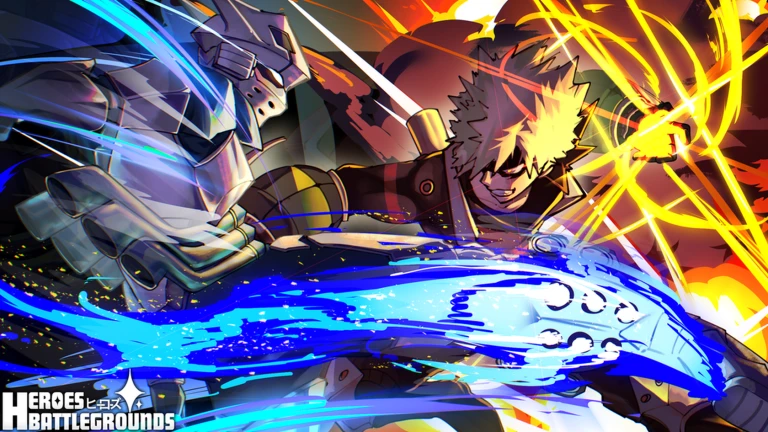
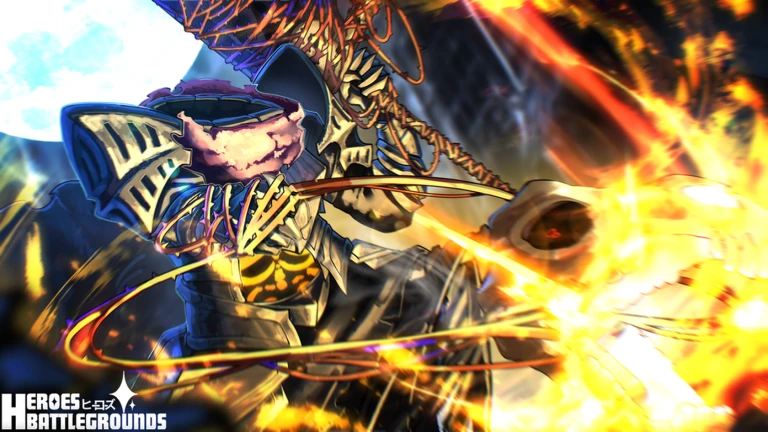 Upcoming
–
Upcoming
–
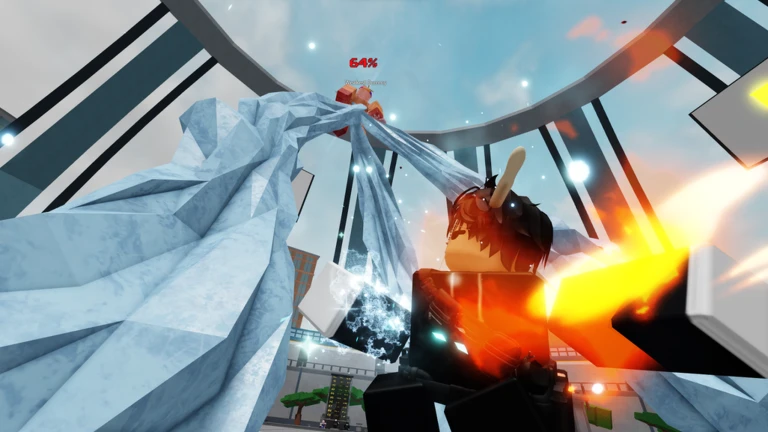
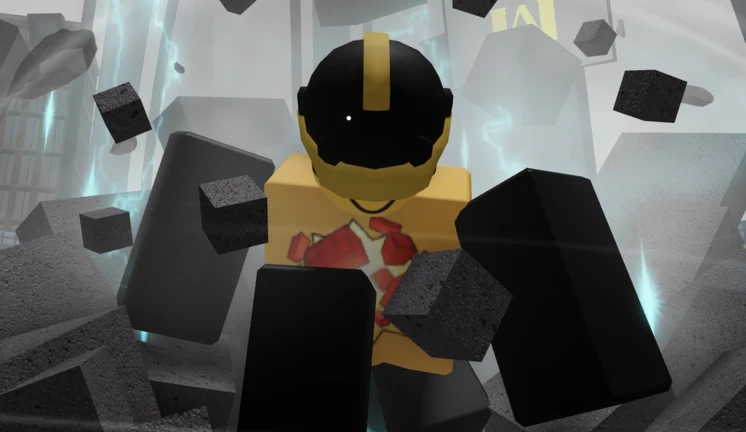
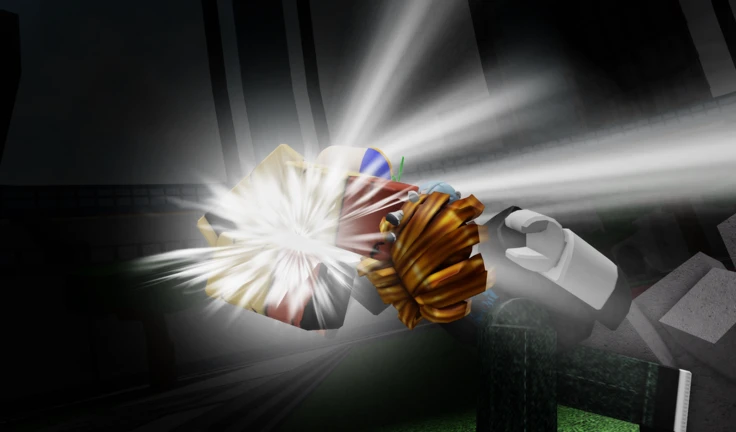
 EXPLOSIONHEROMASTERYRELEASE
Mastery Progress 5
EXPLOSIONHEROMASTERYRELEASE
Mastery Progress 5
