
FREE ITEMS Obby Guide: Two ways to earn points
About
OverviewFREE ITEMS Obby! [AFK or Play] is a Roblox obstacle course where you earn points by clearing stages or simply leaving the game running, then spend those points to unlock limited UGC hairs, faces, hats, and more.
What is on this page
Contents
Two ways to earn points
Table
Every second you stay in the game you earn points automatically, even if you put the controller down. Finishing a stage pays out 100 points at once.
| AFK | earns points every second with no effort required |
| Stage clear | adds 100 points the moment you finish a stage |
MetaNew Player Survey

The next survey is being prepared.
Bonus multipliers worth stacking
Step
Several bonuses run at the same time. The group and friend bonuses alone add up to 25%, and VIP pushes your rate even further.
- Join the group earn 15% more points
- Play with a friend having a friend in your session adds another 10% on top
- Stack both the group and friend bonuses combine for a 25% total increase
- Get VIP VIP players earn at least 25% more points
How item unlocking works
Check
Once your point total reaches the threshold for an item, it unlocks and you can claim it. Claimed items are limited UGC, meaning the stock is finite — when it runs out, that item is gone until new stock arrives.
- Earn enough points through AFK, stage clears, or bonuses
- Choose the item you want from the available UGC hairs, faces, hats, or other releases
- Your progress is saved automatically, so closing the game does not cost you any points
Limited stock and the Marketplace
Warn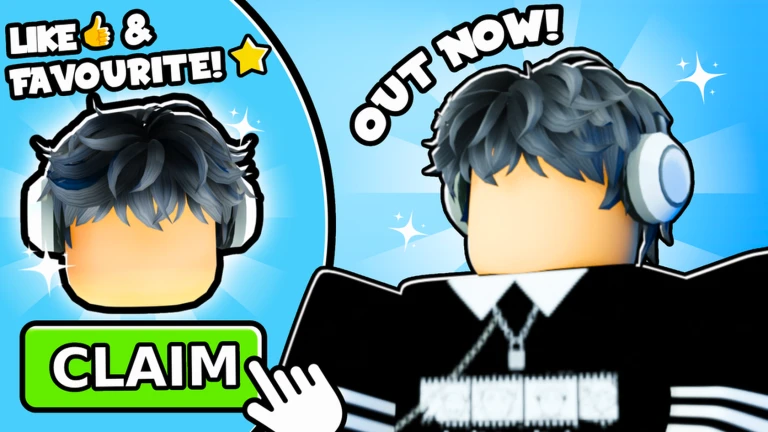
Every UGC item in this game is limited. Items you have already unlocked can be resold on the Roblox Marketplace if you decide you no longer want them.
Community strategy ideas
CommunityThese ideas and tips come from people playing the game. Share your discoveries too!
No strategy ideas yet. Share a tip you discovered.
Share a strategy idea
FREE ITEMS Obby! [AFK or Play] 🎁
Glossary
Glossary- AFK
- Short for Away From Keyboard — leaving the game running without playing; this game rewards you with points every second you do it.
- Obby
- Short for obstacle course, the game mode where you jump through stages to reach the end.
- UGC
- User-Generated Content — avatar items created by approved Roblox creators that you can wear or resell on the Marketplace.
- Limited
- An item with a fixed stock that cannot be obtained once that stock runs out.
- Marketplace
- The Roblox platform store where players can buy and sell items, including limited UGC they have already claimed.
Common questions
FAQCan I really get items just by leaving the game open?
Yes. The game awards points every second you are logged in, whether you are playing or not. Once your total reaches the cost of an item, you can unlock it.
Do my points disappear if I leave?
No. Progress saves automatically, so your point total stays exactly where it was the next time you join.
What can I do with items after I unlock them?
You can equip them on your Roblox avatar or resell them on the Roblox Marketplace. Every item in this game is limited.
Game updates can change what is on this page. If you spot something, get in touch and let us know.
