
Craft Anime Guide: The core gameplay loop
About
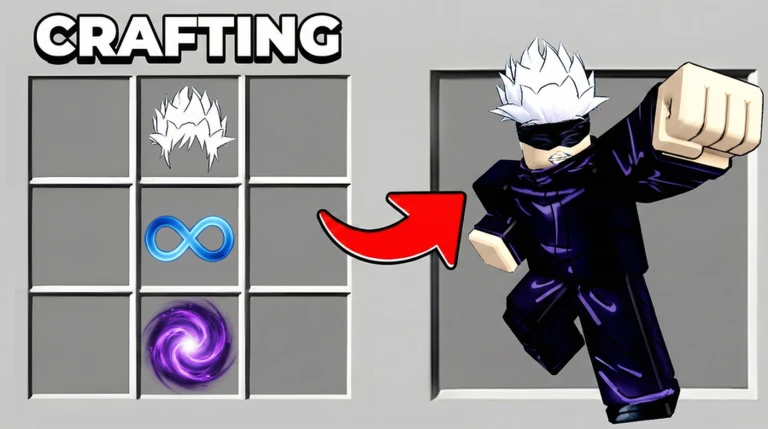
OverviewCraft Anime is a Roblox idle-collecting game where you spend cash to buy Elements, use those Elements to craft randomized anime characters, and let your growing roster earn cash automatically.
What is on this page
Contents
みんなの攻略ノートとコツ
見つけたコツや、とっておきの攻略をみんなに教えよう!画像付きのノートも大歓迎!
Write a player note
Craft Anime
The core gameplay loop
Step
Cash is the engine of the whole game. You spend it on Elements, which you then use to craft anime characters. Each character you own earns cash automatically, so the more characters you have, the faster your cash grows and the more Elements you can afford.
- Buy Elements spend your cash to pick up Elements.
- Craft a character use the Elements to generate a new anime character; the result is random every time.
- Let the character earn your new character starts producing cash automatically.
- Reinvest take that cash and buy more Elements to craft more characters and grow your collection.
MetaNew Player Survey

The next survey is being prepared.
Redeem codes for an early boost
CheckThere is at least one working code available as of October 27, 2026. Codes can only be redeemed once per account, so entering the same code twice will not work.
- Open the code redemption screen inside the game.
- Collect any bonus Elements or cash the code delivers.
- A code that has already been used on your account cannot be redeemed again.
 Welcome
1,500 Cash
Building your character collection
Tips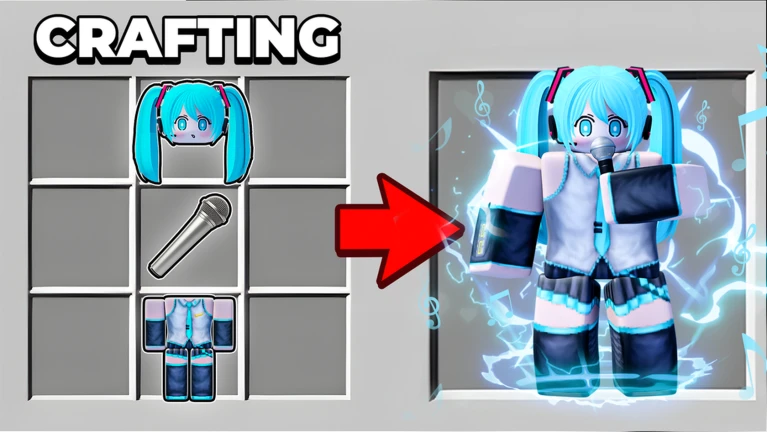
Characters are generated randomly from your Elements, so you will never know exactly what you are going to get. That unpredictability is part of the appeal — hunting for specific looks adds a collector angle on top of the idle mechanics.
- Craft as many characters as your cash allows; each one adds to your per-second earnings.
- Since the output is random, keep crafting if you want a particular character style.
- The total size of your collection is the main driver of progress.
Trading with other players
Summary
Each room holds up to six players, and anyone in your room is someone you can trade with.
- Room size each room holds a maximum of six players.
- Who you can trade with anyone currently in the same room as you.
- What you trade characters from your collection.
- Goal complete the gaps in your collection by swapping with players who have what you are missing.
Making idle time work for you
Tips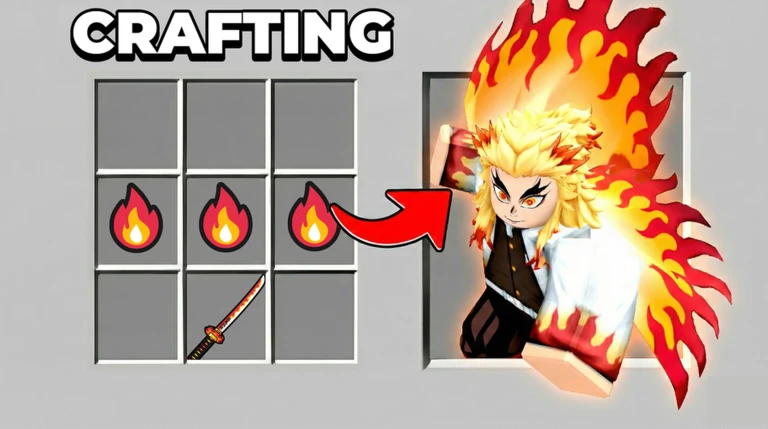
Craft Anime is built around idle earnings. Cash accumulates whether or not you are in the game, which means even short play sessions can be productive as long as you spend your saved-up cash on new Elements each time you return.
- Log in regularly to collect the cash that has built up while you were away.
- Spend that saved cash on Elements so you can craft more characters.
Glossary
Glossary- Element
- An item you buy with cash that is used as the material to craft a new anime character.
- Character
- An anime-styled figure crafted from Elements that automatically earns cash for you over time.
- Trade
- A feature that lets two players in the same room exchange characters from their collections.
- Idle earnings
- Cash your characters generate automatically, including while you are not logged into the game.
Common questions
FAQI just started and have almost no cash — what should I do first?
Head straight to the code redemption screen and enter any working codes. The bonus resources make the first few crafts much easier. After that, let your characters earn idle cash and return once you have enough to buy more Elements.
How many players can be in a room at once?
A room holds up to six players at a time. Everyone in the same room can trade characters with each other.
Why do I keep getting different characters from the same Elements?
Character generation is random by design. Using Elements does not guarantee a specific character — each craft produces a randomized result, which is what gives the game its collecting appeal.
Game updates can change what is on this page. If you spot something, get in touch and let us know.
